Features

It reads every photo you already have, then tells you which one to use.

Point it at the folder your photos are already in. It reads every one and hands back a library you can ask for things in plain words.
  • Google Drive or Dropbox
  • Read-only
  • Search while it scans
  • First 100 free
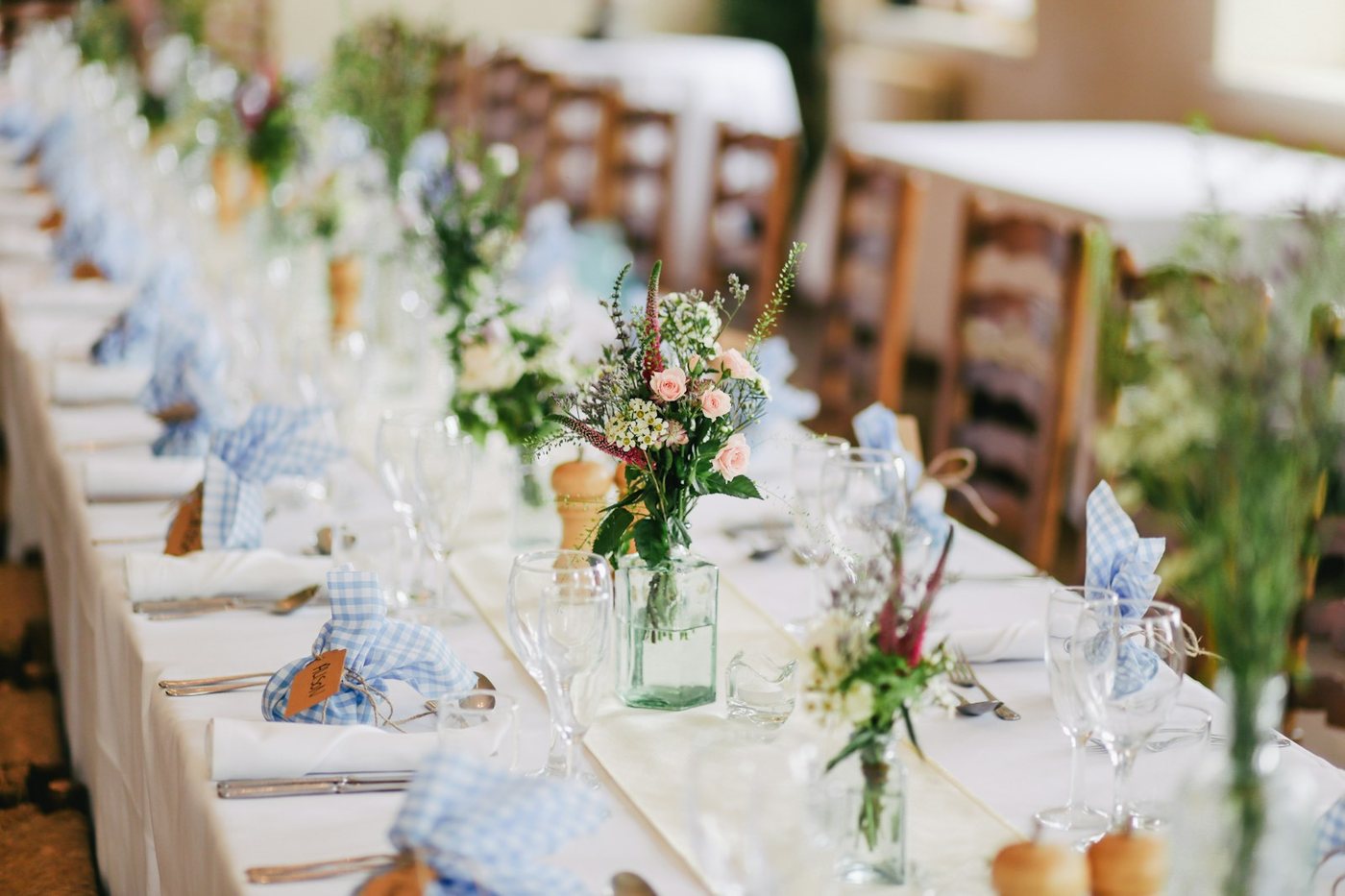
Close-up of wedding reception table with pink and green floral centerpiece in glass vase, blue gingham napkins, and place settings pink roses blue gingham napkins floral centerpiece
A real photo and three of the details it read. The full reading is further down this page.
The import

It starts with your back catalog.

The years of shoots already sitting in the folder are the point, not a problem. See how it works, step by step.

Example folder path: Client Work Smith Wedding Ceremony

Point at the top folder. That is the whole setup.

  • Subfolders come along automatically. Nothing to flatten first.
  • Your folder names stay searchable. Smith wedding still finds the job.
  • Read-only, always. Nothing is moved, renamed, edited or deleted.

What it does to a big library.

  • It runs unattended. Start it and close the tab; what is already read is searchable while the rest is still going.
  • Already-read photos never count again. Your library only ever grows.
  • Bursts of near-identical frames are grouped. The moment shows once, you pick the keeper, and the rest are never charged.
  • The first 100 photos are free. No card.
Per-photo reading

One photograph. More detail than you would ever type by hand.

Every photo gets written down the way a careful person would describe it. All of it searchable.

Close-up of wedding reception table with pink and green floral centerpiece in glass vase, blue gingham napkins, and place settings
One photograph. Every value on the right came back in a single read.
Suggested filename wedding-reception-table-centerpiece-floral-arrangement.jpg
Alt text Close-up of wedding reception table with pink and green floral centerpiece in glass vase, blue gingham napkins, and place settings
Focal subject A pink and green floral centerpiece in a glass vase positioned as the focal point of a formally set wedding reception table.
Tags
  • floral centerpiece
  • table setting
  • blue gingham napkins
  • place cards
  • chiavari chairs
  • reception table
Scene · lighting reception space · artificial · intimate
Quality · usability sharp pro · hero
Show everything it read from this one photo (32 details)
Suggested filename
wedding-reception-table-centerpiece-floral-arrangement
Alt text
Close-up of wedding reception table with pink and green floral centerpiece in glass vase, blue gingham napkins, and place settings
One-line summary
A sharply-focused wedding reception table detail shot featuring a delicate floral centerpiece with pink roses, greenery, and textured foliage in a clear glass vase, flanked by blue gingham napkins and elegant place settings along a long banquet table.
Full description
This is a detail-focused photograph of a wedding reception dining setup. In sharp focus is a floral centerpiece in the foreground, composed of soft pink roses, white baby's breath, burgundy accent flowers, and mixed greenery in a clear glass vase with water. The table is dressed in white linens with blue gingham napkins tied with small golden/wooden place card holders. Silverware, glassware, and white plates are visible on either side. The background shows a soft-focus line of additional floral arrangements receding down the length of the table, wooden Chiavari chairs with white cushions, and neutral venue walls. The depth of field emphasizes the foreground arrangement while the background remains intentionally blurred to show context without distraction.
What the eye lands on
A pink and green floral centerpiece in a glass vase positioned as the focal point of a formally set wedding reception table.
Kind of shot
venue detail
Framing
close up
Tags
floral centerpiece, table setting, blue gingham napkins, place cards, chiavari chairs, reception table, banquet setup
Search keywords
wedding reception table, floral centerpiece, pink roses, table decor, wedding flowers, banquet setup, gingham napkins, reception detail, wedding tablescape
Scene
reception space
What is happening
table decoration, place setting
Mood
intimate
Lighting
artificial
Color temperature
neutral
Main colors
white, pink, green, blue, cream
Season cues
roses, baby breath, spring or summer florals
Orientation
landscape
People in frame
0
Recognizable faces
0
Looking at camera
no people
What it is good for
detail shot, lifestyle fill, hero candidate
How usable it is
hero
Technical quality
sharp pro
Room to put text on it
No
Crops well to
crops both
How busy the background is
mildly busy
Already has text on it
No
Is a graphic, not a photo
No
Minors visible
No
Alcohol prominent
No
Wedding moment
reception entrance
Florals and decor
pink roses, baby breath, burgundy accent flowers, mixed greenery, clear glass vase, blue gingham napkins, wooden place cards, chiavari chairs

The words

A caption, a description, and a web-ready filename, written for you.

The scene

Lighting, mood, time of day, season.

The people

How many, posed or candid, and what they are doing.

What the shot is good for

Hero image, lifestyle fill, detail shot, or skip it.

Color and crop

The main colors, and whether it survives a square crop.

What to keep off the website

Kids' faces, readable license plates, prominent alcohol. Flagged so you can filter them out first.

Tell it what you photograph, once.

Setup asks what your business is, and optionally one sentence about what matters in your photos (“we care which cocktail is in frame”). Every photo gets read with that in mind.

Industry-aware

It reads a wedding differently from a listing.

Pick your business once, and every photo gets read in the vocabulary you would actually search for.
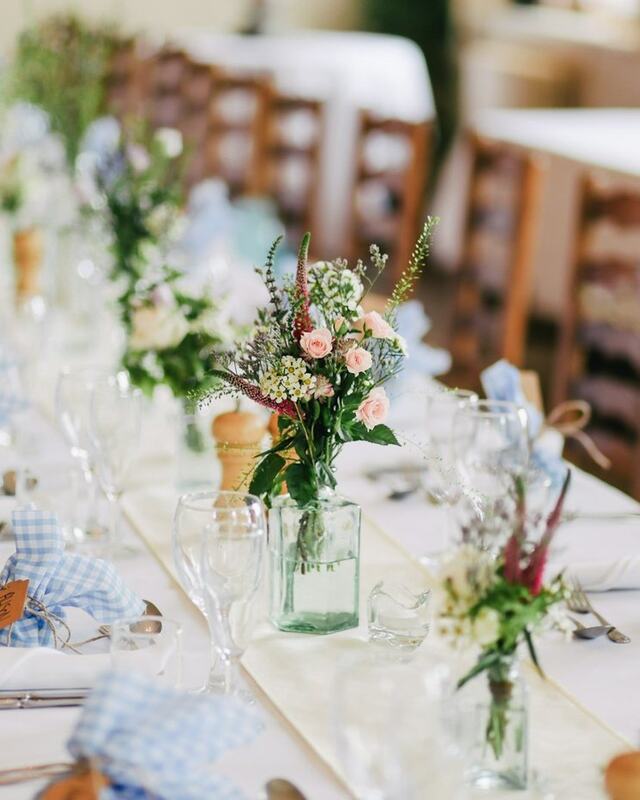
Close-up of wedding reception table with pink and green floral centerpiece in glass vase, blue gingham napkins, and place settings

Weddings

+3 extras
  • Ceremony phase
  • Wedding party
  • Florals and decor

Getting ready, first look, ceremony, first dance, send-off, so “every first-dance frame” is one search.
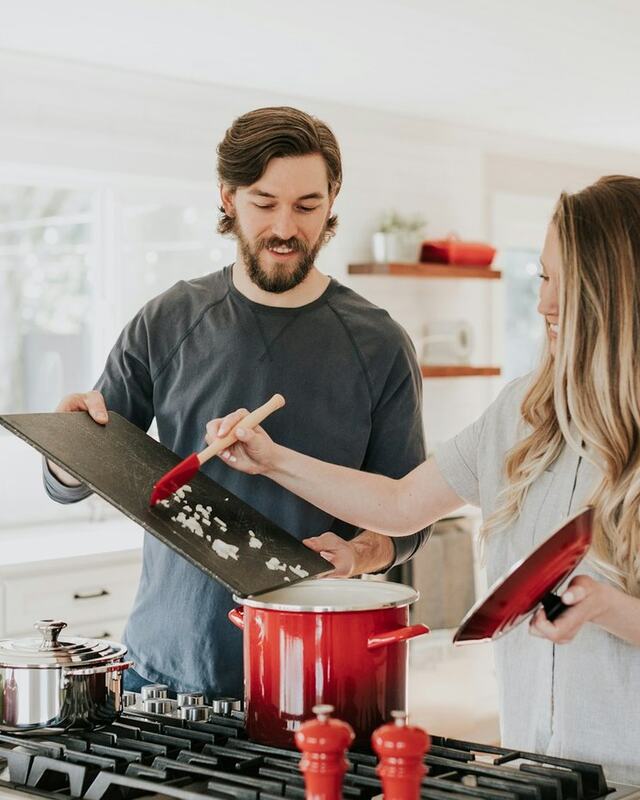
Man and woman cooking together in bright kitchen, man holding cutting board while woman stirs red pot

Real estate listings

+3 extras
  • Room type
  • Feature highlights
  • Staged or lived in

Names the room, calls the selling points in plain English, and says whether the space was staged, vacant or lived in.
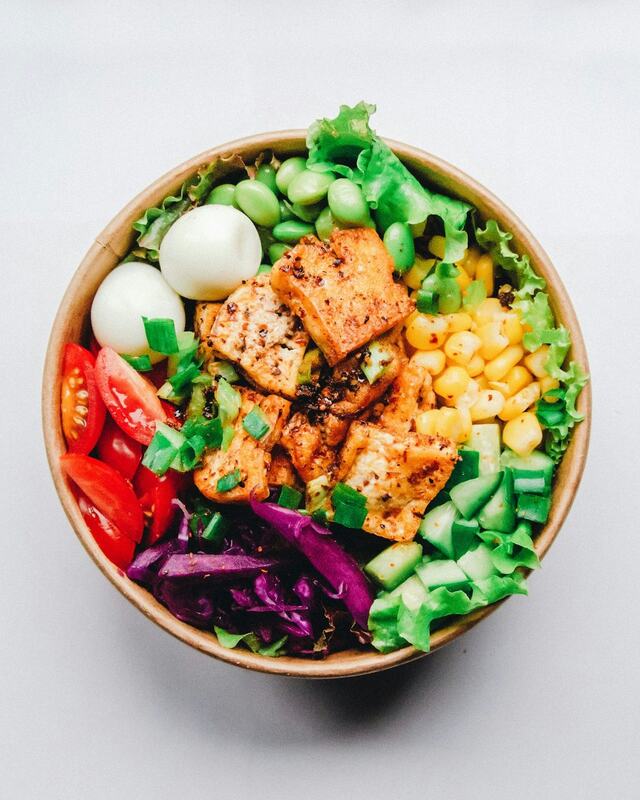
Overhead view of colorful Buddha bowl with seasoned tofu cubes, fresh vegetables, and soft-boiled eggs

Restaurants and bars

+2 extras
  • Food and drink items
  • Menu category

Reads the dish by name and sorts it by course, so a menu page builds itself from what you already shot.

Friends in plain team jerseys cheering at a sports bar table, a match playing on the screens behind them

Sports bars and lounges

+5 extras
  • Sport on TV
  • Teams and jerseys
  • Fans present
  • What is on screen
  • Live game or pre-game

Jerseys, crests and the match playing behind the bar, so a watch party is one query instead of an evening of scrolling.
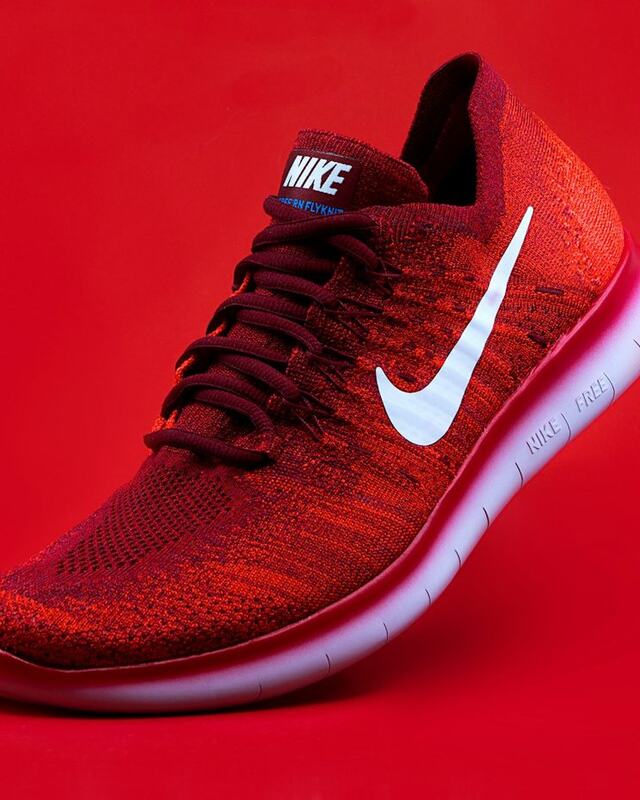
Red knit Nike Flyknit running shoe with white swoosh and pink midsole on red background

E-commerce and DTC

+5 extras
  • Photo style
  • Product category
  • Product features
  • Model present
  • Packaging visible

Separates the on-white cutout from the flat-lay from the on-model lifestyle shot, which is the split every product page needs.

Silver and black 2024 Ford Mustang Shelby facing camera on empty parking lot with overcast sky

Automotive listings

+5 extras
  • Make, model, year
  • Vehicle type
  • Exterior angle
  • Interior view
  • Feature callouts

Front three-quarter, side, rear, dashboard, cargo. The angles a listing has to cover, labelled without anyone typing them.

Not on the list? Universal mode reads the same core details on anything (lifestyle, editorial, travel, fitness, events). You can switch at any time; it applies to the next scan.

Finding it again

Ask in plain words.

Type what you need the way you would say it out loud. Even a wide ceremony shot with room on the left for a headline. 30,638 photographs read so far.

A search bar with the query 'the first dance, but only the wide shots' above one matching wide reception photo and its tags

What you can ask for.

  • Plain sentences. couple at sunset, empty patio in daylight.
  • Exact phrases. “sneaker wall”, or jersey OR scarf to widen the net.
  • A client or a job, by the folder name you already gave it.
  • Narrow by anything it noticed: mood, lighting, how many people, what the shot is good for.
  • Or describe the page you are building in one sentence, and get back a picked set with the reason for each photo.
Getting photos out

Send a client a search box, not a folder link.

They get a searchable gallery with your branding on it. No account to create.

A phone showing a private shared gallery with a search bar and a favorited photo

For the person you send it to.

  • They search it, scoped to what you shared.
  • They favorite and leave notes, and you get a digest.
  • Downloads on or off, per share.
  • No sign-up. A link is enough.

What you control on the way out.

  • Password
  • Email required
  • Expiry date
  • Downloads on or off
  • Favorites on or off
  • Watermark
  • Your logo and color
  • Headline and note
  • Pre-filter what a share can show, so a public gallery never surfaces a frame you would not have picked.
  • Every share has an activity page: what was opened, favorited, and said.
For AI agents

Your library, as an endpoint.

An AI assistant describes the page it is building and gets back your photographs, with a reason for each pick, and a plain signal when your library is thin on the subject.

  • One call needs no account. Post a single photo, get the full reading back. Nothing is stored.
  • Everything else is scoped to your workspace. Search, curate, fetch one photo's full record.
  • Read-only. An agent cannot touch a file in your Drive or Dropbox.
  • On WordPress? The Tagrly plugin puts all of this in your editor, and can make your existing Media Library searchable with bulk alt text.

Get an API key.

Create one in your account settings. It works right away, is scoped to your workspace, and you can revoke it any time.

Bring the library you already have.

The first 100 photographs are read free. No card.