Search your WordPress photos by what's in them.
Tagrly reads every image in your Media Library once. After that, "brunch on the table" is a search, not a twenty-minute scroll through files named IMG_4023.jpg.

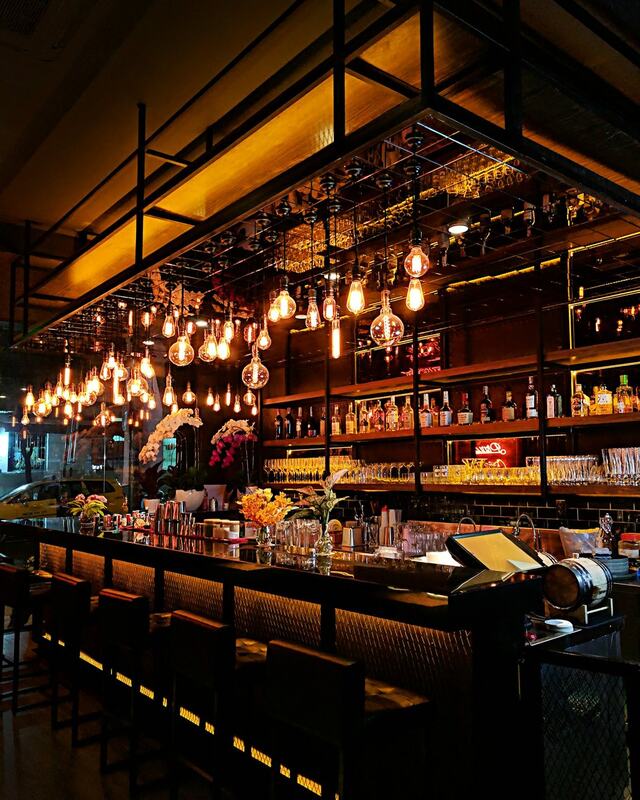


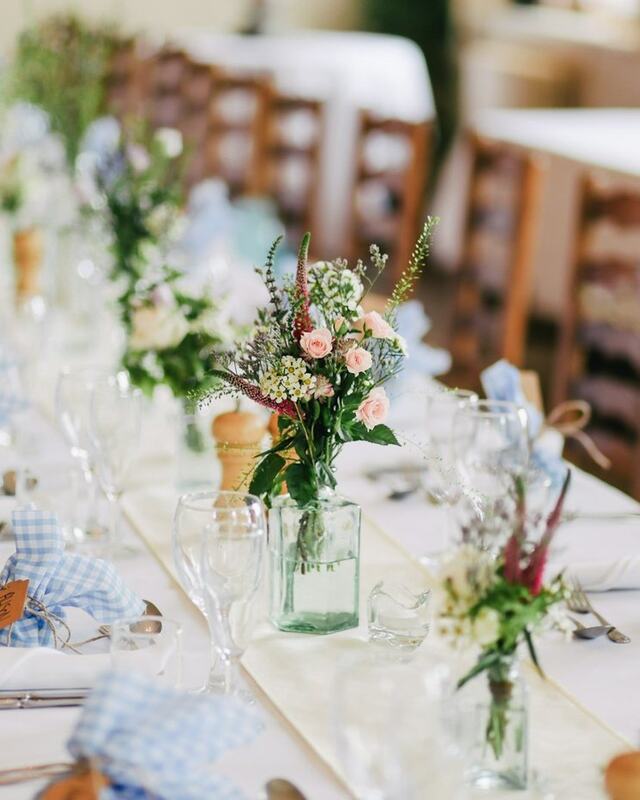



Live illustration using Tagrly's public demo photos; the same search runs on your own Media Library.
Three clicks. Your files never move.
Connect
Install the Tagrly plugin and click Connect to Tagrly. No API keys to copy; a workspace owner approves it in one click.
Tagrly reads every photo
One click imports your Media Library through WordPress's own API. Each image gets a real description, automatic image tagging, and alt text, written from what the photo shows.
Search like you talk
From the editor sidebar, the media modal, or Media → Tagrly photos. Keywords or a whole sentence; the right photo is there when you're placing it.
One import, three jobs done.
Search that actually finds things
"The patio at night." "Team headshots." "Three friends laughing at a table." Wherever WordPress asks you for an image, your whole library answers by content, not filename.
An organized media library, no folders required
Automatic image tagging organizes your WordPress media library by understanding: every search is a folder that maintains itself. Files, URLs, and your existing structure stay untouched.
The image SEO debt, cleared
Bulk alt text in one pass: every image that has none gets a finished, descriptive sentence. Anything a person already wrote is kept, never overwritten.
Free to start. Search is always free.
The plugin is free and keyword search is unlimited on every plan. Analyzing photos spends credits from your plan's allowance; pricing has the numbers.