Find any product shot as fast as you can describe it
Product shots multiply fast: colorways, angles, lifestyle, reshoots. Tagrly reads every image in your folder and makes it searchable the way you would describe it, so the right frame for the product page or the campaign is seconds away.
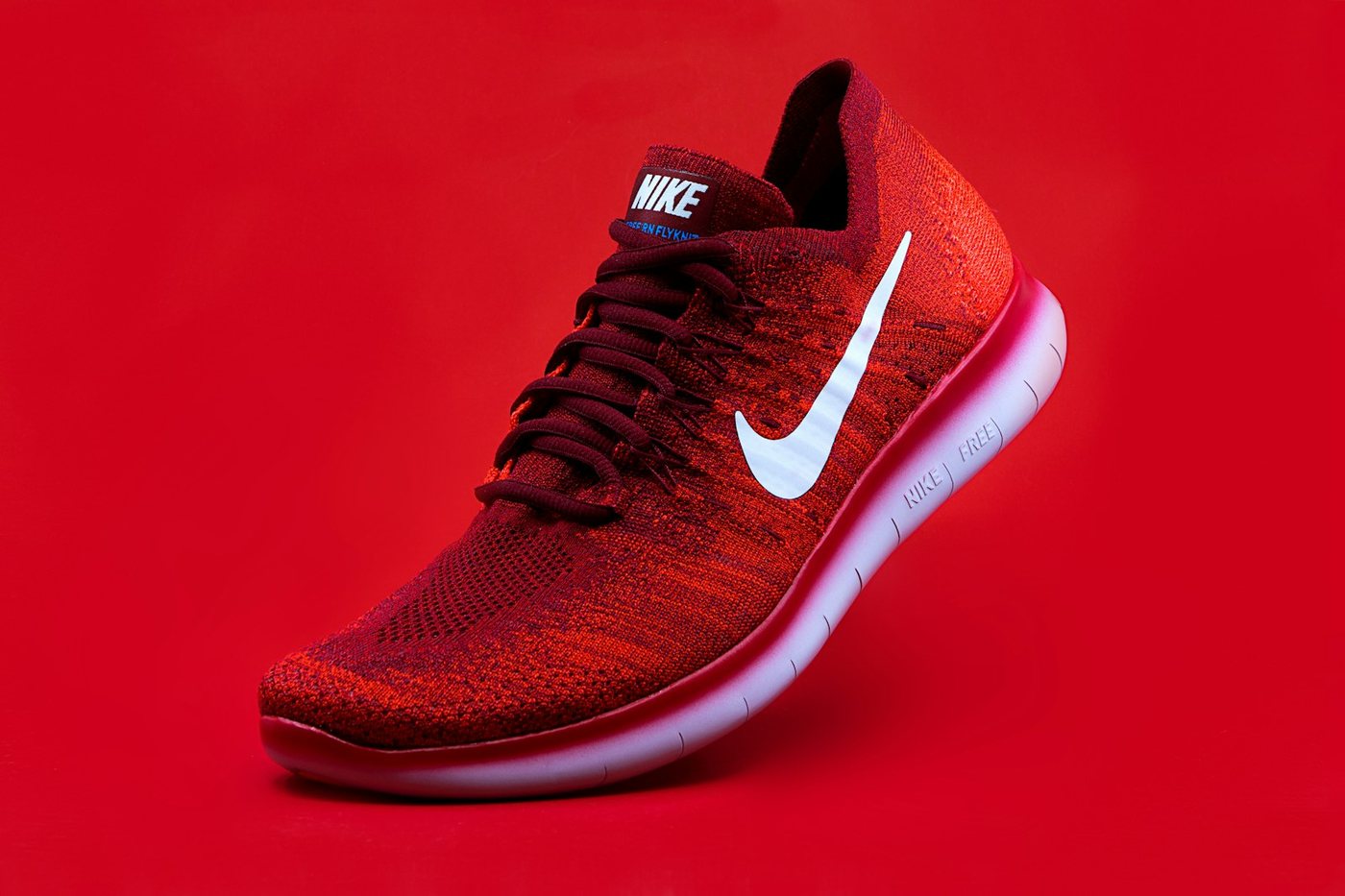


Live illustration with Tagrly's public demo photos; the searches run on your whole library.
Three steps, and the first is pasting a link.
Connect your product folder
Connect the Google Drive or Dropbox folder your shoots live in, your WordPress site's media library, or drop images straight from a computer. Your master files are never moved, changed, or deleted.
Tagrly reads every photo
Every image gets searchable tags, a written description, and publish-ready alt text. Bursts and duplicates get combined so search shows the best frame.
Publish everywhere
Search in plain words, drop the winners into a collection for the campaign, and pull images into your site with the WordPress plugin or the API, alt text included.
Sound familiar?
Reshooting what you already own
Booking a studio day for a shot that already exists, because nobody could prove it existed, is the most expensive filing error there is.
Filenames say SKU, not shot
A SKU code tells you which product, not whether it is the flat lay, the on-model shot, or the detail crop you actually need.
Alt text for a thousand products
Every image on the store needs alt text, and writing it by hand is the task that never gets done. Tagrly writes publish-ready alt text for every photo.
Ask for the shot the way you'd say it out loud.
Every photo gets searchable tags, a written description, and publish-ready alt text. Then you just ask.
Put your photo library to work
Once search finds the shot, here is everything your library can do with it.
One shot, every placement
Turn the hero shot into a square for the product grid, a tall crop for stories, or a wide banner.
Product pages pull from the library
Your WordPress store pulls product photos straight from Tagrly, alt text already written for every image.
Share drops before they launch
Send retailers or press a branded gallery with an optional password and expiry, and see which shots they favorite.
Download a marketplace set at once
Search a colorway in plain words and download every angle as one zip for the marketplace listing.
One collection per drop
Group the launch set once and hand the same link to the store team, the agency, and retail partners.
Also for ecommerce brands: Bulk Product Photo Tagging Software
What ecommerce brands ask us.
Will it touch our master files?
No. Photos stay where they are in Drive or Dropbox. Tagrly reads them and never changes or deletes anything.
Can product photo organization software send images to a WordPress store?
Yes. The Tagrly WordPress plugin pulls product photos straight from your library into the site, alt text included.
Our studio shoots produce lots of near-duplicates. What happens to those?
Burst shots and duplicates get combined, so search shows you the best frame instead of twenty variations of it.
Can we pull photos into our site?
Yes. There is a WordPress plugin and an API, and every photo already comes with publish-ready alt text.
What does it cost to try?
Your first 500 photos are free, with no credit card required.
Try it on your own folder.
The first 100 photos are read free. No card.
Rather not touch a setting? Send us the folder and we’ll set everything up for you.