Free image description and keyword generator
What's in this photo? Upload it and find out: a full written description, keywords, the subject, and ready-made alt text, from the same AI that reads whole photo libraries. No signup.
Drop a photo here, or Add a photo to describe
JPEG, PNG, WebP, or HEIC · up to 10MB
Your photo is read once and never stored.
Looking at the photo
Example · a real reading of this sample photo
<img src="your-image.jpg" alt="">
"your-image.jpg" is a placeholder: swap in the path where the image lives on your own site. We never host or keep your photo.
Something went sideways.
That's your 5 free reads for today.
They reset at midnight UTC. Or skip the daily trip entirely: Tagrly reads every photo in your folder automatically, and your first 500 photos are free, no card needed.
Read my whole folder freeWhat a finished reading looks like
Real, unedited output on a sample photo. Yours renders the same way, in the tool above.
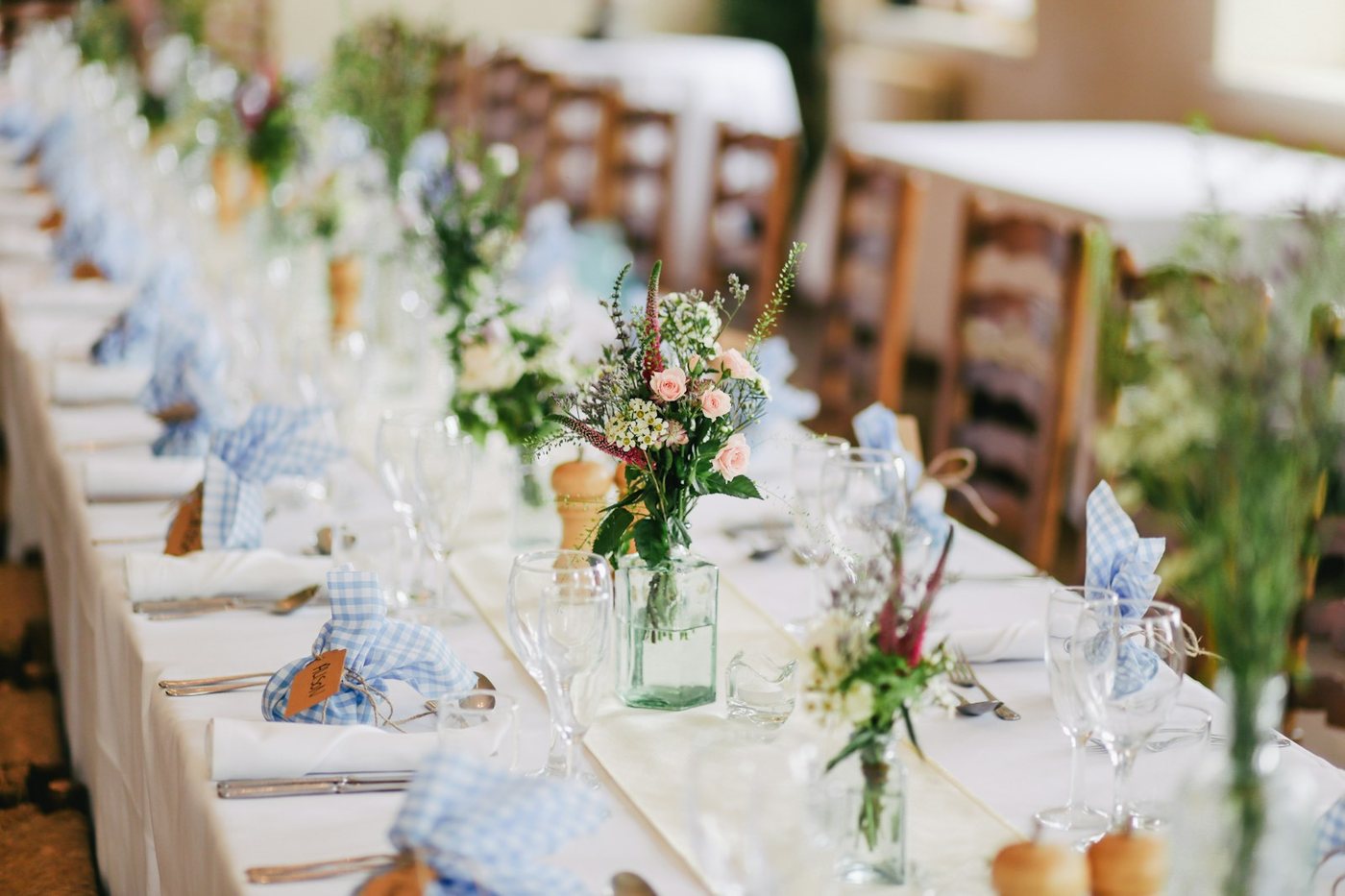
The image shows a long, elegantly set wedding reception table with a white tablecloth and a cream table runner. Small glass jars filled with delicate floral arrangements of pink roses, white wax flowers, and greenery line the center of the table at intervals. Each place setting includes folded white napkins wrapped in blue and white gingham cloth, tied with twine and paired with a small kraft paper name tag. Wine glasses, water glasses, and silverware are arranged at each setting, along with small wooden pepper grinders. Wooden ladder-back chairs are visible along the table in the blurred background, and the setting appears to be indoors with soft natural light. The foreground centerpiece is in sharp focus while the rest of the table recedes into a soft blur, creating depth.
Long wedding reception table with white linens, glass jars of pink roses, and blue gingham napkins tied with name tags.
A glass jar centerpiece with pink roses and greenery on a long banquet table.
One reading: description, keywords, subject, alt text.
Every photo comes back with the whole kit, so whatever you needed the words for, they're already written.
The full description
A written paragraph covering what is in the frame, how it is arranged, the light, and the style of the shot.
The subject
One line naming what the photo is actually of, not just what appears somewhere in it.
Keywords, ready to use
Specific keyword phrases describing what the photo shows, the starting point for image SEO, stock keywording, or your own photo library's tags. Never one-word generics.
Alt text, ready to publish
The short screen-reader line, aimed near the 125-character convention, with a copy-ready img tag. Want just this? There's a dedicated free alt text generator.
What image descriptions and photo keywords are used for
A description is the long-form sibling of alt text: the whole picture in words, for jobs a 125-character line cannot do.
Catalog records and photo archives use the description as the searchable text behind each image. Editors paste it into captions and image metadata. Accessibility work uses it for complex images where short alt text is not enough. The keywords carry the other half: image SEO on your own site, a starting point for stock photo keywording, and consistent photo tags for a shared library. Teams sitting on thousands of unlabeled photos use both as the layer that finally makes the folder findable, which is the job the full product does across an entire library at once, and our guide to automatic photo keywords covers in depth.
03 · The honest questionWhy not just ask a chatbot?
For one photo, you can. This page is built for the job: the reading returns all four pieces at once, structured, with copy buttons and the img tag done. And when the real problem is a folder of thousands, Tagrly runs this exact reading on every photo automatically, then makes the whole library searchable in plain words.
Fair questions.
Is this image description generator really free?
Yes. You get 5 full reads a day with no signup, no email, and no card. The full product exists for whole photo folders; this page is the single-photo version.
How does the photo keyword generator part work?
The same reading that writes the description also writes keyword phrases for what is visibly in the photo: the subject, the setting, the light, the style. Copy them as a starting point for image SEO, stock keywording, or the tags in your own photo library.
Does the image description generator store my photos?
No. Your image is read once, in memory, and never stored. The description on your screen is the only copy.
What image formats does it support?
JPEG, PNG, WebP, and HEIC (iPhone photos), up to 10MB.
How detailed is the AI image description?
A full written paragraph: what is in the frame, how it is arranged, the light, and the style of the shot, plus the subject, keywords, and a short alt text version of the same reading.
What is the difference between an image description and alt text?
Length and job. Alt text is the short line screen readers speak and search engines index, aimed near 125 characters. A description is the full paragraph for captions, catalogs, and image metadata. This tool writes both from one reading, and there is a dedicated <a href="/tools/alt-text-generator">free alt text generator</a> when you only need the short line.
Can it generate keywords for stock photos?
It writes keyword phrases for what the photo actually shows, which is the honest core of stock keywording. Review them against each platform's rules before submitting; what you will not get is invented keywords for things that are not in the picture.
Can it describe and keyword many images at once?
That is exactly what Tagrly is. Connect the Google Drive or Dropbox folder your photos already live in, and every photo gets this full reading automatically: description, keywords, and alt text. Your first 500 photos are free.
How accurate are the descriptions and keywords?
They describe what is visibly in the frame, in plain words, and the sample results on this page are real, unedited output. The honest way to judge is to run one of your own photos through it, which costs nothing.
This was one photo.
Tagrly describes your whole folder: every photo searchable, alt text written, tags applied. The first 100 photos are free. No card.