Four steps. The first one is pasting a link.
No uploads, no reorganizing, no new folder system to learn. Tagrly works on the library you already have, right where it is.
Point it at your folder.
The Google Drive or Dropbox folder your photos are already in. That is the whole setup.
- Subfolders come along automatically. Nothing to flatten or rearrange first.
- Your folder names stay searchable. Years of organizing keeps paying off.
- Read-only, always. Nothing in your folder is moved, renamed, edited or deleted.
Every photo gets read once.
Tagrly looks at each photo and writes down what a careful person would notice: what is in it, where it is, the mood, the colors, and a caption ready for your website.
- It works through your library on its own, and you can search what is done while the rest runs.
- It runs on its own. Close the tab; an email arrives when the reading is done.
- New photos in the folder get read automatically on the next scan.
- Bursts of near-identical frames are grouped and only the first one counts.
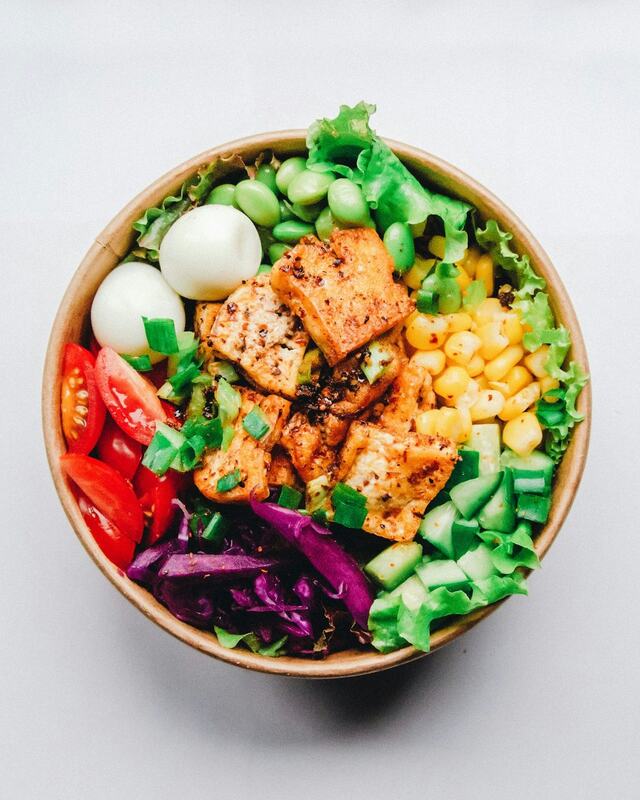

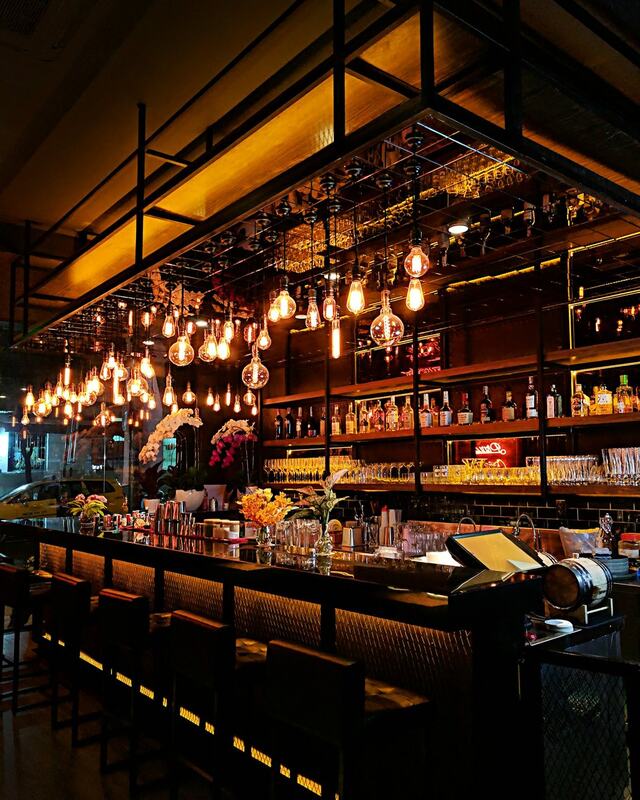
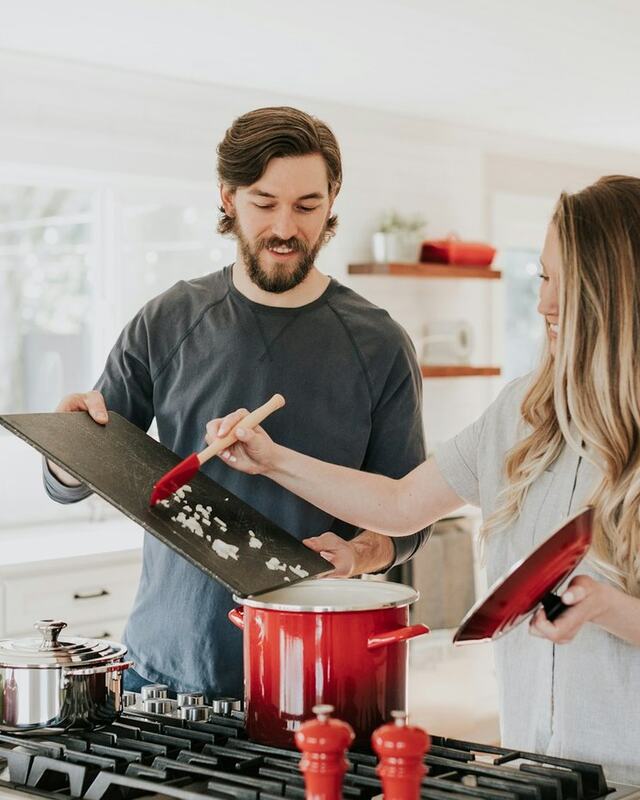
Live illustration using Tagrly's public demo photos.
Ask for photos in plain words.
Type it the way you would say it out loud. Not the filename, not the date. What was in the shot.
- the first dance, but only the wide shots comes back with first-dance wide shots.
- A client's name finds their whole job, because your folder names are part of the search.
- Or describe the page you are building and get back a picked set, with the reason for each photo.
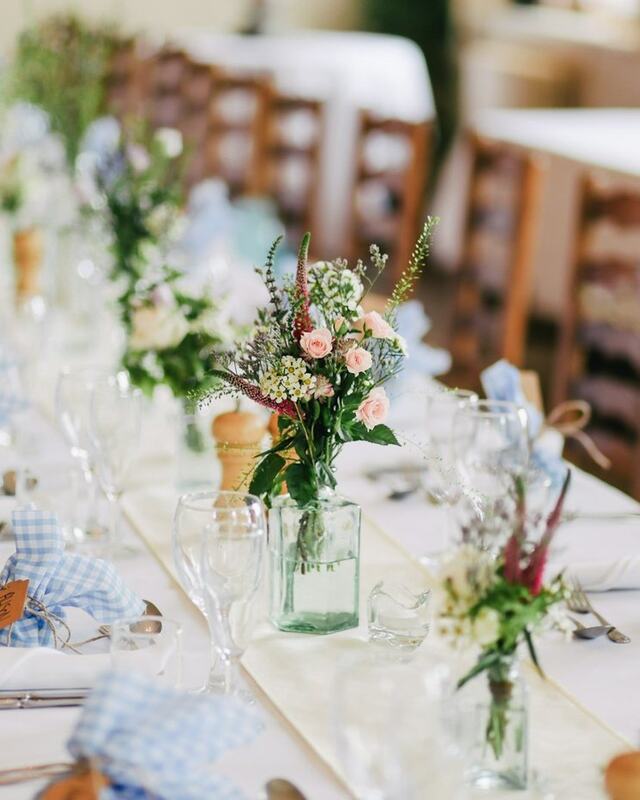
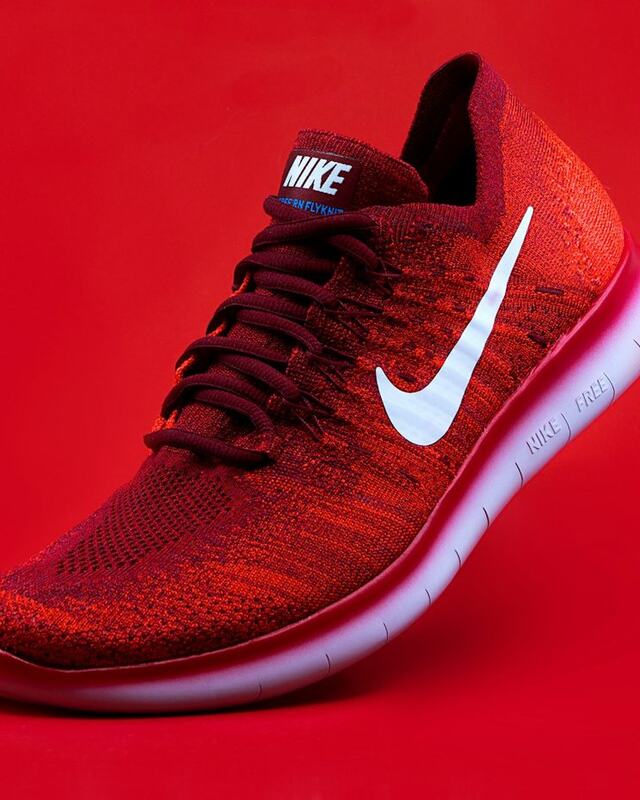

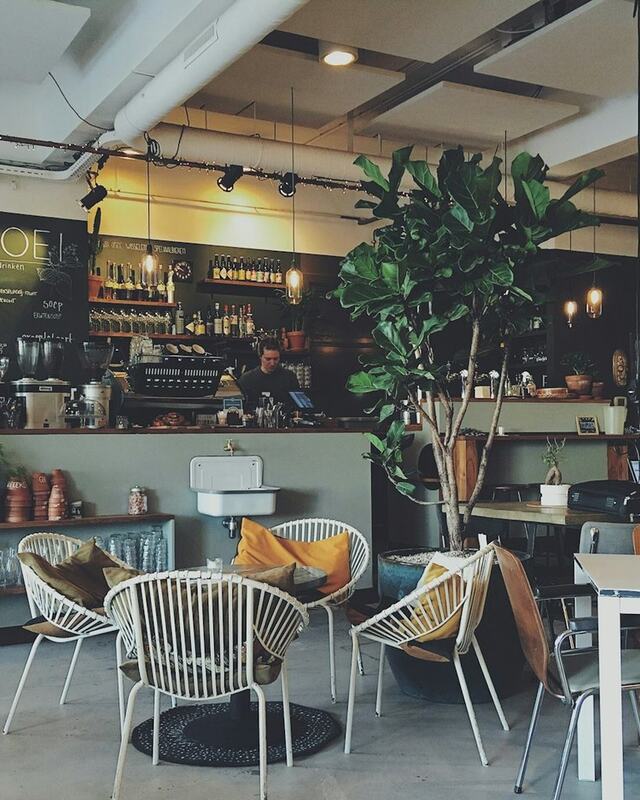
Live illustration using Tagrly's public demo photos.
Share a gallery, not a folder link.
Pick what is relevant and send a private link. Clients get a branded gallery they can search, favorite and comment on.
- No account needed. A link is enough.
- Password, expiry date, and downloads on or off, per share.
- You get a digest of what they opened, favorited and said.
Live illustration using Tagrly's public demo photos.
What happens to your photos.
Originals never change
Access is read-only. Your folder stays exactly as you left it: same files, same names, same structure.
A display copy, served fast
Tagrly keeps its own copy to show your library and galleries quickly. Your Drive or Dropbox stays the original.
Disconnect anytime
Remove the connection in Tagrly, or revoke access from your Google or Dropbox settings. Either works.