Your food photos, searchable the way you name the dish
Your best food photos are scattered across a photographer's Drive folder, a camera roll dump, and a folder called Final Final. Tagrly reads all of it and lets anyone on the team search in plain words, like naming the dish.
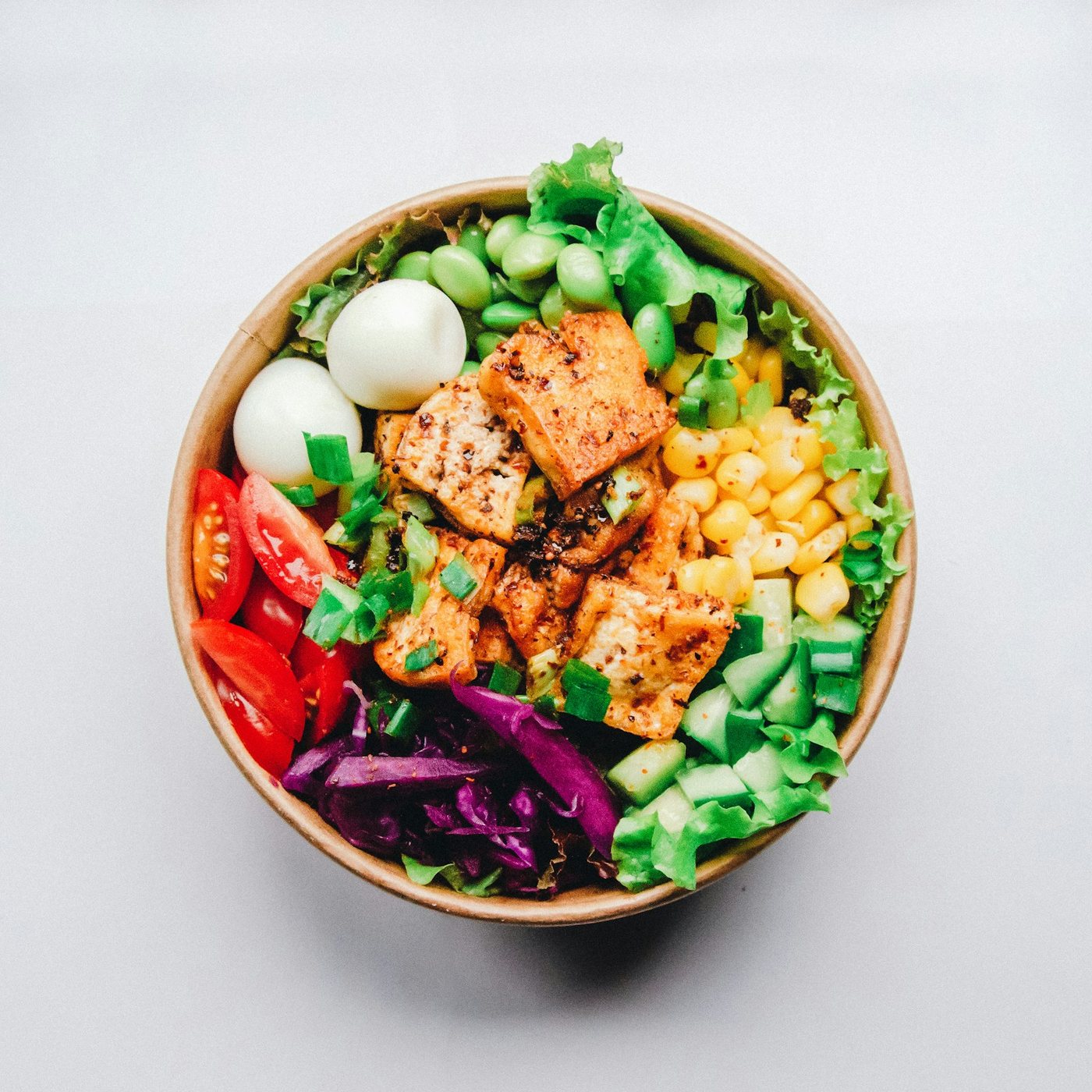
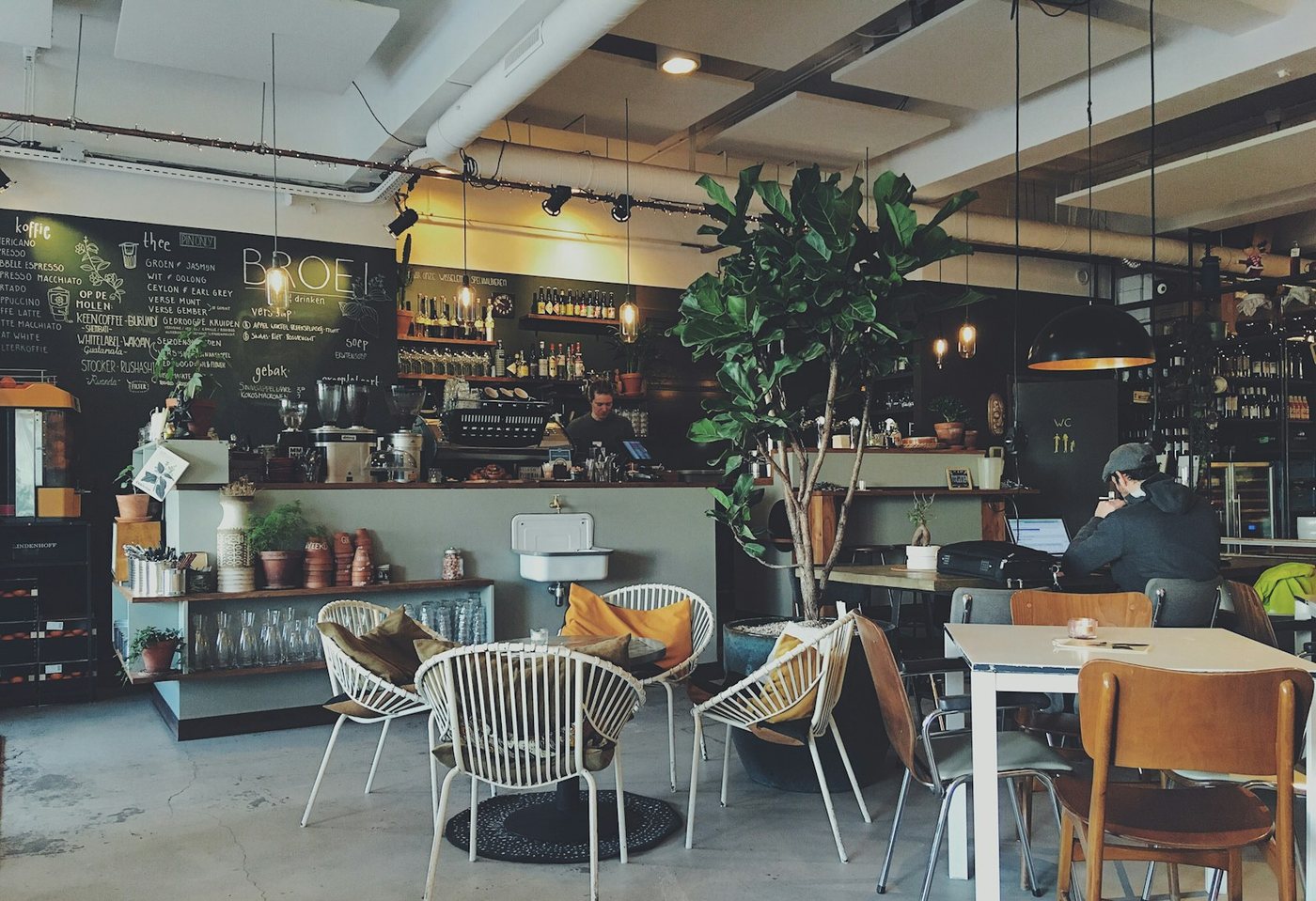
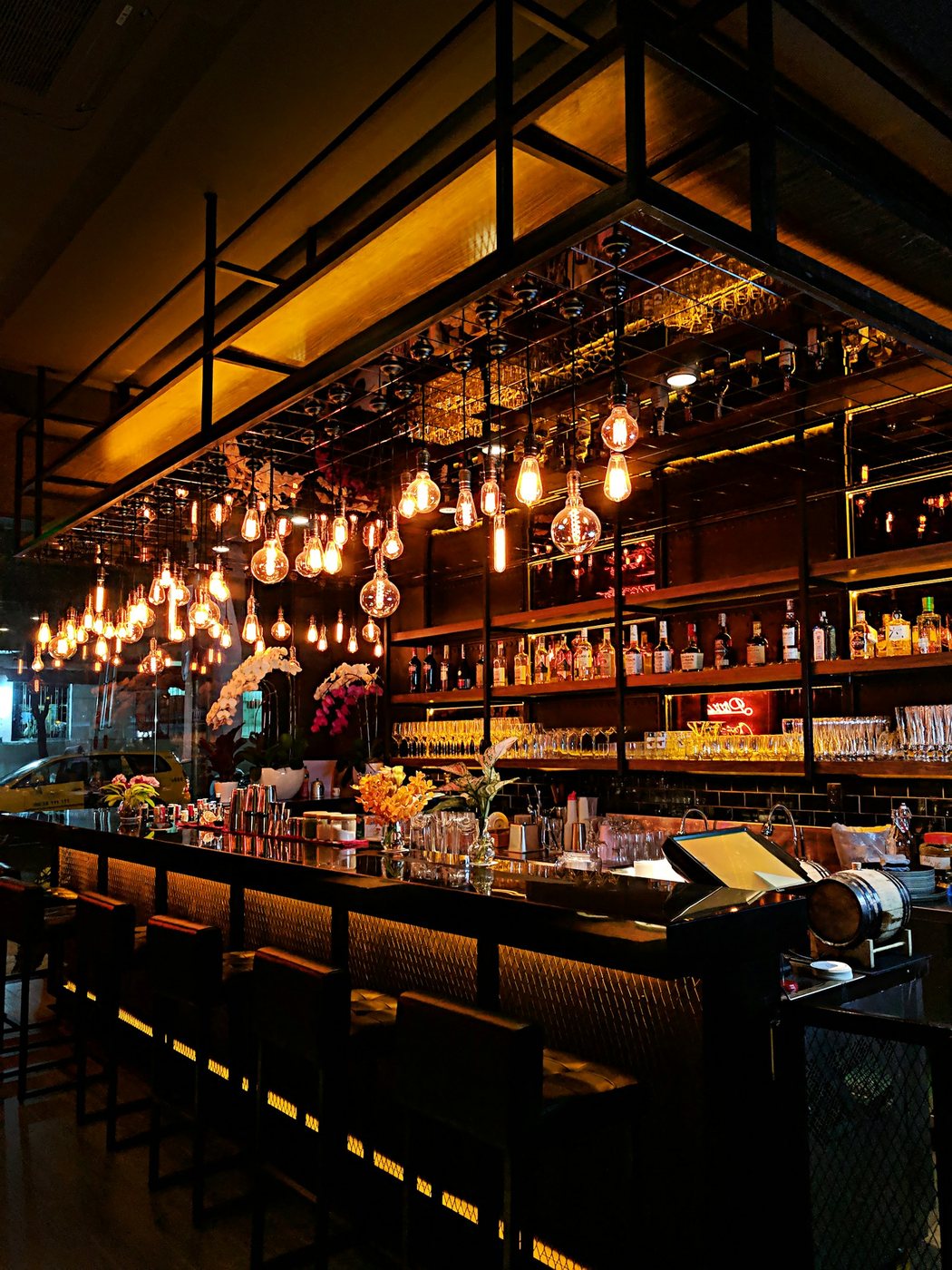
Live illustration with Tagrly's public demo photos; the searches run on your whole library.
Three steps, and the first is pasting a link.
Connect the shared folder
Point Tagrly at the Google Drive or Dropbox folder where the photos pile up, at your WordPress site's media library, or drop shots straight from a computer. Everything stays put, and nothing is ever changed or deleted.
Tagrly reads every photo
Every dish, every corner of the room gets searchable tags, a written description, and publish-ready alt text. The scan runs on its own in the background.
Hand it to whoever posts
Anyone on the team searches in plain words and finds the shot themselves, with the alt text already written for the website.
Sound familiar?
The special is live, the photo is not
The dish is on tonight's menu and the shot of it is somewhere in last quarter's shoot. Dinner service will not wait for a folder crawl.
Three people, three photo stashes
The owner has one folder, the photographer has another, the manager has a phone full. Nobody can see what anybody else has.
Tonight's post needs a vertical
Whoever runs the account needs a tall crop of the patio at sunset and has no way to know if one even exists.
Ask for the shot the way you'd say it out loud.
Every photo gets searchable tags, a written description, and publish-ready alt text. Then you just ask.
Put your photo library to work
Once search finds the shot, here is everything your library can do with it.
A vertical for tonight's post
Turn the dish shot into a tall crop for stories or a square for the feed, right from search.
Your menu page pulls from Tagrly
Your WordPress site pulls dish photos straight from the library, alt text already written.
One gallery for the whole team
Give the manager and whoever posts a searchable gallery link; they favorite shots and you see what got picked.
Grab a set for the printer
Search for the new menu shots in plain words and download them as one zip for the print file.
Specials in one collection
Group this season's specials once and hand the same set to the designer, the printer, and whoever runs the account.
Grails, Miami's best sports bar, keeps more than 25,000 photos on Tagrly, and its website pulls images straight from the library, alt text included.
Also for restaurants: Auto-Tagging for Restaurant Photos
What restaurants ask us.
We are not photographers. Is this still for us?
Yes. You search in plain everyday words, the same way you would describe the dish or the room to a friend. No tagging work on your end.
Can it crop restaurant photos for Instagram stories?
Yes. Find the dish shot and turn it into a tall crop for stories or a square for the feed, right inside Tagrly.
Does it write the alt text for our website?
Yes. Every photo gets searchable tags, a written description, and publish-ready alt text, the same full reading on every plan.
Our photographer adds new shots every month. Do we re-do anything?
No. New photos dropped into the connected folder are picked up automatically.
What does it cost to try?
Your first 500 photos are free, with no credit card required.
Try it on your own folder.
The first 100 photos are read free. No card.
Rather not touch a setting? Send us the folder and we’ll set everything up for you.