Tag a whole season of weddings without typing a keyword
Culling ends. Keywording never starts, because nobody keywords sixty thousand frames by hand. Tagrly reads every photo in your Drive or Dropbox and writes the tags, the description, and the alt text for each one, automatically.

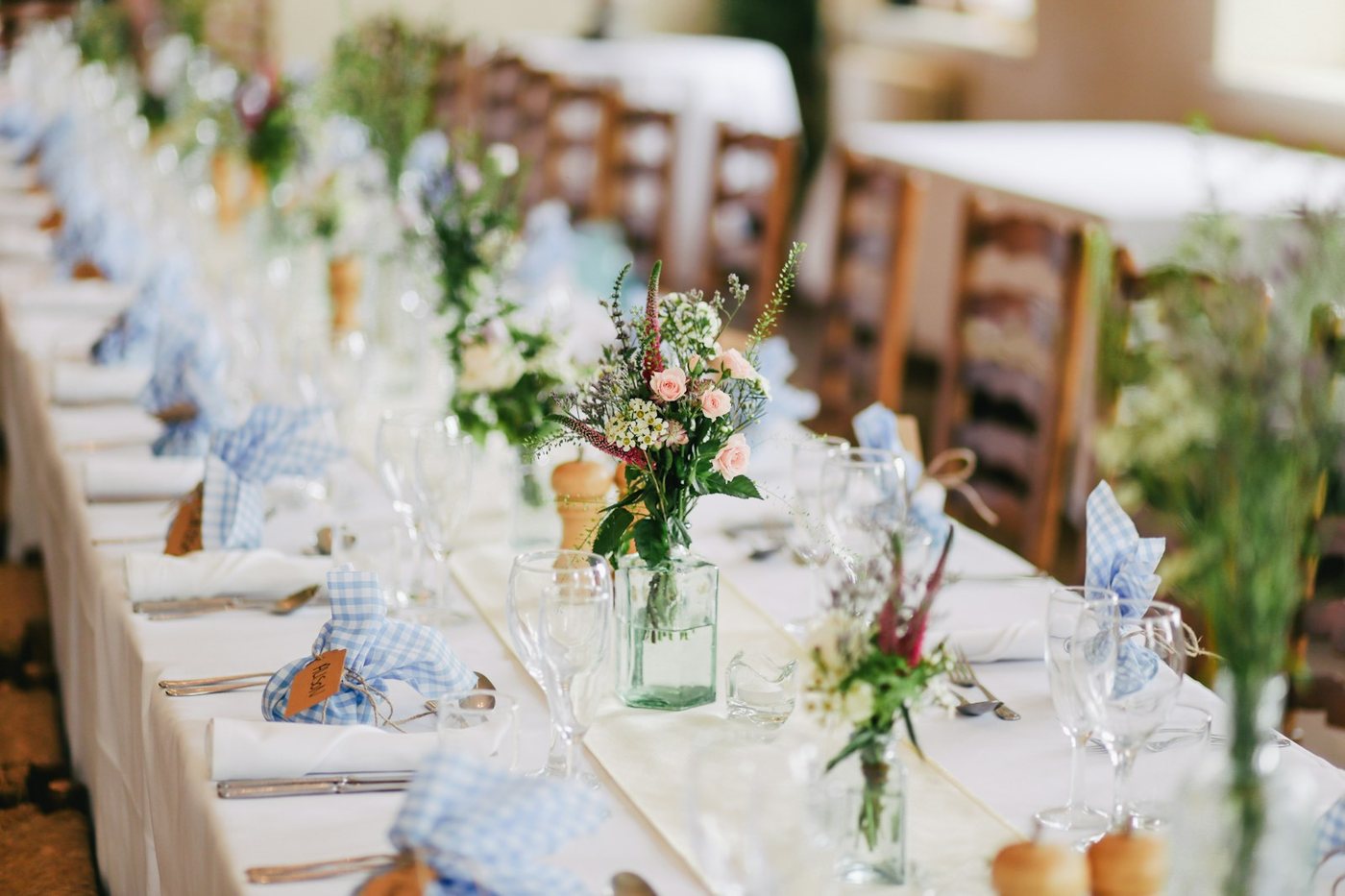
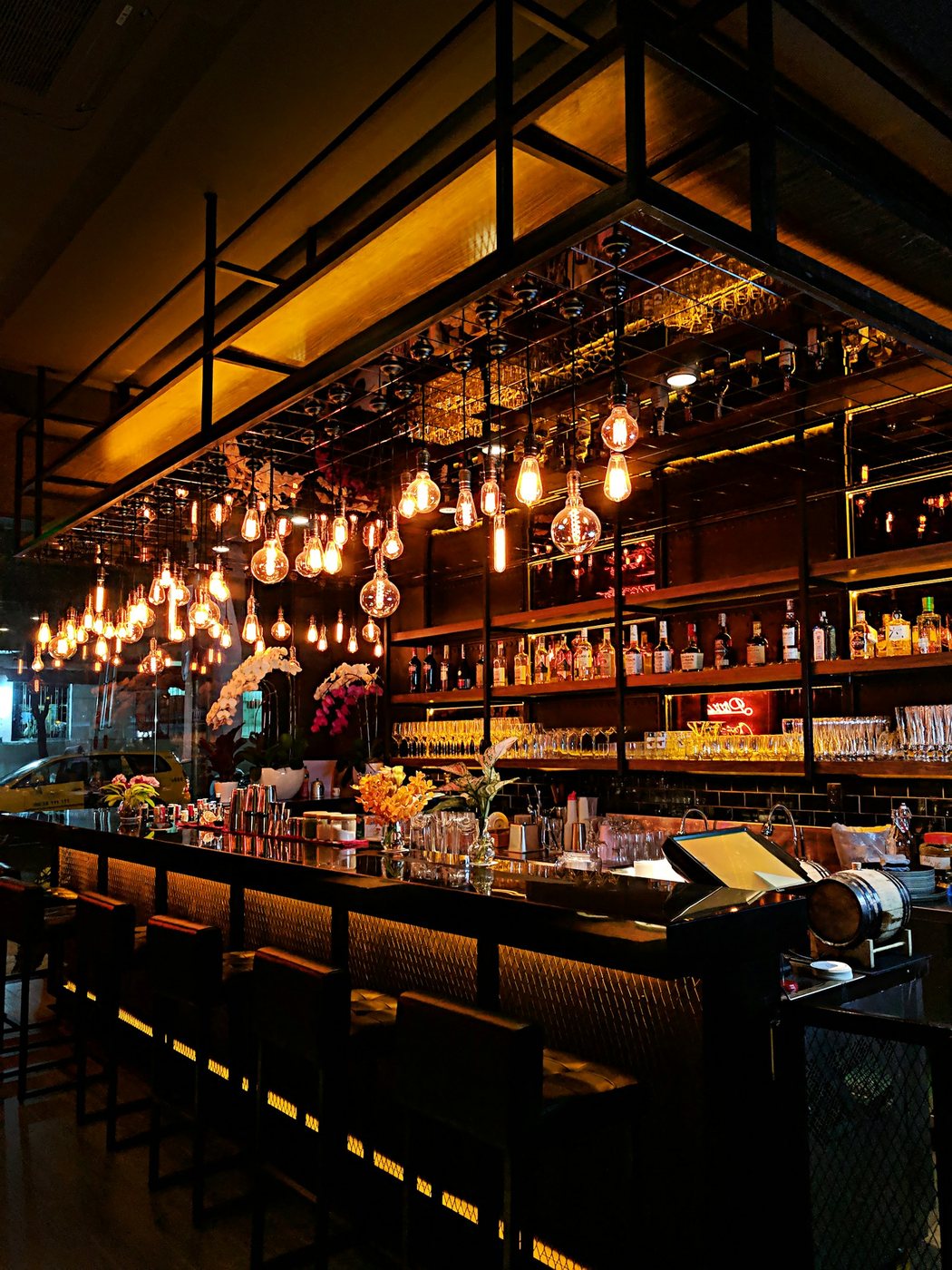
Live illustration with Tagrly's public demo photos; the searches run on your whole library.
Three steps, and the first is pasting a link.
Connect your archive
Point Tagrly at the Drive or Dropbox folder your weddings live in, subfolders and all. Access is read-only: nothing is moved, changed, or deleted.
Every frame gets tagged
Each photo gets searchable tags, a written description, and publish-ready alt text. The scan runs unattended, and bursts and duplicates get combined along the way.
Use the tags anywhere
Search your archive in plain words, publish to your site through the WordPress plugin, or pull every tag and alt text through the API.
Sound familiar?
Keywording is the job nobody bills for
Tagging a single wedding properly takes an evening you could spend editing. So it never happens, and the archive grows untagged by another wedding every weekend.
Alt text owed on every blog post
Every wedding you publish needs alt text on every image, and writing it by hand is the step that always gets skipped. Tagrly writes it for you, ready to paste or publish.
Your tags from 2022 do not match 2024
One year it was 'reception', the next it was 'party'. Hand-tagging drifts. An automatic reading applies the same eye to every frame you have ever shot.
The reading, in your industry's words.
A few of the fields Tagrly writes for photos like yours: tags, a description, and alt text, per photo.
Also for wedding photographers: Photo library for wedding photographers
What wedding photographers ask us.
How does AI photo tagging work?
You connect a Google Drive or Dropbox folder read-only, and Tagrly reads each photo and writes searchable tags, a written description, and publish-ready alt text. Your originals are never moved or changed.
Is it accurate on wedding photos?
Tagrly describes what is actually in the frame: the ceremony arch, the light, the moment, in plain words you would use yourself. Your first 500 photos are free with no credit card, so you can judge it on your own weddings.
Can it tag a whole season at once?
Yes. Scans run unattended in the background, and frames already read are searchable while the scan continues. New weddings you add later are picked up automatically.
What does each photo get?
Searchable tags, a written description, and publish-ready alt text. Every plan gets the same full reading of every photo.
Try it on your own folder.
The first 100 photos are read free. No card.
Rather not touch a setting? Send us the folder and we’ll set everything up for you.