Your food photos, tagged and captioned without the homework
Nobody at a restaurant is going to sit down and keyword four years of food photography. Tagrly does it for you: it reads every photo in your shared folder and writes the tags, the description, and the alt text for each shot on its own.
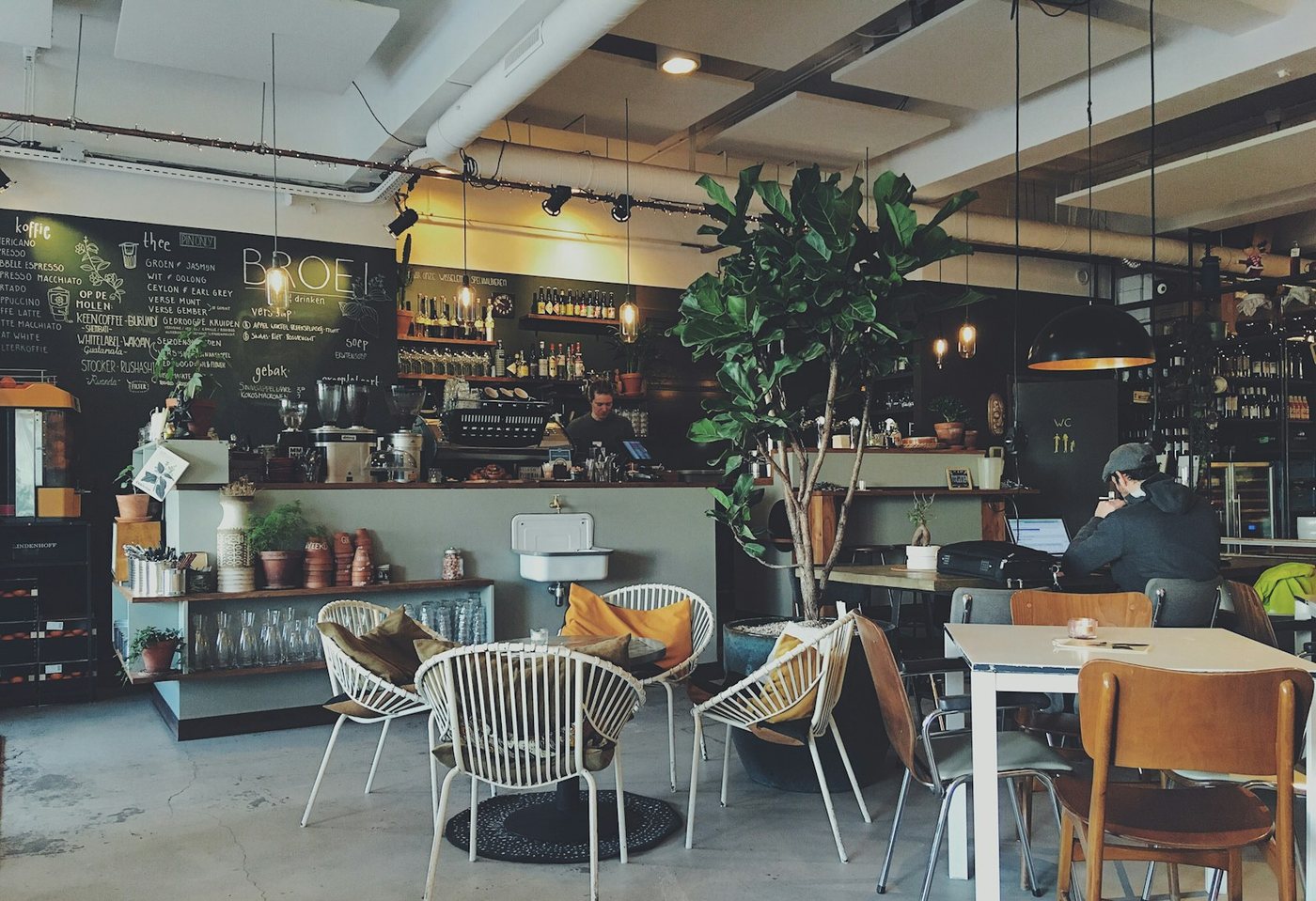
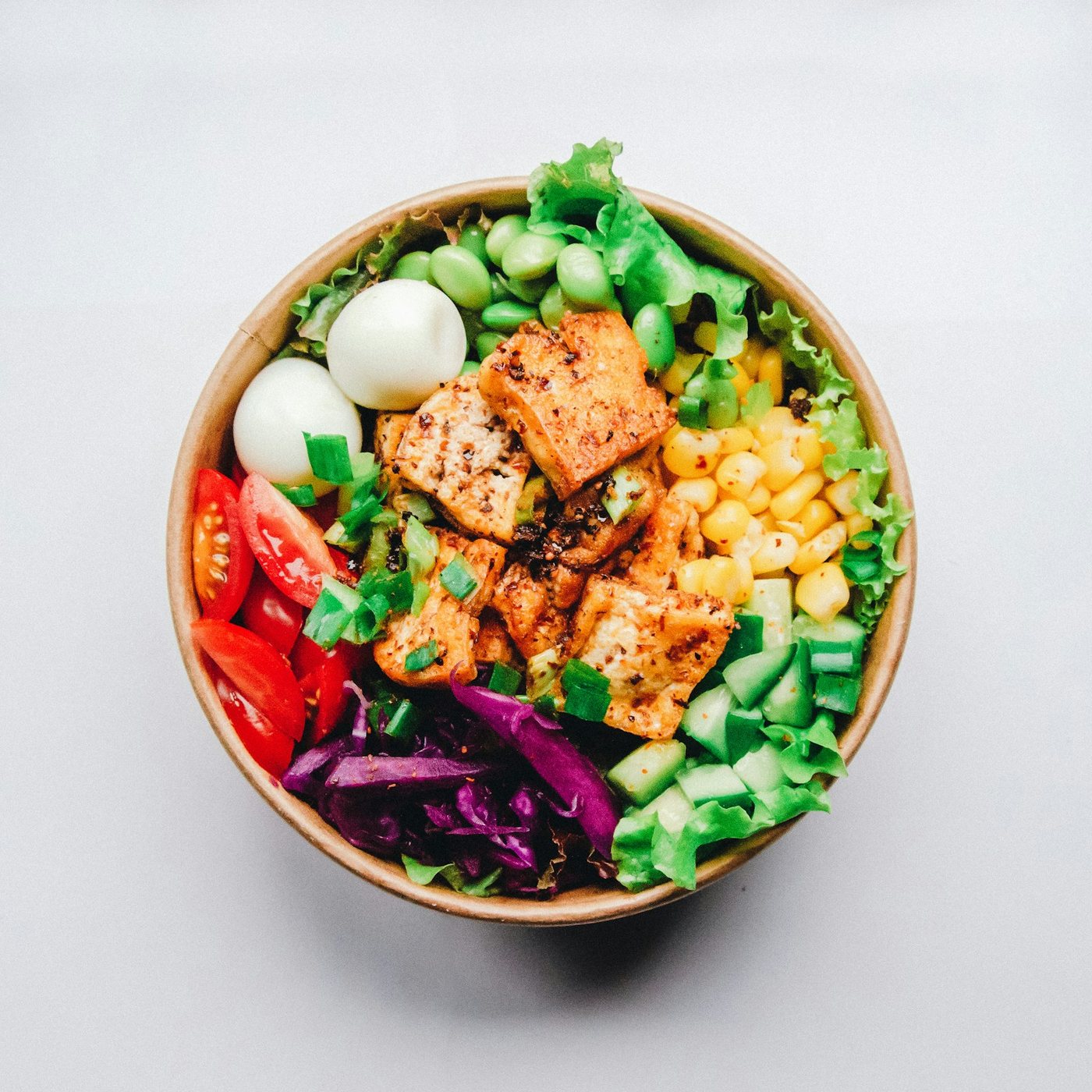
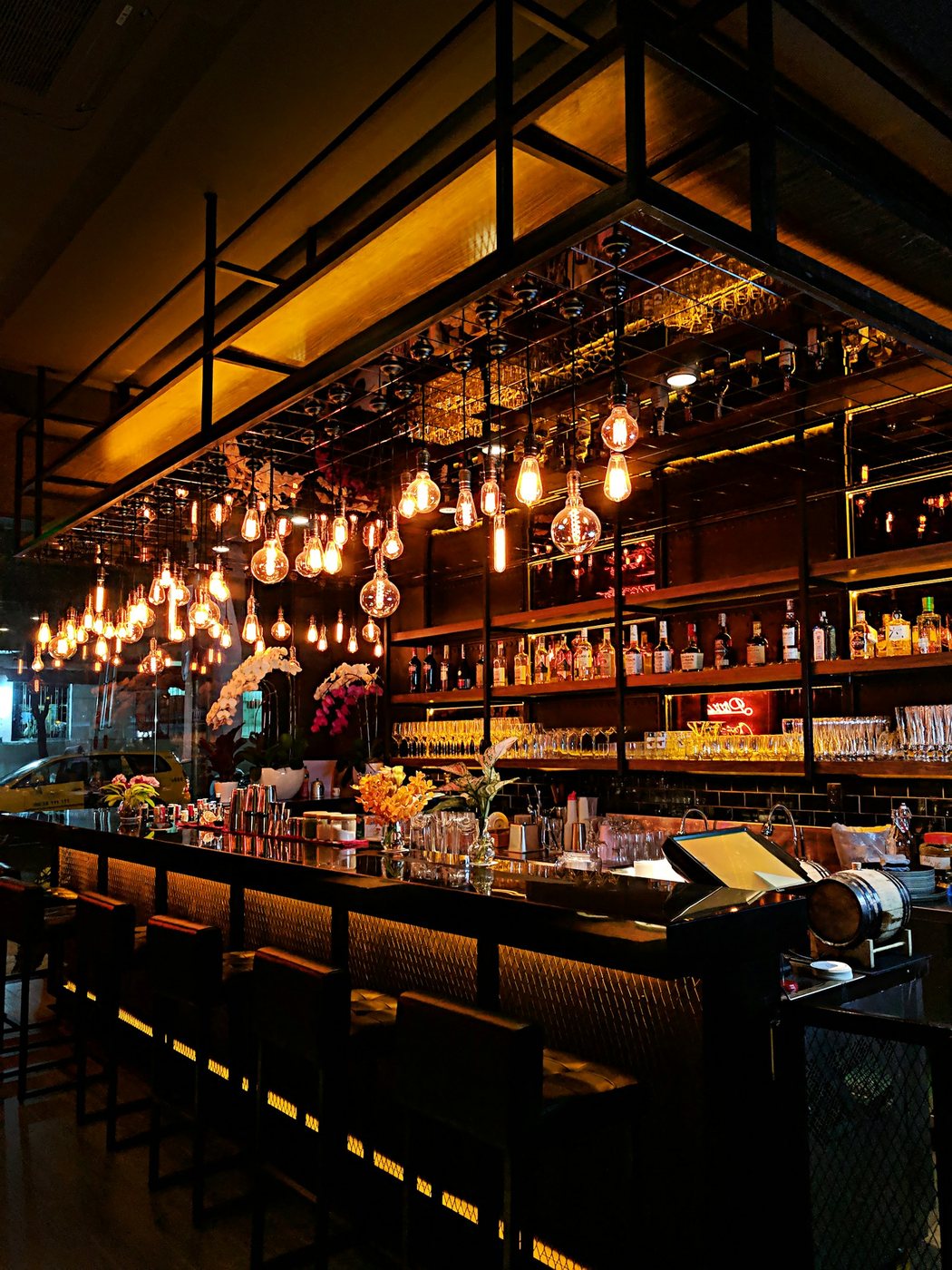
Live illustration with Tagrly's public demo photos; the searches run on your whole library.
Three steps, and the first is pasting a link.
Connect the shared folder
Point Tagrly at the Google Drive or Dropbox folder where the photos pile up. Access is read-only, so nothing gets moved or touched.
Every photo gets tagged
Each dish and each corner of the room gets searchable tags, a written description, and publish-ready alt text. The scan runs on its own in the background.
Use the tags anywhere
Anyone on the team searches in plain words, the website pulls photos through the WordPress plugin, and the alt text is already written when they land.
Sound familiar?
The tagging job nobody was hired for
You hired cooks and servers, not a photo librarian. So every shoot lands untagged, and the folder gets a little less usable every month.
A website full of empty alt text
Every dish photo on your menu page should have alt text, and writing it by hand is the chore that never makes the list. Tagrly writes it for every photo automatically.
Phone dumps with no labels at all
Half your best shots came off someone's phone with names like IMG_8834. An automatic reading gives every one of them real, searchable labels.
The reading, in your industry's words.
A few of the fields Tagrly writes for photos like yours: tags, a description, and alt text, per photo.
Also for restaurants: Photo library for restaurants
What restaurants ask us.
How does AI photo tagging work?
You connect the folder your photos already live in, and Tagrly reads each one and writes searchable tags, a written description, and publish-ready alt text. Your photos never move and never change.
Will it know food?
It describes what is on the plate and in the room in plain words: the dish, the plating, the light. Your first 500 photos are free with no credit card, so test it on your own shoots before deciding.
We have thousands of photos. Can it do them all?
Yes. The scan runs unattended in the background, and photos already read are searchable while it continues. New shots dropped in later are tagged automatically.
What exactly does each photo get?
Searchable tags, a written description, and publish-ready alt text. Every plan gets the same full reading.
Try it on your own folder.
The first 100 photos are read free. No card.
Rather not touch a setting? Send us the folder and we’ll set everything up for you.