Every listing photo tagged and alt-texted automatically
Listing day leaves no time for metadata. Photos go up with filenames like DSC_4021 and the tagging never happens, shoot after shoot. Tagrly reads every listing photo in your Drive or Dropbox and writes the tags, descriptions, and alt text on its own.

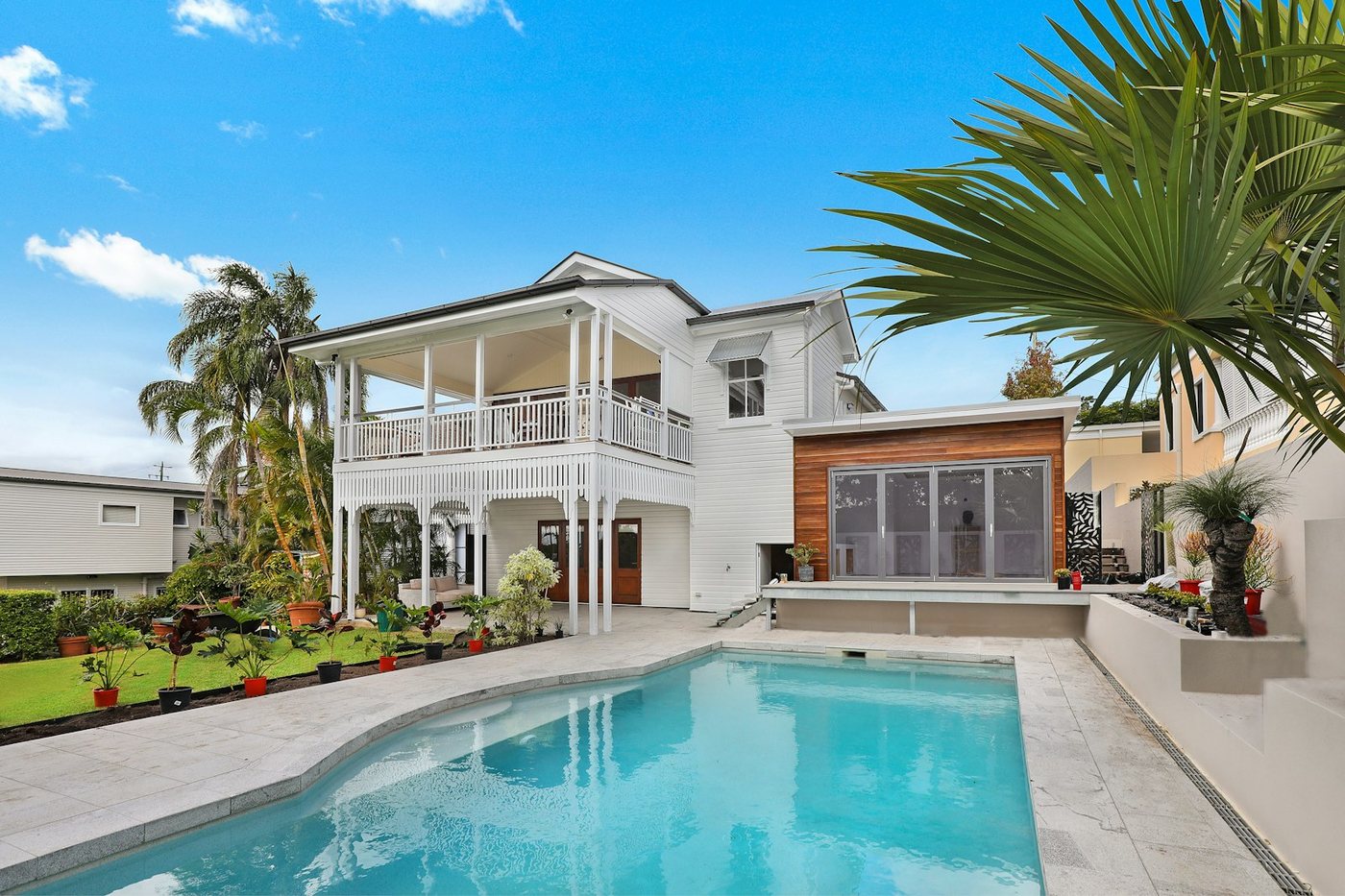

Live illustration with Tagrly's public demo photos; the searches run on your whole library.
Three steps, and the first is pasting a link.
Connect the listings folder
Point Tagrly at the Drive or Dropbox folder your shoots land in. One folder per address works fine, subfolders are read too, and access is read-only.
Every shot gets tagged
Each photo gets searchable tags, a written description, and publish-ready alt text. New shoots dropped into the folder are picked up and tagged automatically.
Use the tags anywhere
Search the archive in plain words, publish to listing pages through the WordPress plugin, or pull the tags and alt text into your own tools through the API.
Sound familiar?
Nobody tags on deadline
The listing goes live tonight, so the photos get uploaded raw and the labeling gets promised for later. Later is now hundreds of shoots deep.
Alt text on every listing page
Every photo on your site should carry alt text, and writing it for two hundred frames per property is work no one has ever actually done. Tagrly writes it for every shot.
Ten photographers, ten vocabularies
One shooter files 'master bedroom', another 'primary suite'. Hand-applied labels never agree. One automatic reading keeps the whole archive consistent.
The reading, in your industry's words.
A few of the fields Tagrly writes for photos like yours: tags, a description, and alt text, per photo.
Also for real estate teams: Photo library for real estate teams
What real estate teams ask us.
How does AI photo tagging work for listings?
Connect the Drive or Dropbox folder your shoots already live in. Tagrly reads each photo where it sits and writes searchable tags, a written description, and publish-ready alt text. Nothing is moved or altered.
Will it get real estate photos right?
It describes what is in the frame: the room, the finishes, the light, the shot type, in the words an agent would use. Try it on your own listings first, the first 500 photos are free with no credit card.
Can it handle years of back catalog at once?
Yes. Scans run unattended in the background, and everything already read is searchable while the rest continues. Bursts and near-duplicates from a shoot get combined.
What does each photo come back with?
Searchable tags, a written description, and publish-ready alt text, the same full reading on every plan.
Try it on your own folder.
The first 100 photos are read free. No card.
Rather not touch a setting? Send us the folder and we’ll set everything up for you.