Auto-tag every product photo, alt text included
A catalog grows faster than anyone can label it: colorways, angles, lifestyle, reshoots. Tagrly reads every product image in your folder and writes the tags, the description, and the alt text for each one, so the backlog stops being a backlog.
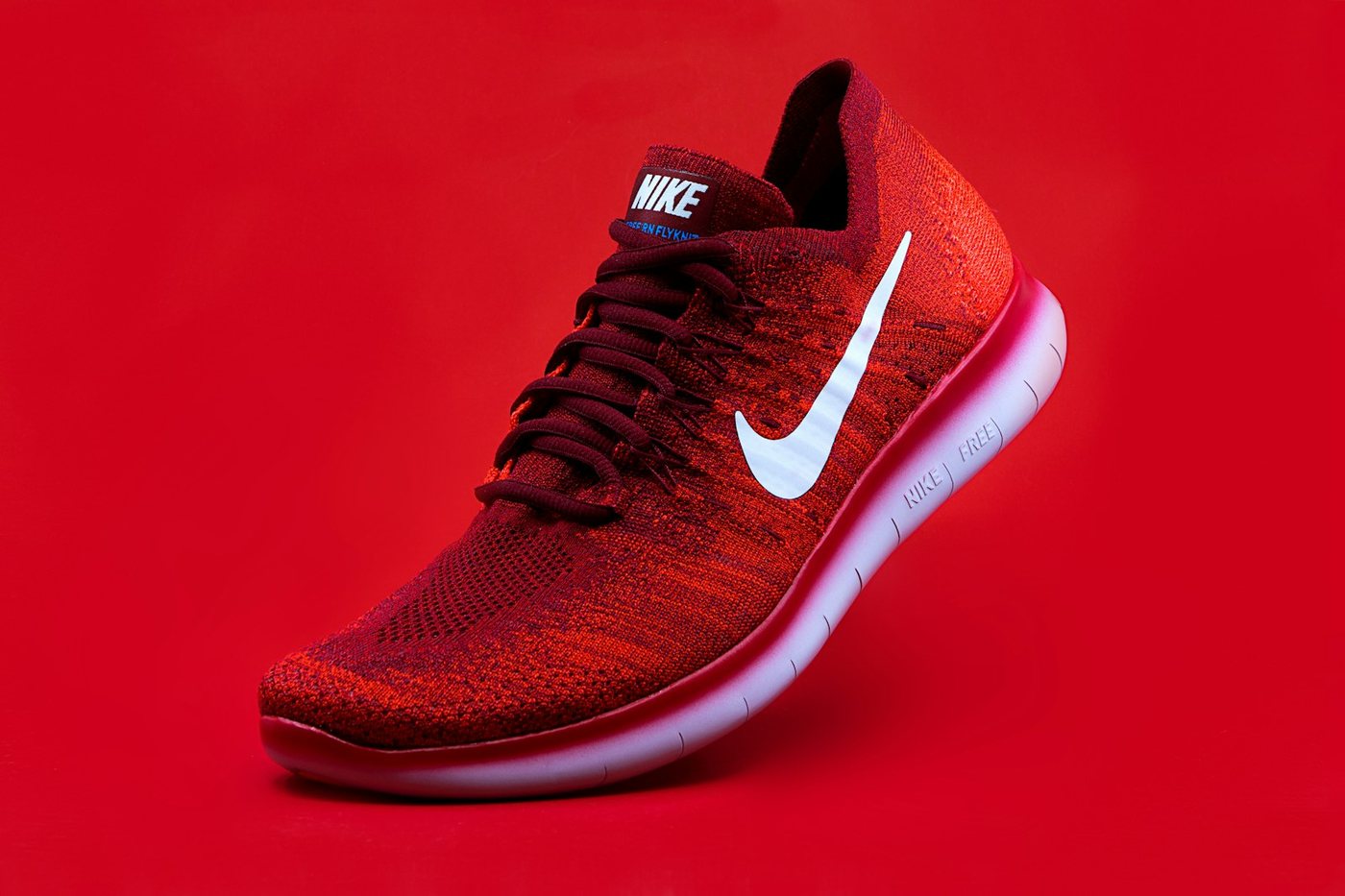

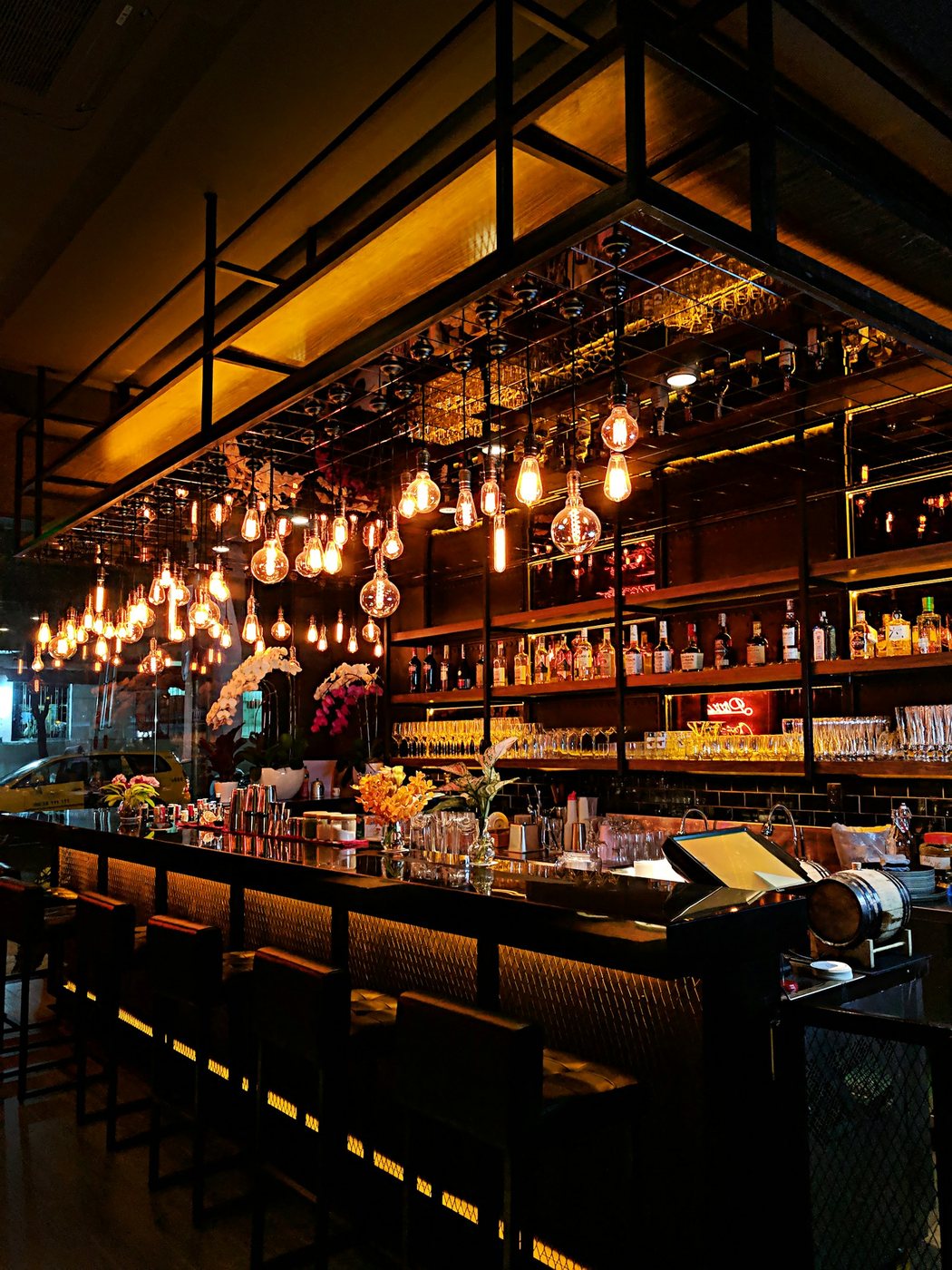
Live illustration with Tagrly's public demo photos; the searches run on your whole library.
Three steps, and the first is pasting a link.
Connect your product folder
Point Tagrly at the Drive or Dropbox folder your shoots live in, subfolders included. Read-only access, and your master files are never touched.
Every image gets tagged
Each shot gets searchable tags, a written description, and publish-ready alt text. Bursts and near-duplicates from studio days get combined so the catalog stays clean.
Use the tags anywhere
Search in plain words, publish to your site through the WordPress plugin, or pull tags and alt text into your product pipeline through the API.
Sound familiar?
The alt text backlog is the whole store
Every product image should carry alt text and almost none of them do, because writing it for a thousand SKUs by hand is a job nobody finishes. Tagrly writes all of it.
SKU codes are not tags
A filename tells you which product, not whether the shot is the flat lay, the on-model frame, or the detail crop. Real tags say what the photo shows.
Every drop resets the keywording debt
You catch up on labeling once a year, then the next shoot lands and the debt is back. Automatic tagging keeps up because new photos in the folder are read on their own.
The reading, in your industry's words.
A few of the fields Tagrly writes for photos like yours: tags, a description, and alt text, per photo.
Also for ecommerce brands: Photo library for ecommerce brands
What ecommerce brands ask us.
How does AI photo tagging work on a product catalog?
Connect the folder your shoots already live in and Tagrly reads each image, writing searchable tags, a written description, and publish-ready alt text. Your files never move and never change.
Will it get our products right?
It tags what is visible in the shot: the product, the colorway, the angle, the setting, in plain words. The first 500 photos are free with no credit card, so run part of the catalog through and check the output on your own images.
Can it tag a thousand images at once?
Yes. Scans run unattended in the background. Images already read are searchable mid-scan, and new shoots are picked up automatically.
What fields do we get per image?
Searchable tags, a written description, and publish-ready alt text, the same full reading on every plan.
Try it on your own folder.
The first 100 photos are read free. No card.
Rather not touch a setting? Send us the folder and we’ll set everything up for you.