
The photo tools that keep showing up in ads cost hundreds of dollars a month, and your budget is closer to twenty. Good news: the cheap end of photo management got usable in the last two years, and some of the best options cost nothing at all.
The three shapes of cheap photo management software
Every cheap photo management tool sorts into one of three shapes, and the shape matters more than the brand name. Search this keyword and you get listicles ranking 20 tools in a row; sort them by shape and the list gets short.
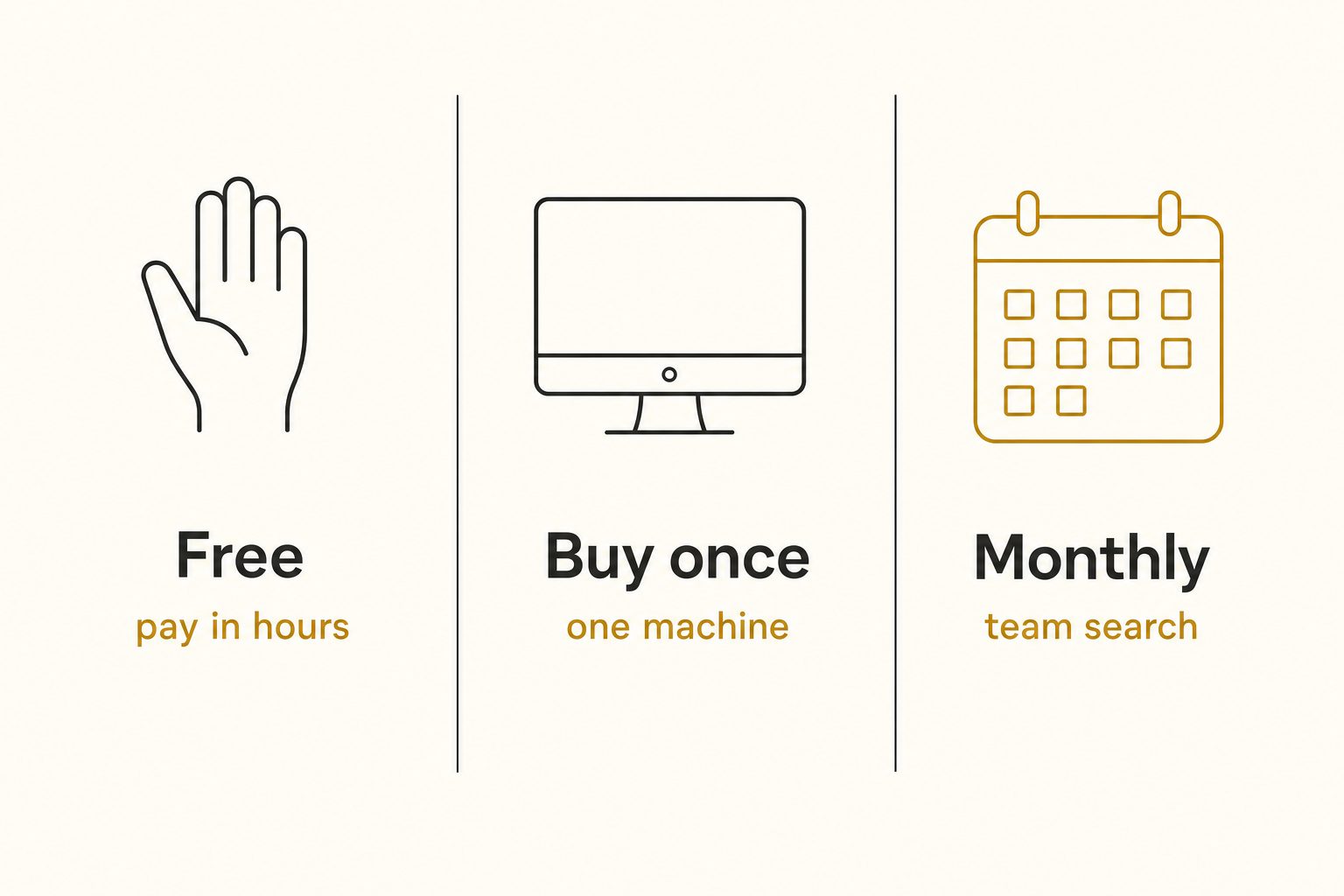
| Shape | Sticker price | Best at | Where it stops |
|---|---|---|---|
| Free (cloud apps, open-source, Bridge) | $0 | Personal libraries, full control | You pay in hours; no team search |
| Buy-once desktop (Excire Foto, ON1) | ~$70 to $250 one time | Solo photographers, local libraries | One machine; no team search at the same time |
| Low-monthly catalog (Tagrly and peers) | ~$10 to $30/month to start | Teams with photos in Drive or Dropbox | Recurring cost; backlog priced separately; not an editor |
Free photo management software (you pay in hours)
Free photo management software costs nothing in dollars and a lot in hours, and it comes in three kinds for three different people.
- Google Photos and Apple Photos. For a personal library, their automatic search is strong and free. The catch for work: the labels work only inside each app's own search, they cover the photos you put into the app rather than a shared Drive or Dropbox folder, and Google's free storage is up to 15 GB shared across Gmail, Drive, and Photos.
- digiKam. Free, open-source, and the most capable $0 photo manager there is, with keyword hierarchies, face detection, and, since version 8.3, built-in AI that auto-tags objects, places, animals, and scenes. The costs are time and shape: you review every auto-tag, specific subjects like a client or a product line are still typed by hand, and the catalog lives on one machine.
- Adobe Bridge. Free, and excellent at hand-editing metadata across many files. It has no AI tagging in its current release, so every keyword is typed by a person.
Typing is the real price of free. Manual keywording runs 100 to 200 photos per hour at useful depth, so a 10,000-photo library is roughly 67 hours. Value your time at even $20 an hour and "free" costs more than a year of most paid tools.
That math is why free stops working somewhere past what we call the 1,000-photo wall: below it you remember where things are, above it the library goes opaque. Our free AI photo tagging guide covers each free option's ceiling in more depth.
Buy-once desktop apps: $70 to $250, no subscription
Buy-once desktop apps are the best value in the category for one person with a local library. You pay once, the software runs on your machine, and your photos never touch anyone's cloud.
- Excire Foto. AI keywording, free-text search, and duplicate finding, all local, for a one-time $249 as of October 2026 (check Excire's shop before you budget).
- ON1 Photo Keyword AI. A cheaper buy-once AI keyworder that runs standalone or as a plugin. It lists at $69.99 as of October 2026 and is often discounted.
The shape's ceiling is structural, not a missing feature: the catalog is a file on one computer. Excire's Office Edition, a per-user subscription, shares a database on a network drive, but its FAQ says simultaneous access is not possible, so colleagues take turns. Photos in a shared cloud folder also have to be synced down before any desktop tool can see them.
The moment several teammates need to search at the same time, buy-once stops fitting, a tradeoff we cover head-to-head in our Tagrly vs. Excire Foto comparison.
Cheap monthly catalogs: $10 to $30 for AI tagging and team search
Low-monthly connected catalogs are the only cheap shape built for more than one person. A connected catalog links to the Google Drive or Dropbox folder your photos already live in, reads each image with a vision model, and stores tags and descriptions in a shared searchable index. No migration, no uploading, and everyone on the team gets the same search box.
Tagrly is one example in this tier. It reads your photos in place with read-only access, and teammates join by invite on any plan. In Tagrly's own testing on a 5,000-photo set, focal-subject tagging surfaced the correct top match in roughly 9 of 10 searches, and that ranking is what its AI photo search runs on.
To see it on your own photos, Tagrly's free tier reads your first 500 photos with no credit card, so you can test it on a sample folder before spending anything.
Not every cheap AI tool is a catalog. PhotoTag.ai, for example, sells non-expiring credits at one per photo, which suits a one-time batch headed to a stock agency. It does not connect to Drive or Dropbox or keep a searchable team library, so check its current pricing page against what you need.
Tip. Whatever tool you evaluate, run it on five of your own photos first and look at the first tag it produces. If the first tag is the subject of the shot, the search will work. If it is "person" or "indoor," the search will bury you.
The hidden costs of cheap photo software
Cheap tools fail people for reasons that never appear on the pricing page, and four are worth checking before you commit.
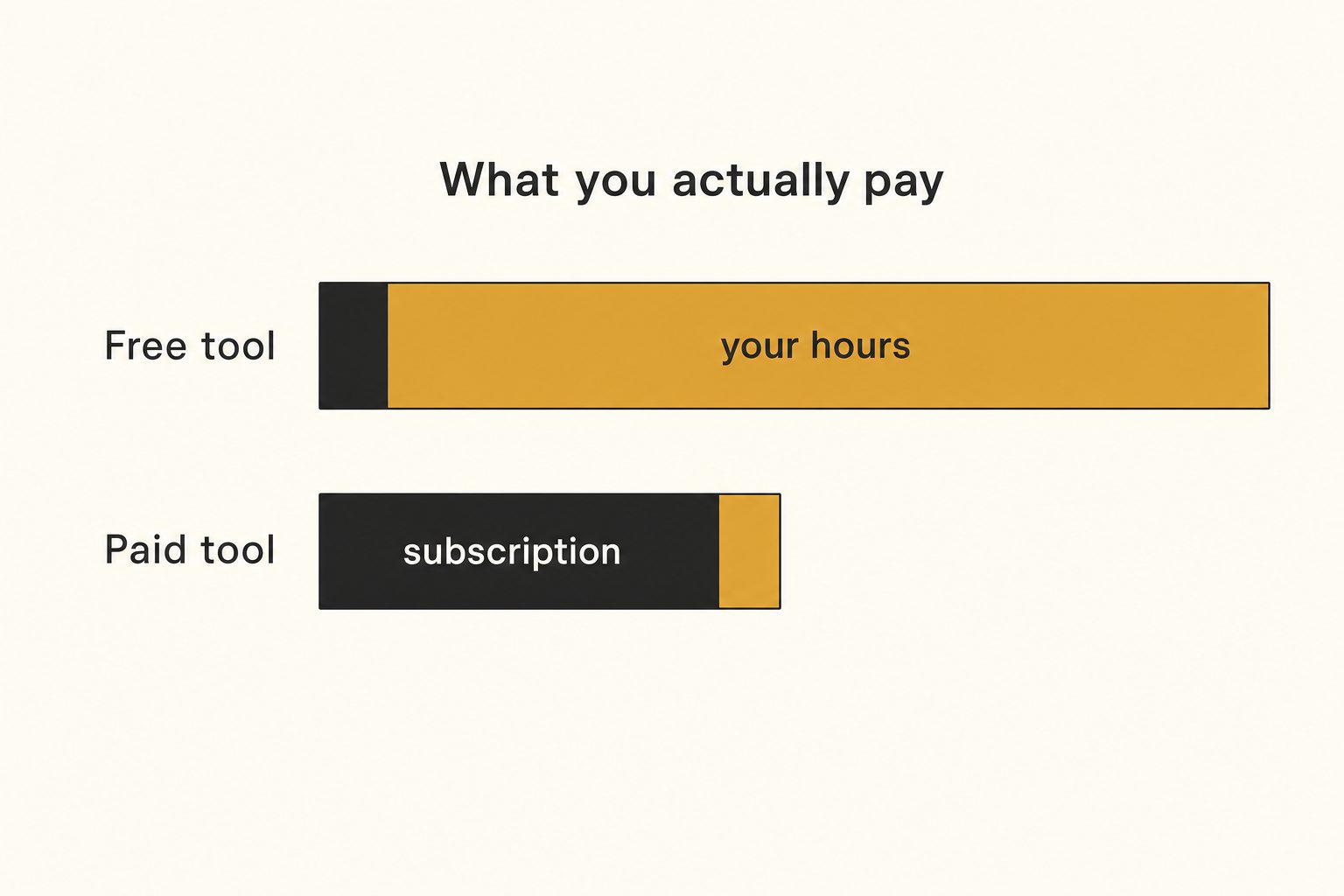
- Your hours. Any tool that leaves keywording to you converts your time into its real price. Do the math at your own hourly rate before calling a tool free.
- The one-machine trap. Desktop catalogs live on one computer or take turns on a network drive. If two people will ever need the same library at the same time, single-machine tools are money spent on the wrong shape.
- Getting your tags back out. Some free apps never let their labels leave the app, so every hour of curation inside them is lost when you go. Before you invest hours, check how your tags get back out: keywords embedded in the files, a file export, or an API (Tagrly's API returns each photo's tags and alt text).
- Backlog vs. monthly allowance. A monthly plan's allowance is sized for the photos you add each month, not the years of photos you already have. Price the backlog and the monthly flow separately: Tagrly, for one, bills one credit per photo read and covers an existing library with a one-time credit pack (current pricing).
Teams priced out of enterprise platforms hit a version of this too: the cheap tool that cannot share a catalog just moves the cost into email threads. If the team, not the price, is the constraint, sort by team fit instead.
Which cheap photo manager should you pick?
Pick by who needs to search, not by brand. For most readers, free covers a personal library, and $10 to $30 a month covers a small team's new photos and search, with a large existing library priced as a one-time cost on top.
- Personal library under about 1,000 photos. Google Photos or Apple Photos. Free, strong search, zero setup. Don't pay anyone yet.
- Solo, local archive, allergic to subscriptions. digiKam if your budget is $0 and you have a free afternoon; Excire Foto or ON1 Photo Keyword AI if you'd rather pay once for AI keywording and less setup.
- A team with photos in Google Drive or Dropbox. A low-monthly connected catalog. Tagrly is our entry in that tier; the image catalog software buyer's guide compares the whole category if you want the full field.
- Formal brand governance, approval workflows, procurement. That is enterprise territory, and no cheap tool fakes it well. Budget for a platform like Brandfolder or Bynder instead.
Almost nobody shopping at this budget needs that last row.
Cheap photo management software stopped meaning bad software a while ago. The only expensive mistake left is buying the wrong shape: paying in hours when your time is worth more, or paying for one machine when a team needs the answer.
Figure out your shape, then spend as little as that shape allows.
Frequently asked questions
What is the cheapest way to manage a large photo library?
It depends on what you count as cost. If you only count dollars, free open-source software like digiKam manages a large library on one machine for nothing, and since version 8.3 it auto-tags broad categories like objects, places, and scenes. But you pay in hours: setup, reviewing those auto-tags, and typing the specific keywords a work library needs all land on you, and manual keywording runs 100 to 200 photos per hour at useful depth. If you count your time at even a modest hourly rate, the cheapest path for a library past a few thousand photos is usually a low-monthly tool that tags everything automatically, plus a one-time cost if a large backlog needs reading first. The dollars are higher, the total cost is lower. For a personal library under about 1,000 photos, free is the cheapest answer both ways.
Is there good free photo management software?
Yes, three kinds. Google Photos and Apple Photos are free for personal libraries and their automatic search is strong, but their labels work only inside each app's own search, and they cover the photos you put into the app, not a shared Google Drive or Dropbox folder. digiKam is free and open-source, with keyword hierarchies, face detection, and, since version 8.3, built-in AI that auto-tags broad categories for you to review. It still runs on one machine, and specific subjects like a client or a product line are still typed by hand. Adobe Bridge is free and excellent for editing metadata by hand, with no AI tagging in its current release. Free works well for a solo library under about 1,000 photos. Past that point, the hours you spend keywording become the real price.
Is buy-once photo software cheaper than a subscription?
Over a long enough period, usually yes, if the tool fits your situation. A one-time license like Excire Foto, $249 as of October 2026, costs about the same as one year of a mid-range subscription, and after that it is yours. The catch is what buy-once desktop software structurally cannot do: the catalog lives on one computer, and photos in a shared cloud folder have to be synced down first. Excire's Office Edition, a per-user subscription, shares a database on a network drive, but simultaneous access is not possible, so colleagues take turns. If you are solo and your photos are on your own drive, buy-once is often the best value in the whole category. If a team needs to search the same library at the same time, the desktop license is money spent on the wrong shape of tool.
How much should a small team spend on photo management?
For a team of 2 to 10 people, entry plans for a connected catalog run about $10 to $30 per month in 2026. That buys a tool that reads your existing Google Drive or Dropbox library, tags new photos with AI, and gives everyone one search box. A large existing library is usually a separate one-time cost on top, because monthly allowances are sized for new photos, not years of backlog, and a team adding thousands of photos a month needs a bigger plan. This is the cheapest tier where a whole team searches by what is in each photo; below it, search by content lives on one machine or in one person's account. Above it, enterprise platforms are quote-based, often five figures a year, and add brand portals, approval workflows, and permissions depth most small teams never touch. Spend enterprise money only when you have enterprise problems, like formal brand governance or procurement requirements.
Do cheap photo managers include AI tagging?
Increasingly, yes, but the depth varies a lot. Free cloud apps auto-label your photos and use the labels only inside their own search. Open-source digiKam now auto-tags broad categories on your own computer, for you to review. Buy-once desktop apps like Excire Foto and ON1 Photo Keyword AI include AI keywording on your own machine, and Excire adds free-text search. Low-monthly connected catalogs run vision models over every photo and store the results in a shared index, which is what makes search work for a whole team. The useful test when evaluating any cheap tool: run it on five of your own photos and check whether the first tag names the subject of the shot or a generic noun like 'person'.
Try Tagrly on your own photo library
Connect your Google Drive or Dropbox folder and Tagrly will tag every photo in bulk. Search by what is actually in the image, share specific shots with clients, and never lose a photo again.
- Free for your first 500 photos
- Read-only access, revoke anytime
- No credit card