
The library holds 100,000 photos, a colleague needs the dusk shot from last year's rooftop launch by Thursday, and before you commit to any tool you want one number: how long does a search actually take at that size?
How fast is AI image search, and why size barely matters
AI image search stays fast at 100,000 photos because the search never opens a photo; it reads a small text index the AI built ahead of time. During indexing, the AI looks at each image once and writes structured tags plus a full descriptive sentence into a database. Your query then runs against those words.
Searching stored text is the most solved problem in computing. Search engines have used the inverted index for decades: every word points to the documents that contain it, so a lookup jumps straight to the matches instead of scanning everything. A 100,000-photo catalog is a featherweight workload for that structure, which is why the tenth photo and the hundred-thousandth cost the same to find.
The number that separates tools at this size is not speed but accuracy: whether the right photo comes back at all. In our own testing on a 5,000-photo set, the correct shot landed in the top three results about nine times in ten. Speed is table stakes once the index exists; what was written into the index is what you are really buying.
Three ways to search 100,000 photos, and how each one scales
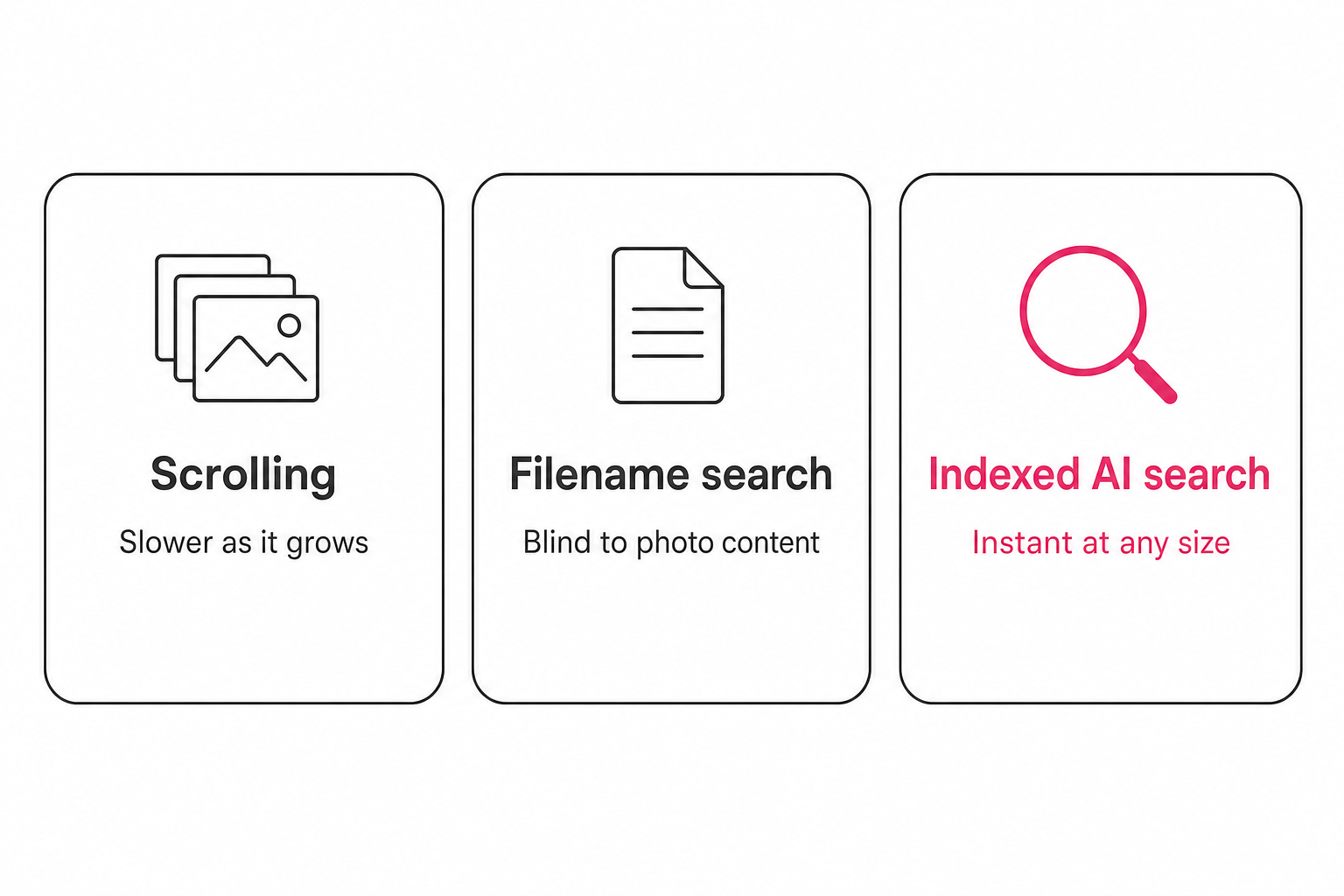
Only one common approach keeps its speed as the library grows, and it is the one that does the reading up front.
- Scrolling and memory. Linear with size. Skimming 200 thumbnails is a minute; skimming 100,000 is a workday, and it gets worse with every shoot you add.
- Built-in filename search. Fast at any size but blind to content. It matches names and document text, so
DSC_0481.jpggives it nothing to work with. - Re-running AI per query. Some tools send photos to a vision model at question time. That degrades with size twice over: more photos means more looking, and you pay for the same understanding again on every search.
- Indexed AI search. The model reads each photo once and the text index answers every future query. This is the only shape where search cost is disconnected from library size.
What happens in the second after you hit enter
A query against an indexed catalog is a text lookup: the words you typed are matched against the stored tags and descriptions, and the matching photos come back ranked. No image is opened, no model looks at pixels, nothing re-reads your library.
Tools in this category usually offer two gears. A plain keyword lookup behaves exactly like the text search above and is typically free and instant. An AI-assisted mode adds a model that interprets a conversational request, plans the lookup, and reranks the results; in Tagrly that costs one credit per search, the same unit that reads one photo, with plan sizes on the pricing page. Even the AI-assisted gear reads the index, never the originals. You can see the search itself on the AI photo search page.
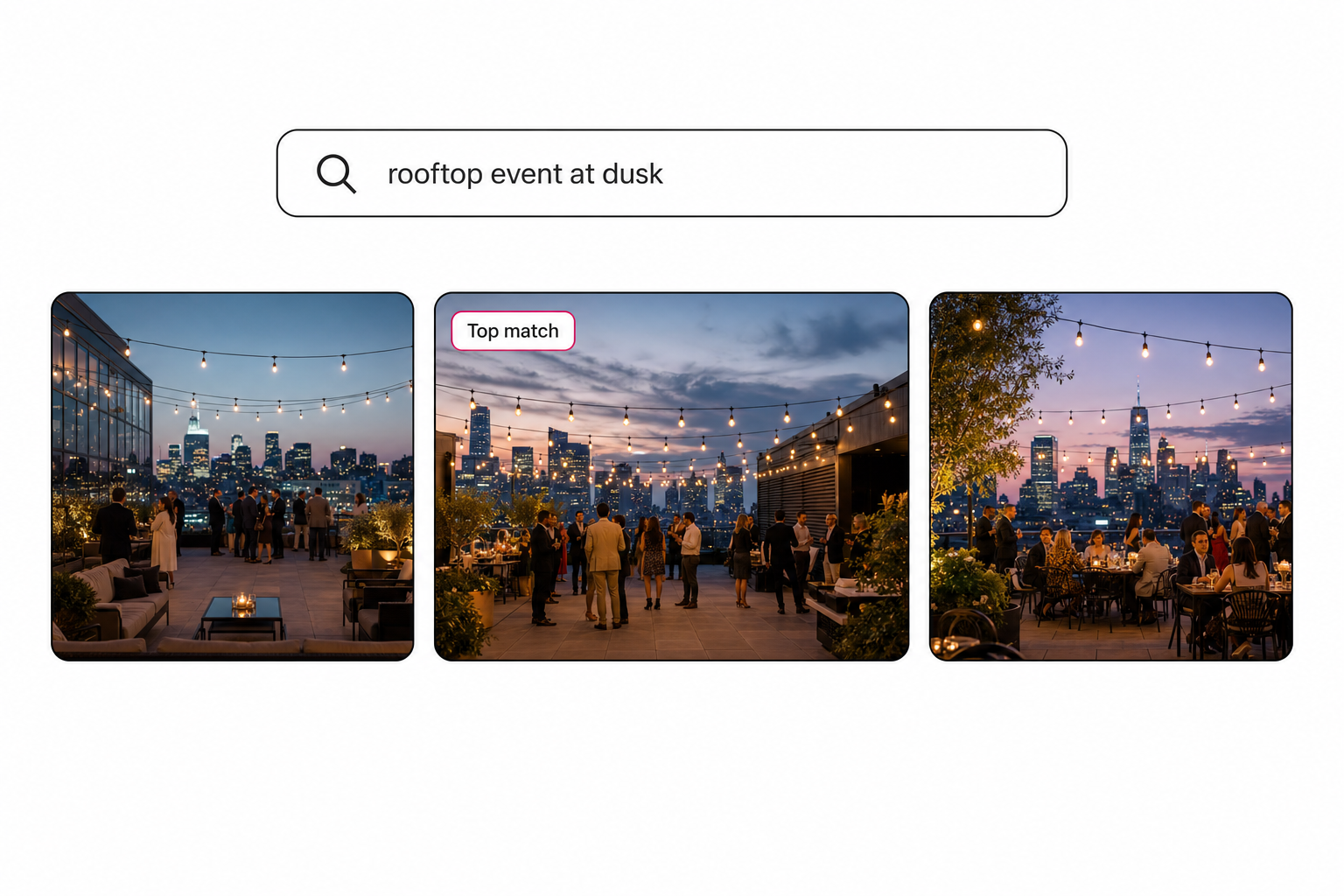
What determines whether the right photo surfaces is the quality of the reading. Focal-subject tagging, which names the subject the photographer actually shot rather than generic labels, and editorial-grade alt text, a full sentence per photo, give the index rich material to match against. The complete guide to AI photo tagging covers both in depth.
The speed question that actually matters: building the index
The honest cost of fast search is the indexing pass, because every photo has to be read once before it becomes findable. That pass is real work, and any tool that hides it is hiding your bill.
The shape of it is more forgiving than it sounds. The scan runs unattended in the background, and what has already been read is searchable while the rest is still going, so a large library becomes useful long before the scan finishes. After the first full pass, re-scans skip everything already read and touch only new or changed photos.
Notice what this post has not given you: a duration. Indexing time varies run to run, and a fixed quote is a promise no batch pipeline can keep. If your real question is how long the tagging itself takes, our companion guide to how fast AI photo tagging is measures it the honest way, in hands-on time.
Tip. You can feel the search speed on your own photos before paying anything. Tagrly's free tier reads the first 500 photos in any Drive or Dropbox folder, no credit card. Connect a folder and run a few searches as the first results land.
Why Drive and Dropbox feel slow when you search for photos
Built-in storage search is not slow, it is blind: it matches filenames, extensions, and document text, and a camera-named photo offers none of those. Google Drive's search filters by name, file type, owner, and words inside documents. Dropbox search matches file names, extensions, and file content the same way.
That design is excellent for documents and useless for a folder of IMG_2047.jpg. The query "sunset rooftop" returns nothing because no text anywhere says sunset or rooftop. We measured the gap in detail for both providers: see why Google Drive misses most photo searches and what Dropbox photo search finds and misses.
An AI catalog fixes the input rather than the search. Once every photo carries tags and a description, the same instant text search finally has something true to match. The broader techniques, from naming conventions to content search, are collected in our guide to finding any photo in your library.
Pick your search setup by library size
The right setup depends on library size and where the photos live, not on which tool demos fastest on twenty images.
- Under about 1,000 photos. Folders, filenames, and scrolling still work; this side of the 1,000-photo wall, discipline beats software. Free built-in search is enough.
- Solo, on one machine. A desktop organizer like Lightroom Classic or Excire Foto indexes locally and searches fast, but the catalog lives on that computer and the search is yours alone.
- Teams with photos in Drive or Dropbox. A connected catalog such as Tagrly or Pics.io indexes the storage you already use, and the whole team searches the same index without moving a file.
- Procurement-scale organizations. Brandfolder and Bynder bundle indexed search into enterprise asset platforms; the search is comparable, the contract is the product.
Whatever you choose, the mechanism is the test. Ask a vendor one question: does search read a pre-built index, or does it look at photos when I query? The first answer means how fast AI image search is across 100,000 photos stops being a worry, because indexed search does not care how big the library gets. For the full survey of every option and how to choose, start with the image catalog software buyer's guide.
Frequently asked questions
How fast is AI image search across 100,000 photos?
It behaves like any text search, which is to say it feels instant at any library size. The reason is architectural: the AI reads each photo once, ahead of time, and writes what it saw into a searchable index of tags and descriptions. When you search, the query runs against that small text index, not against 100,000 images of pixels. Text lookups of that kind are the same job web search engines have done across billions of documents for decades, so a photo library, even a very large one, is a light workload. The photos themselves are never opened at search time, which is why the size of the library barely moves the needle.
Does AI photo search get slower as my library grows?
Not in any way you would notice, because the search reads an index instead of the photos. What genuinely degrades with size is every alternative. Scrolling is linear: twice the photos means twice the scrolling. Re-running a vision model over your photos at query time gets slower and more expensive with every photo you add, because the model has to look at more images per question. Indexed search sidesteps both problems by paying the reading cost exactly once per photo, at indexing time. After that, adding photos grows the index a little, but text indexes are built to stay fast at sizes far beyond anything a photo library reaches.
Does the AI look at my photos every time I search?
No, and that is the entire trick. The vision pass happens once per photo, when the library is first indexed. The AI reads the image and writes structured tags plus a full descriptive sentence into a database. Every search after that is a text lookup against those stored words. Some tools also offer an AI-assisted search mode, where a model interprets a conversational request and reranks the results, but even that mode works from the index, not from the original pixels. The expensive act of understanding an image is never repeated per query.
Why is Google Drive or Dropbox search bad at finding photos?
Because built-in storage search matches filenames, extensions, and text inside documents, and a photo named DSC_0481.jpg offers none of those. The search is not slow, it is blind: it has no record of what is in the frame, so a query like 'sunset rooftop' returns nothing unless someone typed those words into a filename. Google Drive's own search documentation describes matching on names, file types, and document content. Dropbox works the same way. An AI image catalog fixes the input, not the search: it writes a description of every photo, so the same fast text search suddenly has something real to match.
How long does the indexing take before search gets fast?
It varies from run to run, so treat any fixed quote with suspicion. What you can rely on is the shape of it: the scan runs unattended in the background, and photos that have already been read are searchable while the rest of the scan is still going, so you do not wait for the end to start searching. Re-scans only touch new or changed photos, which means the full pass happens once. Our companion guide to how fast AI photo tagging is covers the indexing side honestly, including what actually governs the pace.
Do I have to re-index everything when I add new photos?
No. A well-built catalog records a fingerprint for every photo it has already read, so the next scan skips everything it has seen and reads only the new or changed files. Adding 500 photos to a 100,000-photo library means 500 new readings, not 100,500. Search speed is unaffected either way, because the query still runs against the text index, which absorbs new entries without slowing down. The practical consequence: the one large indexing pass is a one-time cost, and the library stays instantly searchable for its whole life afterward.
Try Tagrly on your own photo library
Connect your Google Drive or Dropbox folder and Tagrly will tag every photo in bulk. Search by what is actually in the image, share specific shots with clients, and never lose a photo again.
- Free for your first 500 photos
- Read-only access, revoke anytime
- No credit card