
You have four thousand photos from last year's shoots sitting in a Google Drive folder, every file named IMG_ something, and no budget line for another subscription. So you search for a way to tag them automatically and hit a wall of tools that all say "free" right up until the part where they aren't.
What "free" means in AI photo tagging
"Free" in AI photo tagging covers four different deals, and each one stops being useful at a different point. Knowing which deal a tool offers keeps you from picking the wrong free and meeting its wall later.
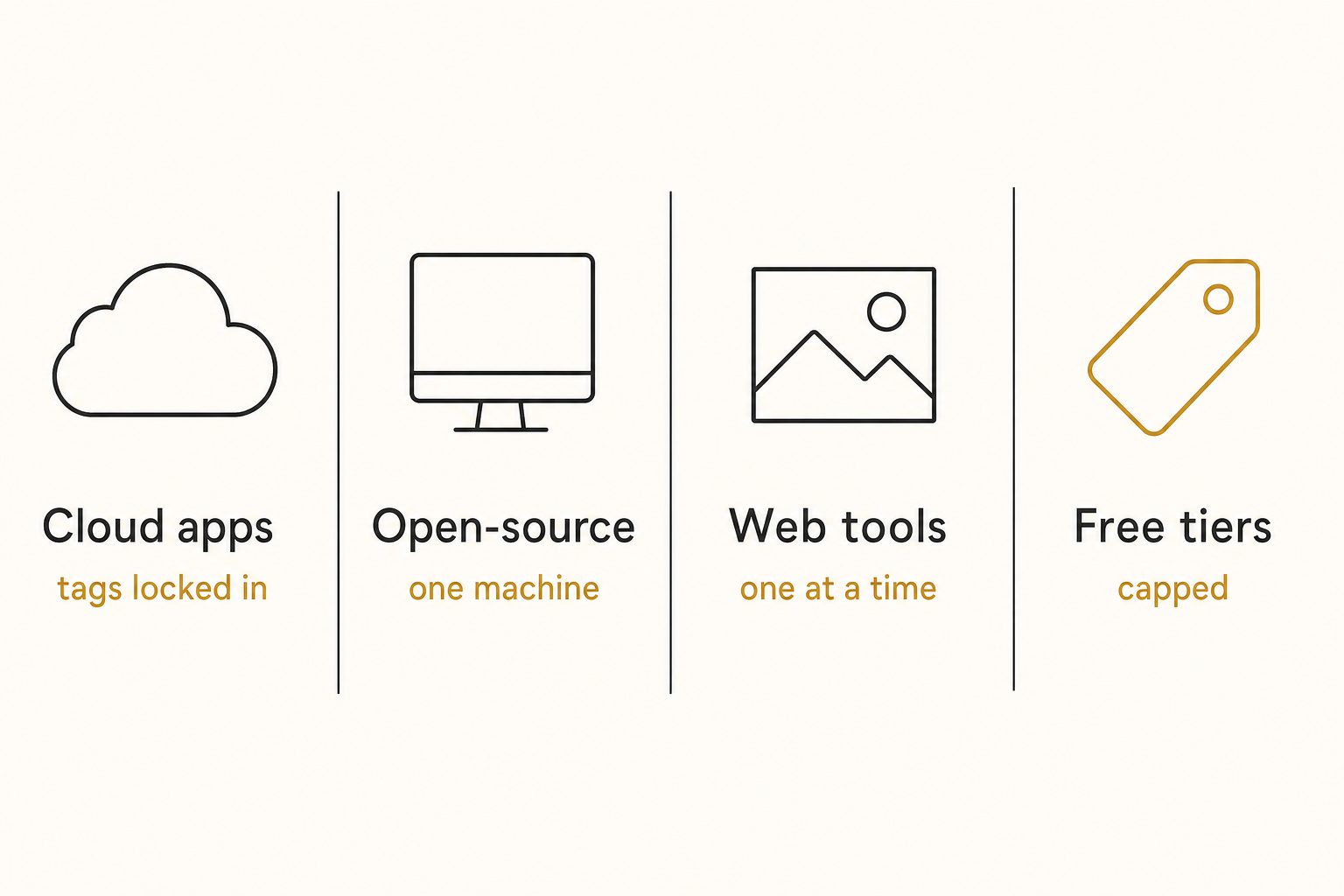
Cloud photo apps (Google Photos, Apple Photos)
Cloud photo apps are the most powerful free option and the most locked-down. Google Photos search finds photos from plain phrases like "colorful sunsets" with no labeling, and finds a person by name once you label their face group.
The ceiling is ownership. The labels work only inside the app's own search: you never see them as keywords, cannot send them to your website, and cannot run them on a Drive folder you have not added to Photos. Storage is capped too, since each Google Account includes up to 15 GB shared across Gmail, Drive, and Photos.
Open-source desktop software (digiKam, darktable)
digiKam is the free pick for a solo photographer who wants AI tagging on their own computer. It is open-source, and since version 8.3 it auto-tags photos with a built-in deep-learning model that detects objects, places, animals, and scenes. digiKam can also write keywords into each file's standard metadata (XMP and IPTC), so they travel with the photo.
The ceiling here is effort and reach. digiKam's auto-tags are short labels you still review, not sentences, and it is a desktop app for one person, not a library a team searches from a browser.
darktable is free and open-source too, with keyword tags and hierarchies, but no AI tagging: you type every keyword yourself. Its newer optional AI features handle masking, denoising, and upscaling, not keywords.
Free single-image web tools
Single-image web tools describe one photo per upload, which makes them the easiest way to see what AI tagging looks like. Tagrly has one: its free image description and keyword generator takes one upload with no signup and returns a written description and keywords, five reads a day.
The ceiling is obvious once you have more than a handful of photos: one at a time does not scale to a library.
Free tiers and trials of paid tools
Most paid tagging tools include a free tier or trial up to a limit, usually a photo count or a time window. That makes a free tier the way to test a paid bulk tool on your own photos before spending anything.
The ceiling is the cap itself. Free tiers are sized for evaluation, not for running a whole archive at no cost.
Note. Watch for "free" attached to a tool that charges per photo after a tiny allowance. That is a free tier, not a free tool: fine for a trial, a bad plan for a 10,000-photo library.
Where free AI photo tagging breaks down
Free AI photo tagging works until your library hits one of four walls, and the wall you are closest to tells you whether to stay free or start paying.
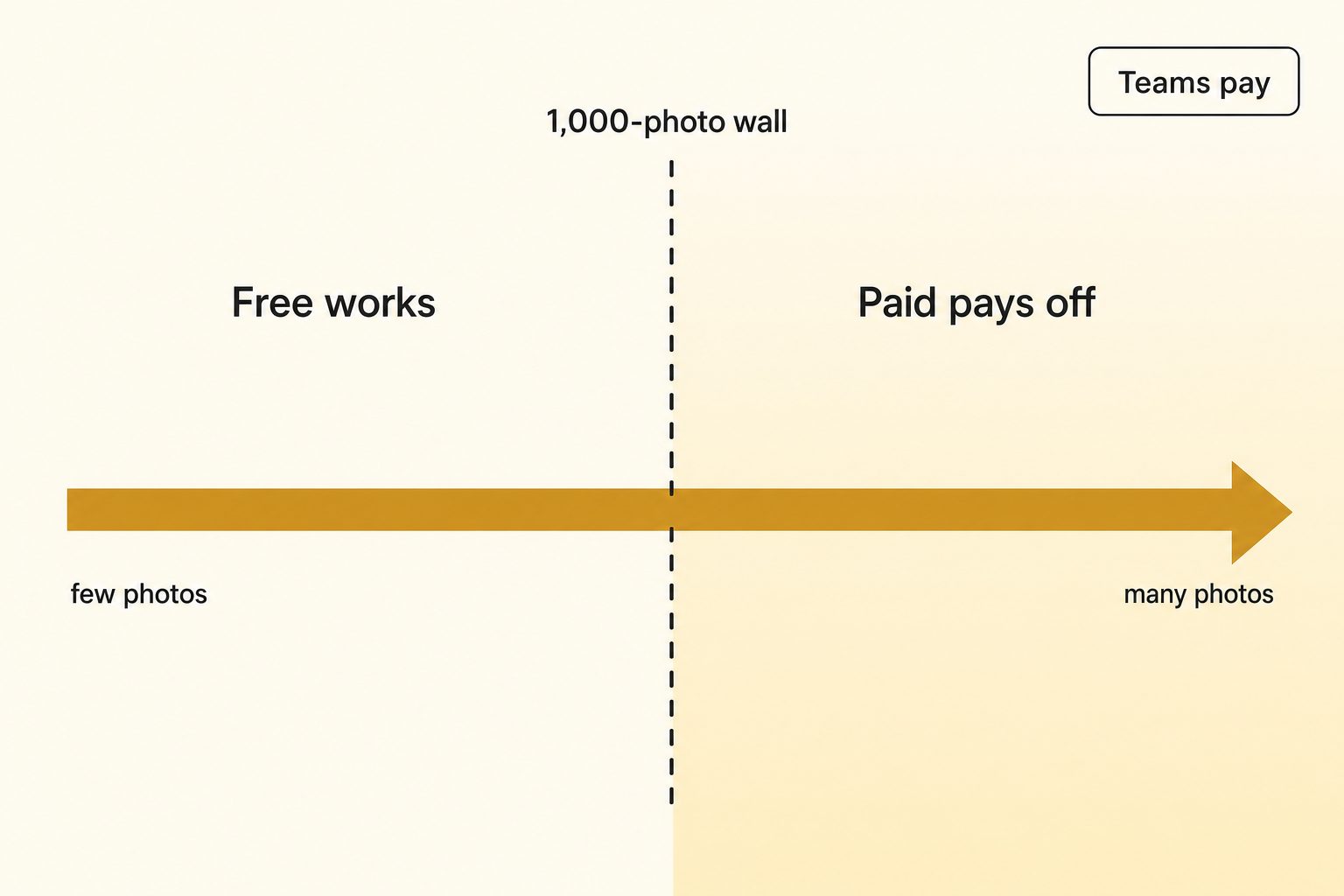
- The scale wall. We call it the 1,000-photo wall in our complete guide to AI photo tagging. Below about a thousand photos you can remember where things are, and one-at-a-time tools or hand tagging still work. Above it, the library goes opaque.
- The ownership wall. Consumer apps keep their labels inside the app. Desktop tools like digiKam write keywords into files you own. A connected catalog like Tagrly keeps tags in its searchable index, writes nothing into your files, and reaches a website through its WordPress plugin (photos arrive with their alt text, and alt text you already wrote is never overwritten) or its API.
- The team wall. The moment a second person needs to search the same photos, a one-person desktop app stops fitting. Google Photos shares albums, not a tagged library a whole team searches the same way.
- The quality wall. Free tools tend to produce flat keyword lists. If the text is going on a public page as alt text, a list fails screen-reader users and you end up rewriting it as a sentence, the gap we call editorial-grade alt text.
Here is how the four kinds of free line up against those walls:
| Kind of free | How many photos | Where the tags end up | Team search |
|---|---|---|---|
| Cloud photo app | Everything you upload | Inside the app's search | No, personal account |
| Open-source desktop | Your local library | The app's catalog and your files' metadata | No, one desktop |
| Single-image web tool | One at a time | Wherever you paste them | No |
| Free tier of a paid tool | Up to the tool's cap | The tool's index (Tagrly adds a WordPress plugin and API) | Yes, in team catalogs |
When paying starts to pay off
Paying starts to pay off when the hours you spend working around a free tool cost more than a subscription. If your library is personal, under a thousand photos, and lives in an app that already searches it, do not pay for anything.
The hours are easy to estimate. Tagging the four thousand photos from the opening by hand, at a skilled keyworder's 100 to 200 photos an hour, is 20 to 40 hours of typing. A connected tool runs that pass unattended in the background, and what is already read is searchable while the rest is still going.
Quality is the other half of the trade. In Tagrly's own testing on a 5,000-photo set, focal-subject tagging surfaced the correct top match in roughly 9 of 10 searches, and that ranking is what its AI photo search runs on.
The surest way to find your own crossover is to try a real bulk tool on your photos without paying first. Tagrly's free tier reads your first 500 photos with no credit card, so you can compare its tags against a free tool on the same shots.
Tip. Before you pay anyone, run the same ten photos through a free tool and a paid free tier side by side. That comparison tells you more than any pricing page.
How to pick: free, cheap, or connected
Pick by the wall you are closest to: a free tool is the right answer until scale, ownership, team access, or quality forces the question.
- Pick a free cloud app (Google Photos, Apple Photos) if your photos are personal, you search them inside that app, and you never need the tags anywhere else.
- Pick digiKam if you are a solo photographer who wants AI keyword suggestions written into files you own, and you are fine reviewing them on one computer.
- Pick a free single-image web tool if you only need keywords for a handful of photos, like a few product shots or stock submissions. Our guide to automatic photo keywords covers what stock agencies expect.
- Pick a paid connected catalog like Tagrly if your photos are in Drive or Dropbox, you have crossed the 1,000-photo wall, and a team needs to search the same library.
- Pick a broader organizer if the real problem is a messy library rather than missing tags. We compare those in how to pick an AI photo organizer.
For the full field sorted by situation, including buy-once desktop keyworders and pay-per-photo taggers, see our best AI photo tagging software shortlist. And if you are staring at the pile and just want the route to pick, our guide to tagging thousands of photos walks the three routes by situation.
The bottom line
Free AI photo tagging is real, but "free" is four different deals, and each runs out at a predictable wall: scale, ownership, team access, or quality. For a small personal library, one of the free options in this guide is all you need, and you should not spend a dollar. Once you cross the 1,000-photo wall or bring in a team, the free routes cost you hours instead of dollars, and a connected tool earns its keep. Either way, let the output on your own photos make the call, not the marketing.
Frequently asked questions
Is there a completely free AI photo tagging tool?
Yes, several, and each has a ceiling. Google Photos and Apple Photos label your photos automatically for free, but those labels only work inside each app's own search and never reach a Google Drive or Dropbox folder. digiKam is free and open-source, and since version 8.3 it suggests keywords with a built-in deep-learning model that runs on your own computer, which you then review. darktable is free too but has no AI tagging; you type keywords yourself. Free single-photo web tools describe one image per upload. And most paid tools offer a free tier or trial up to a limit. So free is real. What runs out is free across a large shared library, searchable by a whole team.
Can I tag thousands of photos for free?
Yes, if they live in a consumer app like Google Photos, because its automatic labels cover everything you upload at no charge. The catch is that those labels stay inside the app: you can search with them there, but you never see them as keywords, cannot carry them to another tool, and cannot run them on a shared Drive folder. If your photos are in Google Drive or Dropbox, the free routes are open-source desktop software like digiKam (free, but built for one person's computer, with a review pass on its suggestions) or the free tier of a paid tool (automatic, but capped; Tagrly's covers your first 500 photos). No tool tags an unlimited cloud library and shares the results with a team for free.
Is Google Photos AI tagging free?
Yes. Search in Google Photos is free: it finds photos from plain descriptions like 'colorful sunsets' without any labeling, and finds a person by name once you label their face group. Storage is the part with a cap. Each Google Account includes up to 15 GB, shared across Gmail, Google Drive, and Google Photos, and a working photo library can fill that. The bigger limit for professionals is reach. The labels work only inside Google Photos search, the app never shows them as keywords you can edit or copy, and there is no way to run the same tagging on a Drive folder you have not added to Photos.
When should I pay for AI photo tagging instead of using free tools?
Pay when one of four walls shows up. Scale: past roughly a thousand photos, one-photo-at-a-time tools and hand tagging stop being worth the hours. Ownership: if the tags need to reach a website or another system, labels that live only inside a consumer app are a dead end. Team: the moment two people need to search the same library, a one-person desktop app stops fitting. Quality: if the text is going on a public page as alt text, flat keyword lists have to be rewritten as sentences. If none of those apply, a free tool is the right answer and you should not pay for anything.
Is Tagrly free?
Tagrly reads your first 500 photos free, with no credit card, so you can see real tags and alt text on your own photos before deciding anything. Past that you pay in credits, one per photo read; current plans are on the pricing page. The free tier exists to let you judge output quality, not to run a large library at no cost. If your library is small and personal, a fully free tool may serve you better, and this guide covers several. To try a single photo without connecting anything, Tagrly's free image description and keyword generator gives you five reads a day with no signup.
Try Tagrly on your own photo library
Connect your Google Drive or Dropbox folder and Tagrly will tag every photo in bulk. Search by what is actually in the image, share specific shots with clients, and never lose a photo again.
- Free for your first 500 photos
- Read-only access, revoke anytime
- No credit card