
You installed Claude's new Dropbox connector, asked for the golden hour rooftop shots from the spring campaign, and got back a polite list of file names it guessed at. The connector did its job. Its job just is not photo search.
How to connect my photos to Claude: five steps
The working setup takes one scan and one pasted command. Everything else is waiting.
- Connect the folder. Sign in to Tagrly and point it at the Dropbox or Drive folder that holds your photos. The first 500 photos are analyzed free, no credit card.
- Let the scan run. The analysis runs unattended in the background. What is already read is searchable while the rest is still going.
- Create an API key. In Settings, under API access, create a key and name it after the tool that will hold it. It is shown once, so store it right away.
- Add the MCP server to Claude. In Claude Code, run
claude mcp add --transport http tagrly https://tagrly.com/mcp --header "Authorization: Bearer YOUR_KEY". For Claude's web and desktop apps, the MCP server page has a walkthrough per client. - Ask for photos in plain words. "Three golden hour rooftop shots with empty tables" now returns actual photos, each with a hosted URL and publish-ready alt text.
That is the whole path. The rest of this post explains why the Dropbox connector alone does not get you there, and what the analyzed version can do that name search never will.
What Claude's Dropbox connector actually does
The connector is a file tool, and a genuinely useful one. Anthropic's own capability list for the Dropbox plugin says it can search files and folders "by name, keyword, type, or location," browse file metadata, "read and summarize supported file content," save generated content back to Dropbox, and manage shared links. Dropbox's setup guide describes the same scope.
Read that list again with a photo library in mind. Every capability operates on names, metadata, and text. As of this writing, nothing in it runs vision analysis over the pixels of your photos, and neither vendor claims otherwise.
That distinction hides easily because Claude the model does see images. Attach one photo in a chat and Claude describes it beautifully. But connector search across a folder of 8,000 images is a different operation: it matches strings, and a photo is not a string.
Note. This is not a knock on the connector. For contracts, briefs, and decks, name-and-text search is exactly right, and saving Claude's output back into Dropbox is a real workflow win. It is only photos that fall through, because photos carry their meaning in pixels the search never reads.
Why name search fails on a photo library
A camera names your best shot IMG_4827.JPG. That name holds nothing: no subject, no light, no mood, no location. Multiply by every card you ever offloaded and the library is opaque to any tool that searches names, including Claude's connector and Dropbox's own built-in search.
Renaming files helps less than it feels like it should. A filename holds one line of information, while a photo is worth dozens: who is in it, what they are doing, the light, the setting, whether there is room for a headline. And renaming by hand is the same labor as manual keywording, which runs 5 to 8 hours per 1,000 photos at editorial depth.
This is the 1,000-photo wall from our bulk tagging guide: below about a thousand photos you can remember where things are, and above it every library becomes a scroll. A connector that searches names does not move the wall. It just lets you hit it from inside Claude.
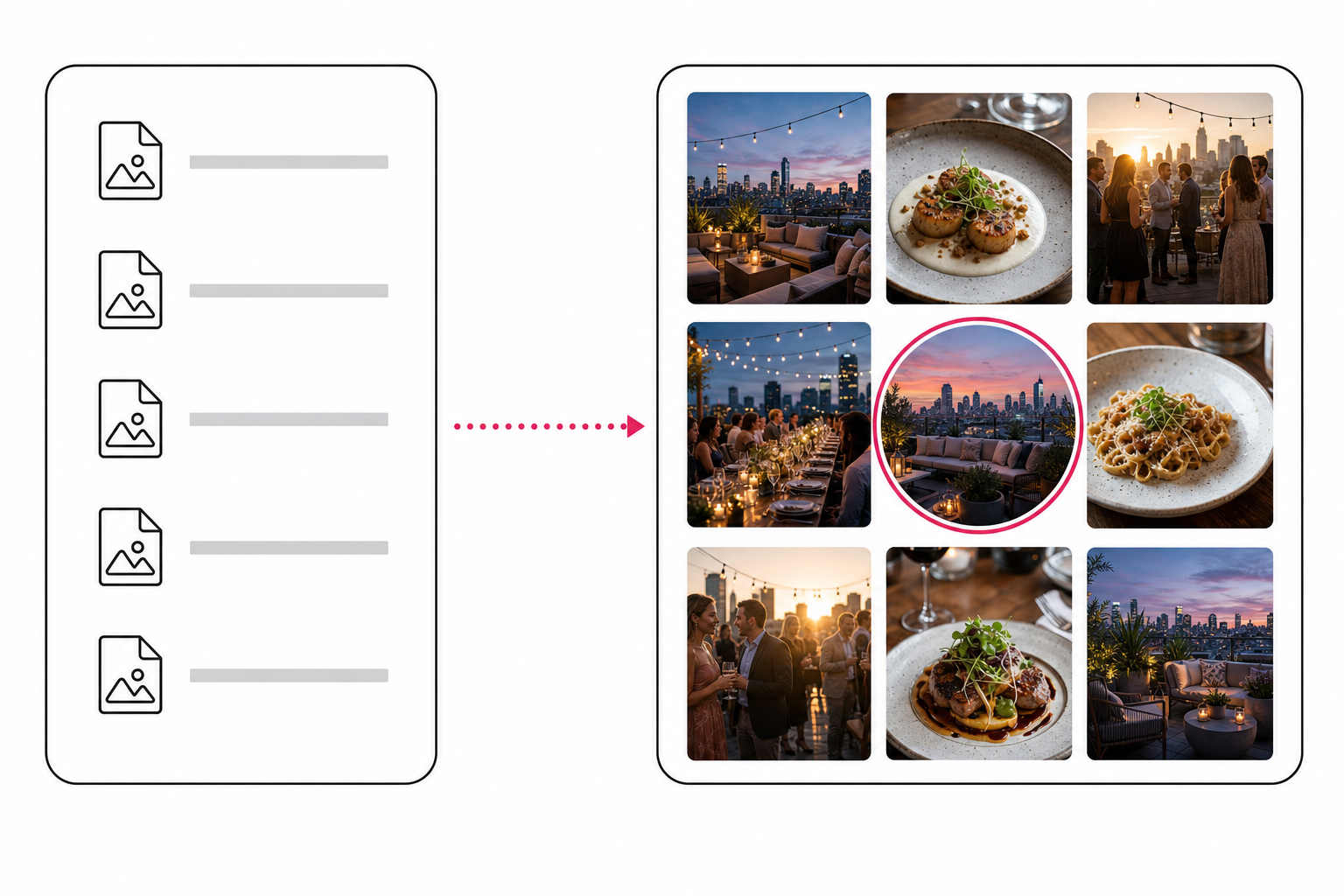
What changes when the photos are analyzed first
An analyzed library gives Claude something searchable to stand on. Tagrly reads every photo into 34 structured fields: focal subject, scene, mood, lighting, time of day, people count, crop friendliness, and an editorial-grade sentence of alt text ready for a public page, among others.
Tagrly's MCP server at tagrly.com/mcp then serves that index to Claude over the Model Context Protocol, Anthropic's open standard for giving assistants tools. Six tools, specifically:
- search_photos, free keyword search across the analyzed fields.
- find_photos, a plain-language ask ("candid staff moments, warm light") that an AI plans and reranks. One credit.
- get_page_images, a curated, page-ready set for a topic, with alt text rewritten to fit. One credit.
- get_image, one photo's full analysis. Free.
- list_collections and log_usage, so the assistant can browse named sets and record what it used, and a long automation never repeats an image.
Two design choices matter here. The server is a thin adapter: every tool dispatches through the same API endpoints, key, and metering as the HTTP interface, which we mapped in our survey of photo tagging APIs and agent access. And it signals gaps honestly: when the library lacks a shot, the tools say so instead of forcing the least-wrong match.
The output quality question, what the vision model notices that a label detector misses, is its own topic. We cover it in what Claude vision sees in an image catalog.
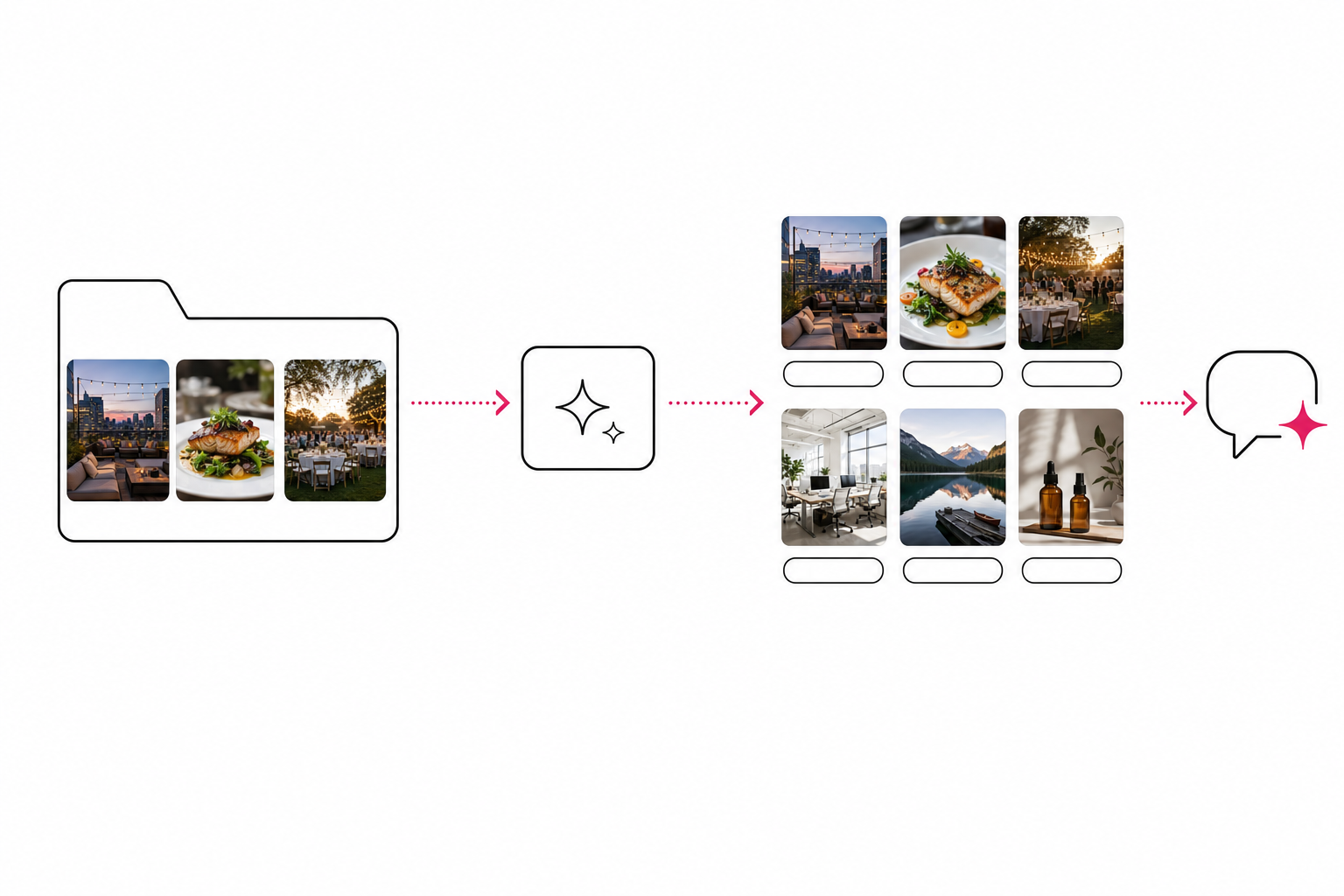
Tip. The fastest way to judge this is on your own photos. Run Tagrly on your messiest folder, free for the first 500 photos, then ask Claude for a shot nobody ever named.
Keep the connector, add the catalog
The two setups solve different problems, and the honest recommendation is usually both.
- Keep the Dropbox connector if your Dropbox is mostly documents. For finding contracts, summarizing briefs, and saving drafts back, it is the right tool.
- Attach photos in chat for one-off work. Describing a single image, drafting a caption, roughing out alt text: no setup needed. Our post on whether Claude can organize your photos covers where chat alone stops.
- Pick a desktop organizer like Excire or ON1 if you work solo and the archive lives on your own machine. No connector required, no team layer either.
- Use Tagrly's MCP server if your team's photos live in Drive or Dropbox and you want Claude to pull real shots, with real alt text, into pages and posts.
For most teams reading this, the answer is the last row plus the first: the connector for files, an analyzed catalog for photos.
The short version
Claude's Dropbox connector reads your files and searches their names and text, and as of this writing that is the whole story for photos. To connect your photos to Claude in a way that survives a library of thousands, analyze them first, then hand Claude the index as tools.
Tagrly does both: the scan runs unattended, the MCP server takes one command to add, and the first 500 photos are free, no credit card. Ask for the shot by what it shows, and stop guessing file names.
Frequently asked questions
Can Claude search my Dropbox photos?
Partly. Claude's Dropbox connector searches files and folders by name, keyword, type, or location, and it can read and summarize supported file content, per Anthropic's own capability list. As of this writing it does not run vision analysis over photo pixels, so it can find rooftop-sunset-04.jpg by name but not the same photo saved as IMG_4827.JPG. To search photos by what they show, the photos need to be analyzed into a searchable index first, which is what Tagrly's MCP server provides.
How do I connect my photos to Claude?
Connect your Dropbox or Google Drive folder to Tagrly, let the analysis run, then add Tagrly's MCP server to Claude with your API key. In Claude Code it is one command: claude mcp add --transport http tagrly https://tagrly.com/mcp, with an Authorization header carrying the key. The first 500 photos in any folder are analyzed free with no credit card, and setup walkthroughs for other clients are on the MCP server page at tagrly.com/mcp-server.
Why can't Claude find my photos by what's in them?
Because file search reads names and text, not pixels. A camera names a photo IMG_4827.JPG, and that name carries nothing about the photo's content, so no name search can surface the sunset shot. Claude can describe a single photo you attach in chat, but connector search across a folder of thousands matches names, keywords, and supported file text only. An analyzed catalog fixes this by writing what each photo shows into fields a search can actually read.
What is the Tagrly MCP server?
It is your Tagrly photo library served as tools any MCP client can call, at tagrly.com/mcp. It exposes six tools: search_photos for free keyword search, find_photos for a plain-language ask, get_page_images for a page-ready set with rewritten alt text, get_image for one photo's full analysis, list_collections, and log_usage. Each tool dispatches through the same API endpoints with the same key and metering, so nothing behaves differently because an agent called it instead of a human.
Does connecting my photos to Claude cost anything?
The first 500 photos in any Drive or Dropbox folder are analyzed free, no credit card. After that, one credit reads one photo and one credit runs one AI-planned search. Keyword search through the MCP server's search_photos tool stays free at any volume, and there is no separate charge for the MCP server itself. Details are on the pricing page.
Can Claude change or delete my photos through the MCP server?
No. The six tools search the catalog, fetch analyses, list collections, and log which images were used. None of them move, edit, or delete photos. Your originals stay in your own Dropbox or Google Drive the whole time; Tagrly reads them through the storage provider's API and writes its results to its own index, never back into your folders.
Try Tagrly on your own photo library
Connect your Google Drive or Dropbox folder and Tagrly will tag every photo in bulk. Search by what is actually in the image, share specific shots with clients, and never lose a photo again.
- Free for your first 500 photos
- Read-only access, revoke anytime
- No credit card