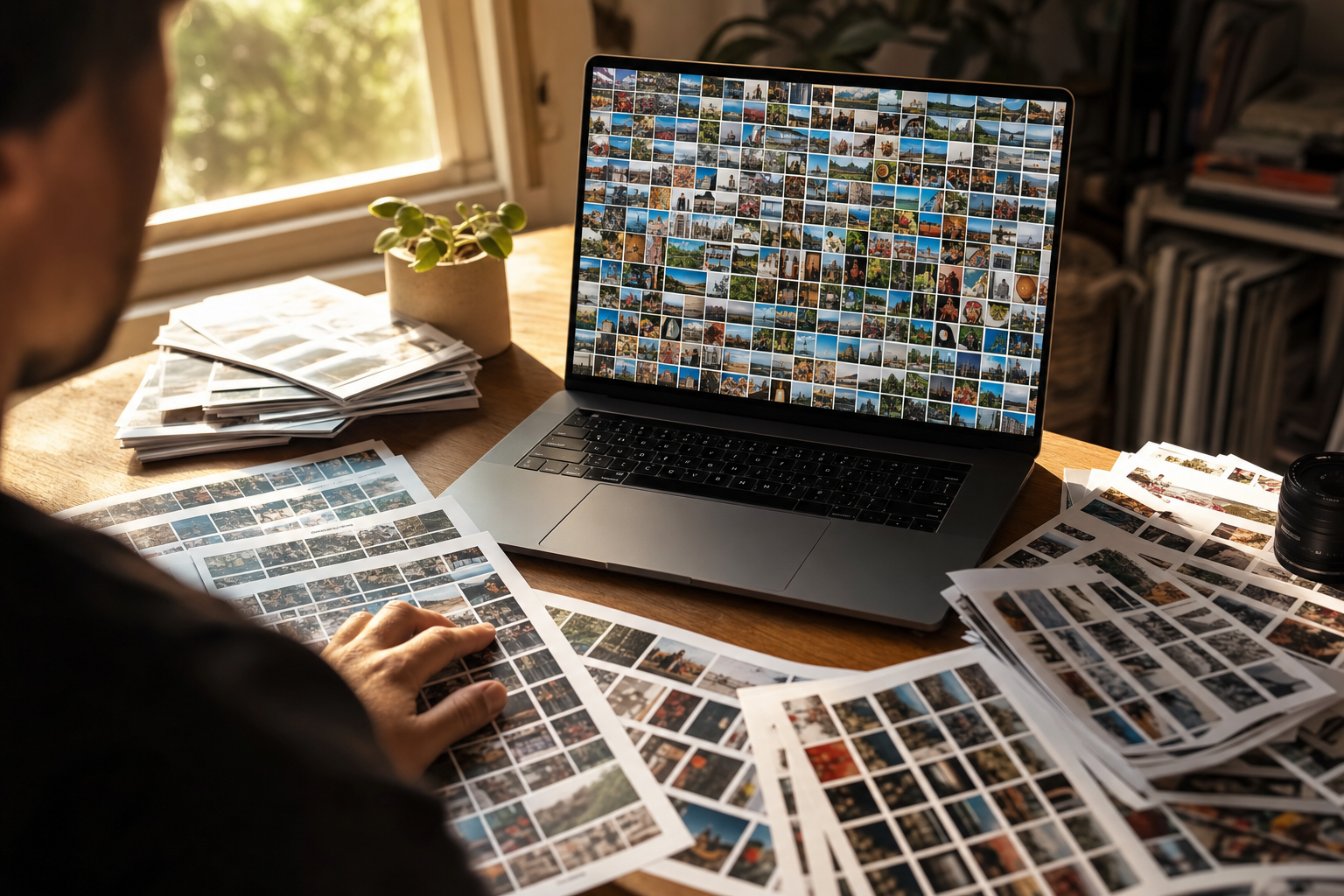
Claude can now sort folders on your computer and move files around your Google Drive, yet your shoots still sit there as eight thousand files named IMG_4827.jpg. So can Claude organize your photos, or does the file work stop short of a library you can search?
First, which Claude are we talking about?
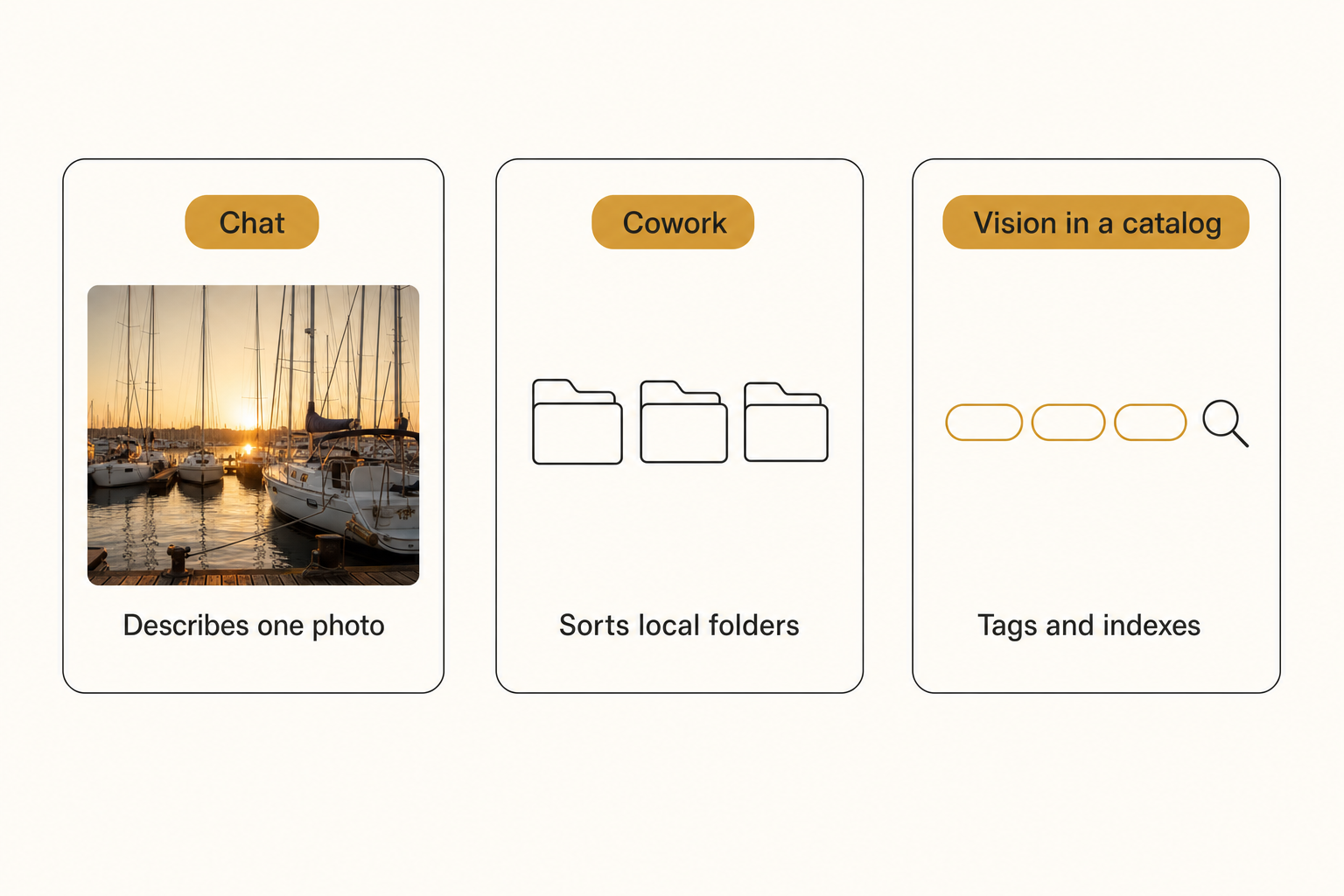
Claude reaches your photos through five surfaces, and only one of them, Claude vision inside a catalog, keeps a searchable record of every photo as the library grows.
- Claude chat. Describes photos you upload and answers in chat text.
- Claude Cowork. An agent, on paid plans, that reads, moves and renames files in folders you connect.
- The Drive connector and Dropbox plugin. Let Claude create folders and move files in your cloud storage.
- Claude Code. Writes and runs scripts that sort or rename photos by embedded date or camera data, for technical users.
- Claude vision inside a catalog. Photo software sends every image to the model and stores the description and tags it returns.
Can Claude organize your photo folders?
Yes: as of October 2026, Claude can sort and rename photo files on your computer and move them into folders in Google Drive and Dropbox.
- Cowork. It works in folders you connect on your computer, through the Claude Desktop app. Anthropic's Cowork guide lists "Organize my Downloads folder by type and date" and batch renames "with consistent patterns like YYYY-MM-DD formatting."
- Google Drive. Claude's Google Workspace connectors can create folders and "Share, move, and trash files in Google Drive," asking your approval before each by default. The connector reads images, so Claude can sort a Drive folder of photos into subfolders, though renaming is not on its list.
- Dropbox. The Dropbox plugin can "Organize folders by creating, copying, and moving content." Our guide to Claude and Dropbox photos covers what its search finds.
Published hands-on tests back this up: one writer had Cowork rename about 500 photos by capture date, while another had to tell it to work in batches to avoid errors.
Cowork needs a paid plan (Pro, Max, Team or Enterprise) and asks before it permanently deletes files; switch it to Manual mode to approve every action yourself.
Can Claude tag or search photos by what is in them?
Claude can describe what is in a photo, but no Claude app saves those descriptions as tags you can search later.
- Chat answers stay in the chat. Claude reads JPEG, PNG, GIF and WebP files, up to 20 per chat, per Anthropic's upload limits. Describing a photo works on the free plan, but nothing is written to the file.
- A rename is not an index.
2024-06-marina-sunset.jpgbeatsIMG_4827.jpg, but a filename holds one line. You can ask Cowork to write descriptions into a spreadsheet, but new shoots stay out of it until you run the job again. - The cloud tools keep no description. The Drive connector writes no tags to Drive, and the Dropbox plugin searches by name, keyword, type or location.
Where Claude stops on a working photo library
Claude stops at the index. Moving files puts each photo in one place, but finding a photo by what it shows needs every photo read once and the reading stored.
- A folder holds one dimension. File by client and the sunset shots scatter; file by date and each client's work spreads across years.
- New shoots land unsorted. A tidy tree is current only on the day it is sorted.
- Big archives cost usage and approvals. Anthropic notes that each step Claude takes uses tokens, and the Drive connector asks before each move by default, so a 20,000-photo archive draws heavily on both.
The other assistants hit the same ceiling. As of October 2026, ChatGPT reaches Drive and Dropbox on paid plans, Gemini moves Drive files and builds Google Photos albums on eligible plans, and Copilot reorganizes work folders. None writes searchable tags for every photo in a team library in Drive or Dropbox; the content search that does exist sits in personal photo apps such as Google Photos and Windows Photos.
Note. Whether Claude trains on your photos depends on your account, per Anthropic's training policy:
- Free, Pro and Max. Chats are used to improve models if you allow it in privacy settings, if a conversation is flagged for safety review, or if you explicitly opt in. Incognito chats are not used, even with Model Improvement on.
- Connector and MCP content. On those plans, raw content from connectors such as Google Drive, and from MCP servers, is not included unless you copy it into the chat.
- Team, Enterprise and the API. Anthropic's commercial terms say it "may not train models on Customer Content from Services."
Our guide to whether AI photo tagging is safe adds five checks to run first.
How to make a large photo library searchable with Claude
Read every photo once with a vision model, store the results in a catalog, then let Claude search it.
Describing photos by hand runs into the 1,000-photo wall: a skilled keyworder covers 100 to 200 photos per hour. Connected AI catalogs read a Google Drive or Dropbox folder, run every photo through a vision model, and store a focal-subject label, tags and editorial-grade alt text in one index a team shares.
Tagrly is one, and its analysis runs on Claude vision; we cover what Claude vision sees that object detectors miss separately. Focal-subject tagging ranks the dominant element of each photo above the background, so "amber string lights" returns the dockside dinner shot, not every photo with a bulb in a corner.
In Tagrly's own testing on a 5,000-photo set, focal-subject tagging surfaced the correct top match in roughly 9 of 10 searches, against roughly 4 of 10 for the same library under a generic object detector.
Tagrly reads Google Drive (drive.readonly) and Dropbox with read-only access, so files there never change, and also takes uploads of photos, a folder or a zip. It keeps a hosted copy of each photo with its tags and alt text, and the vision model reads a smaller preview.
Let Claude search the catalog over MCP
Once the library is analyzed, Claude can search it through Tagrly's MCP server, so Claude stays your front end.
- Create an API key in Tagrly under Settings, API access.
- Connect Claude. In Claude Code, run the command below. In Claude's web and desktop apps, add a custom connector (Settings, Connectors, Add custom connector) with an Authorization header, where your plan supports it. Tagrly is not in Claude's connector directory, so add it by URL.
- Ask in plain words. "Find three terrace shots at sunset for the spring newsletter." Claude calls
search_photos, a free keyword search, orfind_photos, a plain-language ask that costs one credit.
claude mcp add --transport http tagrly https://tagrly.com/mcp --header "Authorization: Bearer YOUR_KEY"
Setup details for both are on our MCP server page.
Tip. Tagrly reads your first 500 photos free, no credit card. Try it on your messiest folder, then ask Claude for a shot nobody ever named.
Which tool fits your photo library
Use Cowork for a messy local folder; for a team library you need to search, index it once and keep Claude as the way you ask.
- Use Claude chat if you need captions or alt text for a handful of photos.
- Use Cowork if a folder on your computer needs sorting and renaming to a pattern.
- Use the Drive connector or Dropbox plugin if cloud photos need moving into new folders.
- Use Claude Code if you want a repeatable script that sorts by date or camera.
- Pick a desktop AI organizer like Excire Foto if you work solo and the archive must stay on one machine.
- Pick a connected AI catalog (Tagrly is one) if the photos live in Drive or Dropbox and a team needs to find shots by what they show.
- Pick Claude plus a catalog over MCP if you already work in Claude. For most Claude users with a working library, aim for this setup.
So, can Claude organize your photos? As of October 2026, yes in the filing sense: Cowork, the Drive connector, the Dropbox plugin and Claude Code all move or rename real files. What Claude does not keep is an index that stays searchable as new shoots land. Build that index once with a catalog that runs on Claude vision, connect it to Claude, and the assistant you already use becomes how you find photos.
Frequently asked questions
Can Claude Cowork organize my photo folders?
Yes. Cowork reads and writes files in folders you connect on your computer, with the Claude Desktop app open on that machine. Anthropic's own examples include organizing a Downloads folder by type and date and batch renaming files to patterns like YYYY-MM-DD. Published hands-on tests have had it rename about 500 photos by capture date and flag duplicates, and sort about 260 screenshots into subfolders by what each showed, though that tester had to tell it to work in batches to avoid errors. Cowork asks before it permanently deletes files, and you choose Manual, Auto or Skip all approvals for everything else. It needs a paid plan (Pro, Max, Team or Enterprise), and long multi-step jobs use more of your plan's usage. The result is a tidier folder tree, not tags you can search later.
Can Claude organize photos in Google Drive or Dropbox?
It can move them, as of October 2026. Claude's Google Drive connector can create folders and move, share or trash files, and by default it asks your approval before each move, share or trash. On Team and Enterprise plans an owner has to enable the connector first and decides those approval settings. The connector reads images, so Claude can sort a Drive folder of photos into new subfolders, but renaming Drive files is not on its list, and it writes no tags or descriptions to Drive. Claude's Dropbox plugin can create folders and copy or move content, and it searches files by name, keyword, type or location. Neither one leaves behind a record of what each photo shows that you can search next month.
Can Claude tag photos so they become searchable?
Not on its own. Claude chat describes a photo you upload, and Cowork can rename files, but no Claude app stores a description and tags for every photo that you can search later, and none writes tags into Google Drive or Dropbox. The Claude vision model can do the tagging when software runs it across a whole library. Connected AI catalogs send every photo through a vision model and store a focal-subject label, tags and alt text in a searchable index. Tagrly is one, and its analysis runs on Claude vision. Once a library is analyzed, Claude itself can search it through Tagrly's MCP server: one command in Claude Code, or a custom connector in Claude's web and desktop apps where your plan supports it.
Is Claude better at organizing photos than ChatGPT, Gemini or Copilot?
Claude's Cowork is a strong file sorter, and the other assistants now move files too. As of October 2026, ChatGPT reaches Google Drive, Dropbox, Box and SharePoint through apps on paid plans and can work across files in a Drive folder you select. Gemini in Drive suggests file moves and moves or renames files by prompt on eligible plans, and Gemini tasks build albums in a personal Google Photos library. Copilot reorganizes work files into folders in OneDrive and SharePoint for work accounts. The ceiling is shared: none of them writes searchable descriptive tags for every photo in a team library that lives in Google Drive or Dropbox. The content search that does exist lives inside each vendor's own personal photo app, such as Google Photos or Windows Photos.
Does Claude use my photos for training?
It depends on your account. On consumer plans (Free, Pro and Max), Anthropic says chats are used to improve its models if you allow it in your privacy settings, if a conversation is flagged for safety review, or if you explicitly opt in. Incognito chats are not used even when Model Improvement is on, and raw content from connectors such as Google Drive, and from MCP servers, is not included unless you copy it into the chat. Team, Enterprise and API use fall under Anthropic's commercial terms, which say it may not train models on Customer Content from Services. Check your privacy settings, and read your client contract before photos shot under it go into any AI tool.
How do I make a large photo library searchable?
Have every photo read once, and store what was read in one index. Typing keywords by hand runs into the 1,000-photo wall. A skilled keyworder covers 100 to 200 photos per hour. Connected AI catalogs connect to a Google Drive or Dropbox folder with read-only access, run each photo through a vision model, and store a focal-subject label, tags and alt text that the whole team can search. In Tagrly's own testing on a 5,000-photo set, focal-subject tagging surfaced the correct top match in roughly 9 of 10 searches, against roughly 4 of 10 for the same library under a generic object detector. Tagrly reads your first 500 photos free, no credit card, and Claude can then search the results over MCP.
Try Tagrly on your own photo library
Connect your Google Drive or Dropbox folder and Tagrly will tag every photo in bulk. Search by what is actually in the image, share specific shots with clients, and never lose a photo again.
- Free for your first 500 photos
- Read-only access, revoke anytime
- No credit card