The wedding gallery you delivered in June is open on a stranger's phone in a group chat, because a share link travels the way all links travel: forwarded, pasted, screenshotted. A password is the obvious fix, and whether you can add one depends entirely on which tool made the link.
What a password on a client gallery actually protects
A gallery password does one job: it makes the link useless to anyone who was not also given the password. That is real protection against casual forwarding, and it is the main thing you are buying.
Photo sharing tools offer three levels of access control, and every tool picks a subset:
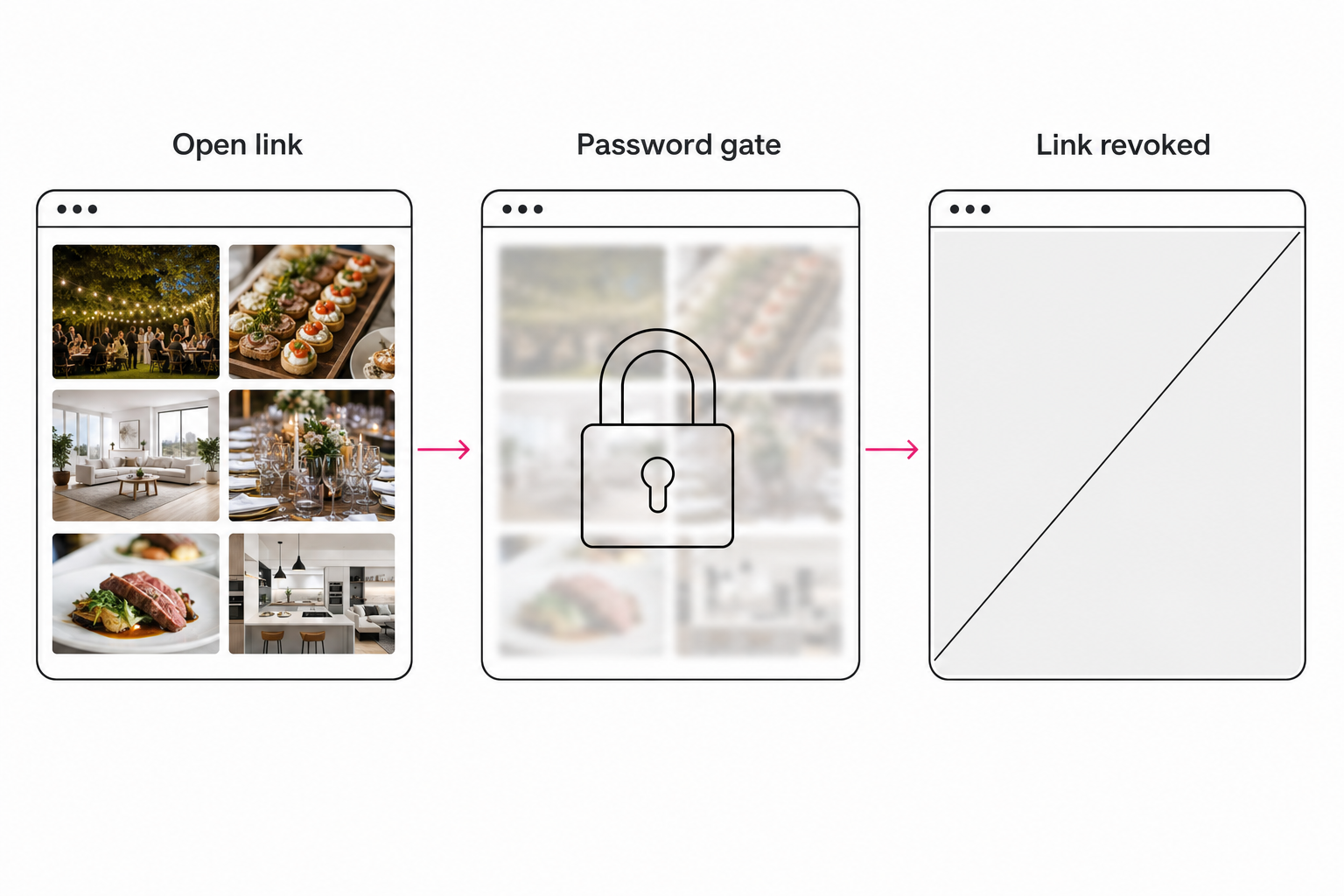
- Anyone with the link. The default everywhere. Whoever holds the URL is in, including everyone it gets forwarded to.
- Link plus password. The link alone is not enough. Cuts off drive-by access, but the password often travels in the same message as the link.
- Named viewers or an email gate. The viewer identifies themselves, either by signing in to an account or by entering an email address before the gallery opens. Strongest, and the most friction.
A password is not encryption, and it can protect less than it appears to. The question that separates serious tools from decorative ones is what the password actually gates. If the gallery page is locked but each photo sits at a raw public file URL, anyone who copies an image address walks around the door.
Tip. Ask any gallery vendor two questions before trusting them with sensitive photos: does the password gate the image files themselves, or only the gallery page, and does changing the password cut off viewers who already opened the gallery? The second answer tells you whether you can ever take a delivery back.
Where the free cloud links stand on passwords
The links most client photos already travel on, Google Drive, Google Photos, and free Dropbox, cannot take a password. Here is what each offers instead.
Google Drive and Google Photos
Drive share links come in two modes, Restricted and Anyone with the link, and neither accepts a password. Google's sharing documentation covers both.
Restricted is the closest control: you name specific email addresses, and those people sign in with a Google account to open the link. That is identity-based access, which beats a password for accountability, but it locks out clients without Google accounts and drops the ones who have them into a file listing, not a gallery.
Google Photos shared albums are the friendlier free page, and they have no password option at all. The album link is the whole lock. If Drive is your delivery method anyway, set the share up cleanly and treat the folder as disposable.
Dropbox
Dropbox has true link passwords, plus expiry dates, but they live on paid plans: Professional, Essentials, Standard, Advanced, and the Business tiers, as of writing in August 2026. The link settings page lists what each plan includes. The free Basic plan and the consumer Plus plan do not include them.
If you already pay for one of those plans, this is the cheapest real gallery password you can get, and it takes about a minute to switch on. The client still lands in a file browser rather than a presented gallery, which is fine for a folder of finals and underwhelming for portfolio work.
Proofing galleries treat passwords as table stakes
For shoot-by-shoot photography, the proofing category solved this years ago. Pixieset, Pic-Time, ShootProof, and CloudSpot all offer per-gallery passwords, and typically download PINs and expiring links alongside them. Features and plan limits vary by vendor and change often, so check their current pages.
This is the right buy when you deliver a wedding or a session and the gallery is the product: branded presentation, client favorites, watermarked proofs, and the password on the door all come as one package. The limit is organizational, not protective. These galleries arrange photos into sets the client scrolls, so the password protects a gallery that can only answer questions you predicted when you built the sets.
A password plus a search box: the catalog gallery route
For an archive, the password is the easy half. When a retainer client, a venue, or a brand keeps coming back with "can you find me" requests, the gallery behind the password needs a working search box, and that requires a tagged catalog underneath.
The setup runs in two layers. First, an AI tagging pass reads every photo in your Drive or Dropbox and records what it shows: one focal subject, supporting context tags, and a line of alt text, the method covered in our complete guide to AI photo tagging. Vision models like Claude vision made this practical at library scale.
Second, a client gallery becomes a boundary drawn over that catalog: a curated collection or a saved search, shared as its own link, with the search scoped to what is inside.
The password then comes with company. In Tagrly, a share link can carry a password, an email gate that records who viewed, an expiry date, and a disable toggle, and the image bytes stream through the link itself, so flipping any of those switches cuts access immediately, even for someone who opened the gallery last week. Other catalog tools cover similar ground; Pics.io also connects to Drive.
The tagging pass behind this runs unattended in the background. The search half of the setup has its own walkthrough in setting up a searchable client gallery.
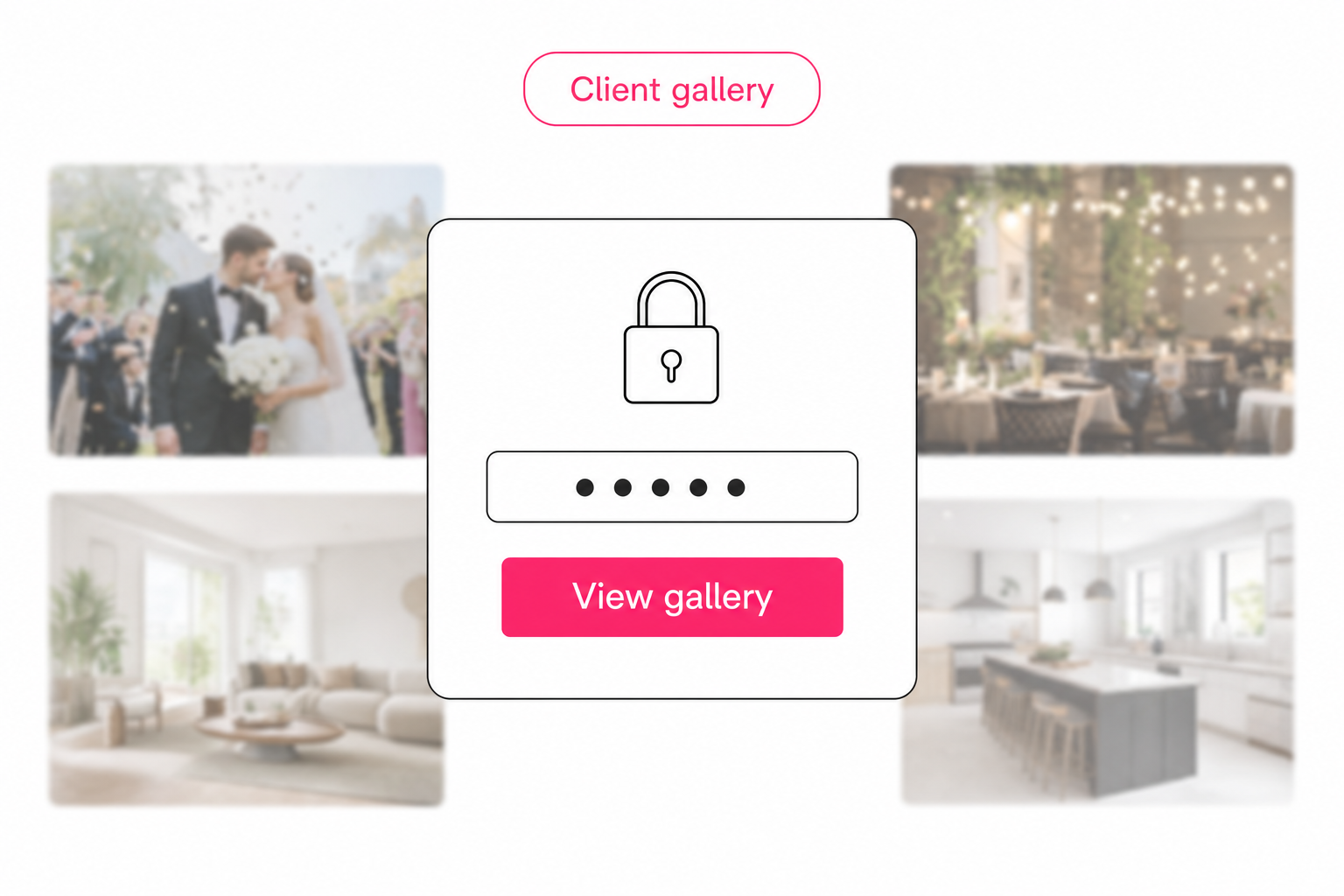
Tip. You can try the catalog route without committing anything. Tagrly's free tier tags the first 500 photos in any Drive or Dropbox folder, no credit card, so run it on a sample folder and put a password on the first gallery you share.
Which password protected gallery setup fits you
Honest guidance, because the free options genuinely cover some situations:
- Your client has a Google account and deliveries are occasional. Drive's Restricted sharing. Free, and identity beats a password when it is available.
- You already pay for Dropbox Professional or a Business plan. Turn on the link password and an expiry date. Cheapest true password, plain presentation.
- You deliver shoots to couples and families. A proofing gallery like Pixieset or Pic-Time. Passwords, favorites, and watermarks in one package built for exactly this.
- You run an archive that clients query month after month. A catalog gallery with a password and a search box. Tagrly is one option; Pics.io covers similar ground.
- You are handing the whole library over at contract end. That is a transfer, not a gallery. See how to send a photo library to a client.
A password protected photo gallery for clients is easy to get in 2026; the real differences hide behind the door. What the client can do once inside, and what you can still take back afterward, matter more than the password itself.
Pick the free identity checks for one-offs, a proofing gallery for shoots, and a catalog gallery when the archive questions start. The fastest way to judge the catalog route is to tag 100 of your own photos free and share one locked gallery from the result. The wider discipline of making a big library findable in the first place lives in our pillar guide to finding any photo in your library.
Frequently asked questions
Can you put a password on a Google Drive share link?
No. Google Drive share links have two modes, Restricted and Anyone with the link, and neither takes a password, as of writing in August 2026. Restricted is the closest control: you name specific email addresses and those people sign in with a Google account to open the link. That is identity-based access, which is stronger than a password in some ways, but it locks out clients who do not use Google accounts, and the viewing experience is still a file listing rather than a gallery. Google Photos shared album links cannot take a password either. If a password matters and your photos live in Drive, the practical routes are a gallery tool that connects to Drive and adds its own password layer, a paid Dropbox plan, or a proofing gallery.
Do Dropbox shared links support passwords?
Yes, on paid plans. Customers on Dropbox Professional, Essentials, Standard, Advanced, and the Business and Enterprise plans can toggle Require password in a shared link's settings, and can also set an expiry date on the link, as of writing in August 2026. The free Basic plan and the consumer Plus plan do not include link passwords, so check your plan before promising a client a locked link. One more honest caveat: a password protected Dropbox link still opens into a file browser. The photos are gated, but the client lands on filenames and folders, not a presented gallery.
Is a password enough to keep a client photo gallery private?
A password stops casual forwarding, and that is most of what it does. In practice the password usually travels in the same email or text as the link, so anyone who receives the message whole gets both. Treat the password as one layer and ask two questions of any tool before trusting it with sensitive photos. First, does the password gate the image files themselves, or only the gallery page? If a photo's direct file URL is public, the password is decoration. Second, what happens to viewers who already opened the gallery when you change the password or disable the link? For genuinely sensitive work, look for an email gate, link expiry, and a kill switch on top of the password. None of this is encryption; it is access control, and it is usually enough for client photography.
Can a password protected client gallery also be searchable?
Yes, in catalog-style tools where a gallery is a boundary drawn over a tagged photo library. An AI tagging pass reads every photo in your Google Drive or Dropbox and records what it shows: a focal subject, supporting context tags, and a line of alt text. A client gallery is then a curated collection or saved search shared as its own link, with a search box scoped to what is inside and an optional password on the door. The client types 'terrace at sunset' and self-serves instead of emailing you. The tagging pass that makes this possible runs unattended in the background.
What happens to a shared gallery when I change or remove its password?
It depends on how the tool serves the images, and this is worth checking before you rely on it. If the gallery page points at raw public file URLs, a viewer who saved those URLs, or a browser that cached them, can keep loading photos after you change the password. Tools built for revocation stream the image bytes through the share link itself, so disabling the link, letting it expire, changing the password, or deleting the share cuts access immediately, including for people who opened the gallery earlier. The quick test: open a photo from your own shared gallery, copy the image address, disable the share, and try the address in a private browser window. If the photo still loads, the password protects less than it appears to.
Try Tagrly on your own photo library
Connect your Google Drive or Dropbox folder and Tagrly will tag every photo in bulk. Search by what is actually in the image, share specific shots with clients, and never lose a photo again.
- Free for your first 500 photos
- Read-only access, revoke anytime
- No credit card