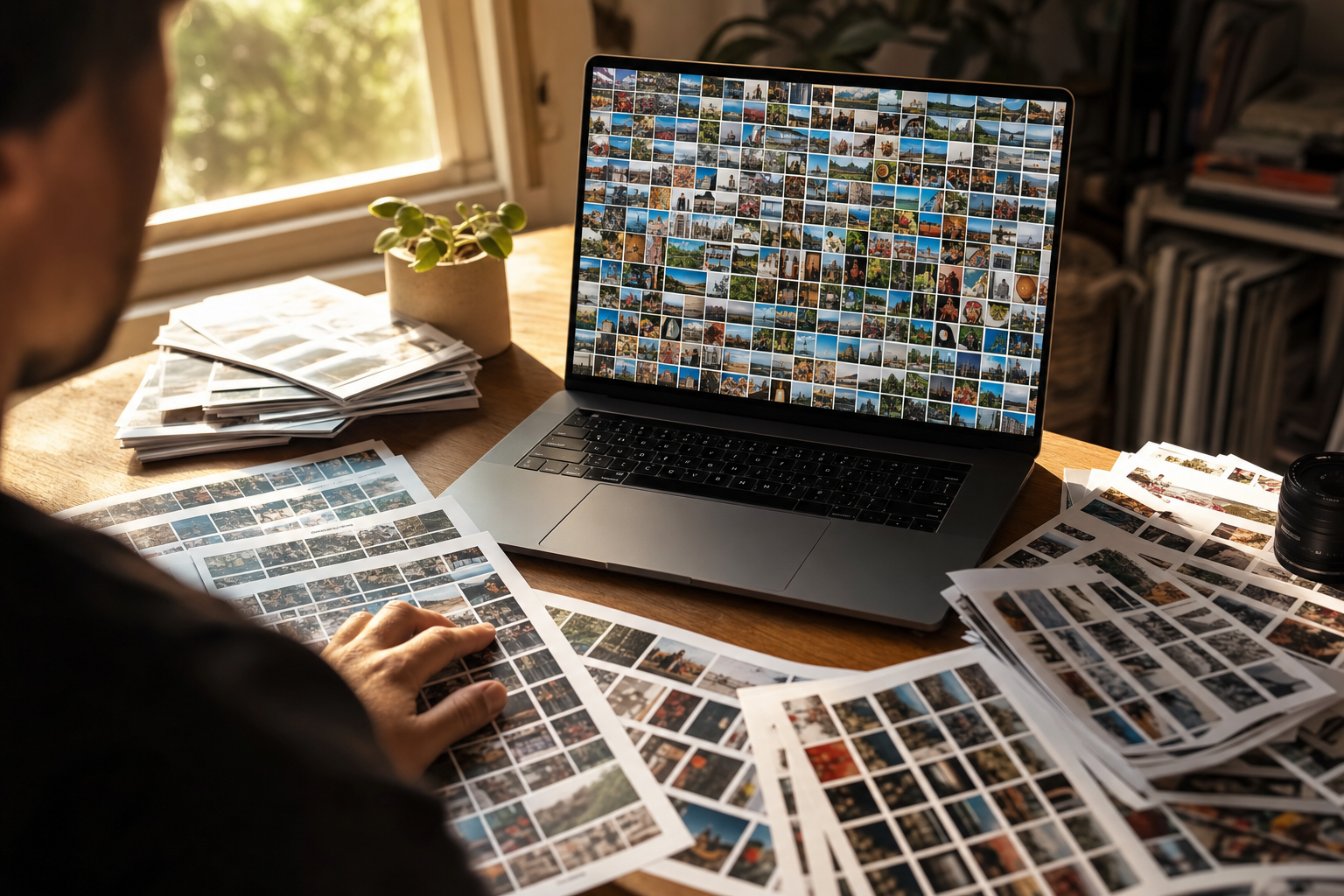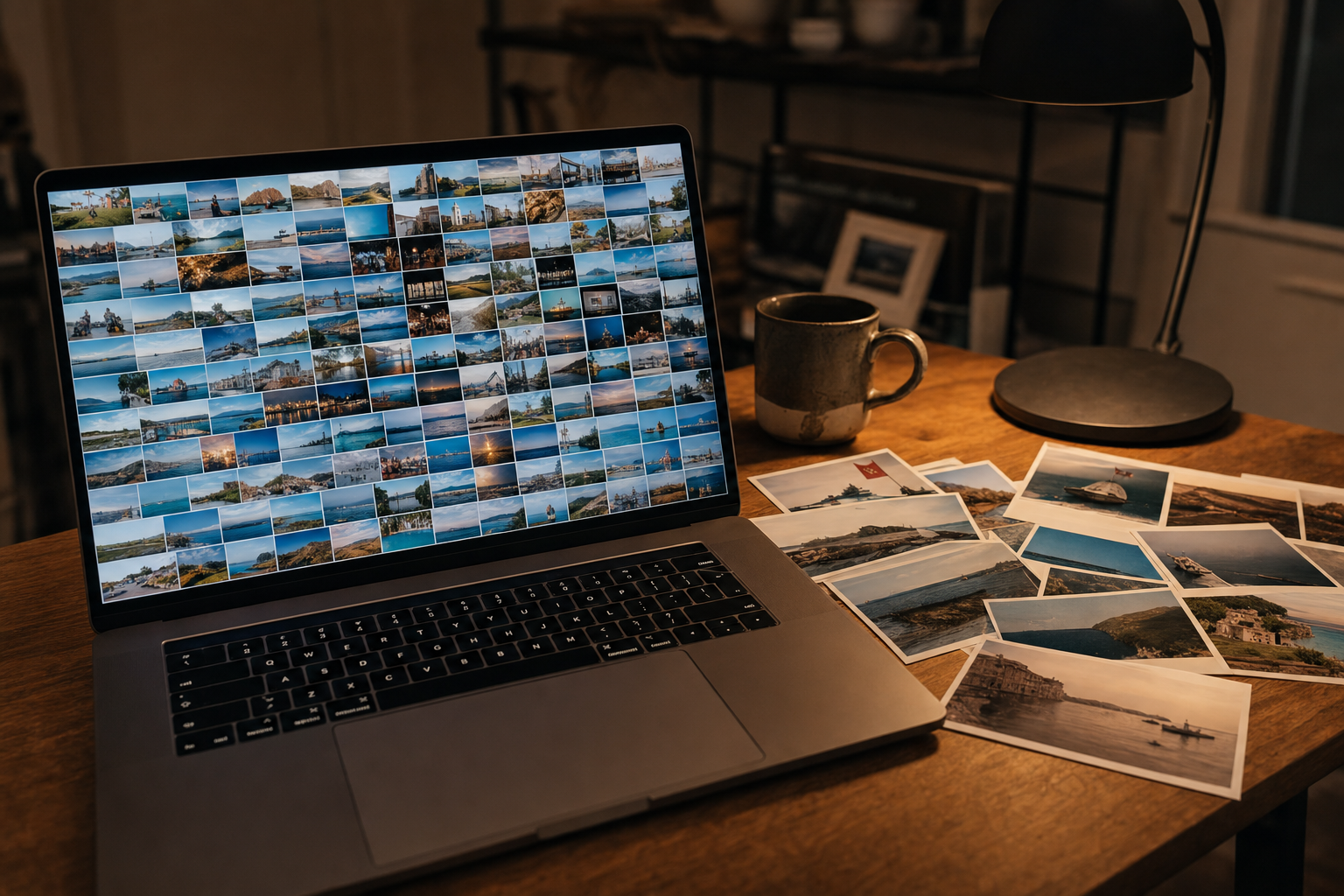
You already pay for ChatGPT, and you have 12,000 photos in a Dropbox folder with names like IMG_8203.jpg. So can ChatGPT organize your photos, now that paid plans can connect it to your cloud storage?
What ChatGPT can actually do with your photos
ChatGPT handles the thinking half of photo organization well: it names a photo's focal subject, setting, light and mood in clean prose.
That suits small photo jobs:
- Describing a photo. "A red lighthouse on a rocky point at dusk, waves breaking below" is real, usable output.
- Drafting keywords. Ask for 15 search keywords and you get a sensible list, ready to edit.
- Writing alt text and captions. One photo, one answer, one paste.
Working photographers use this for real. Photographer Charles Bush describes using ChatGPT to generate titles, captions and keyword lists for his photos' IPTC metadata fields, and notes that Alamy asks for 50 keywords before it rates an image "highly discoverable."
The catch is the paste: everything ChatGPT knows about a photo arrives as chat text, and someone has to carry it into the file.
Can ChatGPT organize photos in Google Drive or Dropbox?
On paid plans, ChatGPT can now reach the photos in your cloud folders, but reaching a folder is not the same as organizing it. It connects to Google Drive, Dropbox, Box and SharePoint through apps you install under Settings, then Plugins (OpenAI renamed its App Directory the Plugin Directory in July 2026).
OpenAI's guide to the ChatGPT Library says you can browse or search connected Drive files and folders, and add a Drive file to a chat without uploading it again. It also covers whole folders: "To work with a folder, select it in Library and ask ChatGPT to work across the files it contains."
So folder reach is no longer the wall. What ChatGPT still lacks is a lasting record of what it read:
- The output is chat text. Keywords and descriptions come back in the conversation, not as tags attached to your photo files.
- Search runs on names and chat words. When a file does not turn up, OpenAI's search help says to try "words from the chat, project name, or filename." That helps little with 12,000 files called
IMG_8203.jpgthat no chat ever described. - Every pass is supervised. Someone picks the folder, writes the prompt and checks every answer. That is a chat session, not a catalog.
Other assistants hit the same ceiling from different directions. Google's own assistant reaches further into Drive and still stops short of a searchable photo index.
Note. Check your data settings before client photos go into a chat. OpenAI's data controls page says, as of October 2026:
- Free, Plus and Pro. On personal workspaces, data sharing is on by default through the "Improve the model for everyone" setting; turn it off and new conversations are not used to train.
- Business, Enterprise and Edu. By default, content from these workspaces, and from ChatGPT for Healthcare, is not used to train OpenAI's models.
- Temporary chats. Not used to improve OpenAI's models.
- Connected apps. OpenAI's connected-apps page adds that on Free, Plus, Go and Pro, information accessed from apps may be used for training if that setting is on, so connecting Drive does not route around it.
The five checks in our guide to whether AI photo tagging is safe apply here too.
How many photos can you upload to ChatGPT?
Uploading a photo library to ChatGPT runs into quota long before it runs into quality. If your photos sit on your computer rather than in a connected Drive or Dropbox, uploading is the only way in, and OpenAI's help center sets these limits as of October 2026:
- The general cap. Up to 80 files every 3 hours.
- The Free plan. 3 file uploads per day.
- File size. Up to 20 MB per image.
- Peak hours. OpenAI may lower these limits when demand is high.
At those numbers, 1,000 photos need at least 13 three-hour upload windows, or about 11 months on Free at 3 a day.
Then each answer still has to be copied into a metadata field by hand. If that round trip takes two minutes per photo, 1,000 photos come to about 33 hours.
Typing keywords by hand is the fair comparison. A skilled keyworder in Lightroom or Bridge covers 100 to 200 photos per hour, roughly 5 to 10 hours per 1,000, so the chat loop can end up slower than typing. ChatGPT saves the thinking, not the time.
Both approaches stall at the 1,000-photo wall, the point past which nobody remembers roughly where a photo lives. Past that wall, the fix is taking the person out of the loop, not upgrading the chatbot.
How to organize thousands of photos with AI
Beyond the chat window there are three working paths, and they differ in who runs the plumbing:
- Keep the chat, add a metadata editor. For a shoot's selects or a small product set, the Charles Bush pattern works: ChatGPT drafts, and you paste into IPTC fields with your editor or a free tool like ExifTool. Desktop tools that automate this loop are covered in our guide to automatic photo keywords.
- Script a vision API. Developers can skip the chat and call OpenAI's or Anthropic's vision models directly. You then own ingest, the vision pass, the index and search; our survey of photo tagging APIs compares raw vision models with products that ship the catalog built in.
- Connect a catalog to your storage. A connected AI catalog reads every photo in a Google Drive or Dropbox folder and writes a focal-subject label, tags and alt text to one index the whole team searches. The scan runs unattended in the background, and what is already read is searchable while the rest is still going.
Focal-subject tagging is what puts the right shot first: the dominant element of each photo is named first and ranked above the background, so "red lighthouse" returns photos of the lighthouse, not every shot with one on the horizon. In Tagrly's own testing on a 5,000-photo set, focal-subject tagging surfaced the correct top match in roughly 9 of 10 searches, against roughly 4 of 10 for the same library under a generic object detector. That ranking is how Tagrly lets you search photos by what is in them.
Tagrly is one example in this category. It connects to Google Drive (drive.readonly) and Dropbox with read-only access, so your files there never change, and it keeps a hosted copy of each photo alongside its tags and alt text, while the vision model reads a smaller preview. You can also upload photos from your computer, in which case Tagrly stores the copy you send.
One newer route joins the chat and the catalog. ChatGPT plugins, built on the open MCP standard, can connect a chat to an outside photo catalog that already holds the index, so the catalog can answer "find the red lighthouse at dusk" from inside ChatGPT. The index still lives in the catalog, not in ChatGPT.
Which tool should organize your photos?
The right tool depends on how many photos you have and who needs to find them later:
- Pick ChatGPT for a one-off job of a few dozen photos: captions for a gallery, keywords for a submission, alt text for a page. On Free, the 3-uploads-a-day cap shrinks that to a handful.
- Pick ChatGPT plus a metadata editor if you are a solo photographer who wants embedded IPTC keywords and does not mind the paste loop on selects.
- Pick a vision-API script if you are a developer who wants full control and accepts owning the pipeline.
- Pick a desktop AI keyworder like Excire Foto if your photos must stay on one computer.
- Pick Claude's Cowork if the job is renaming and sorting local folders rather than finding shots later. Our answer on whether Claude can organize your photos covers what its folder agent does and where it stops.
- Pick a connected AI catalog (Tagrly is one option) if the library runs to thousands of photos in Drive or Dropbox and a team needs to find things in it.
So, can ChatGPT organize your photos? A few at a time, yes, and on paid plans it can even reach your Drive and Dropbox folders. What it does not build, by OpenAI's own documentation, is a searchable index of what every photo shows that outlasts the chat and that a team can query.
Once a collection passes a thousand photos, that index is the job. Tagrly reads your first 500 photos, no credit card, so you can run it on a real folder and search for a shot nobody ever tagged.
Frequently asked questions
Can ChatGPT tag photos automatically?
For a few photos at a time, yes. Upload images, or on a paid plan add them from a connected Google Drive, ask for tags, keywords or a description, and ChatGPT returns good ones: the focal subject, the setting, the mood. But the tags arrive as chat text, not as tags attached to your photo files, so you copy each set of keywords into a metadata field by hand. Nor does it build a shared index of what each photo shows: OpenAI's search help points you to filenames and chat words to find files. For a handful of images it is a useful tool you may already pay for. For hundreds or thousands, it turns into a supervised copy-paste job that can end up slower than typing the keywords yourself.
Can ChatGPT see the photos in my Google Drive or Dropbox?
Yes, on paid plans, through the Google Drive and Dropbox apps, which OpenAI now lists in its Plugin Directory and installs under Settings, then Plugins. OpenAI's Library guide says you can browse or search connected Drive files and folders, add a file to a chat without uploading it again, and select a folder and ask ChatGPT to work across the files it contains. What that reach does not add is a catalog. The descriptions and keywords still come back as chat text, not as tags on your files, nothing in that setup, as OpenAI documents it, builds an index of what every photo shows for a team to search, and every pass is a chat someone supervises. A connected catalog such as Tagrly works the other way around: it connects read-only, reads every photo once, and keeps the results in a shared, searchable index. Tagrly keeps a hosted copy of each photo with its tags and alt text, and your files in Drive or Dropbox never change.
Is it safe to upload client photos to ChatGPT?
It depends on your plan and one setting, so check both before anything shot under contract goes in. According to OpenAI's data controls page, personal workspaces on ChatGPT Free, Plus and Pro have data sharing on by default through the 'Improve the model for everyone' setting; turn it off and new conversations are not used to train. By default, OpenAI does not use content from ChatGPT Business, Enterprise, Edu or ChatGPT for Healthcare workspaces to train its models, and temporary chats are not used to improve its models. Connecting Drive does not route around the setting: on Free, Plus, Go and Pro, OpenAI says information accessed from apps may be used for training if it is on. Your client contract may also limit who can process the images at all, so read it first.
How many photos can I upload to ChatGPT?
As of October 2026, OpenAI's help center says you can upload up to 80 files every 3 hours, Free users are limited to 3 file uploads per day, and each image can be up to 20 MB. OpenAI may lower those limits during peak hours. At that pace, 1,000 photos need at least 13 three-hour upload windows, or about 11 months on the Free plan. The quota is only half the cost. Each answer still needs a person to copy the keywords into a metadata field, and if that round trip takes two minutes per photo, 1,000 photos come to about 33 hours of work. Catalogs built for photo libraries read directly from your storage instead, and the scan runs unattended in the background.
What is the best way to organize thousands of photos with AI?
Index the library once instead of feeding it to a chat. A connected AI catalog reads a Google Drive or Dropbox folder with read-only access, runs every photo through a vision model, and writes a focal-subject label, a set of tags and alt text to a searchable index the whole team shares. The scan runs unattended in the background, and what is already read is searchable while the rest is still going. Tagrly is one example of the category, and it also takes photos uploaded from your computer. Its free tier covers your first 500 photos, no credit card, so you can compare its output with ChatGPT's on the same shots.
Try Tagrly on your own photo library
Connect your Google Drive or Dropbox folder and Tagrly will tag every photo in bulk. Search by what is actually in the image, share specific shots with clients, and never lose a photo again.
- Free for your first 500 photos
- Read-only access, revoke anytime
- No credit card